WHAT IS BRAND ASSET & STYLE GUIDE PLATFORMS?
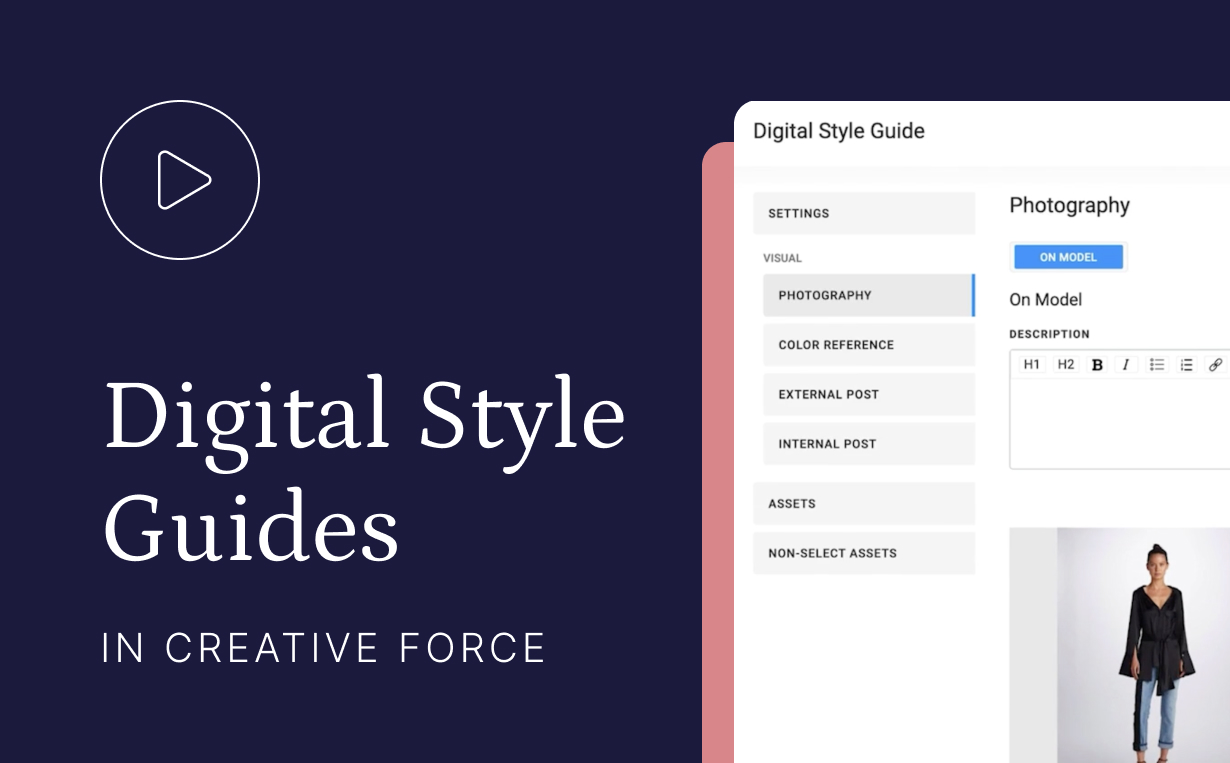
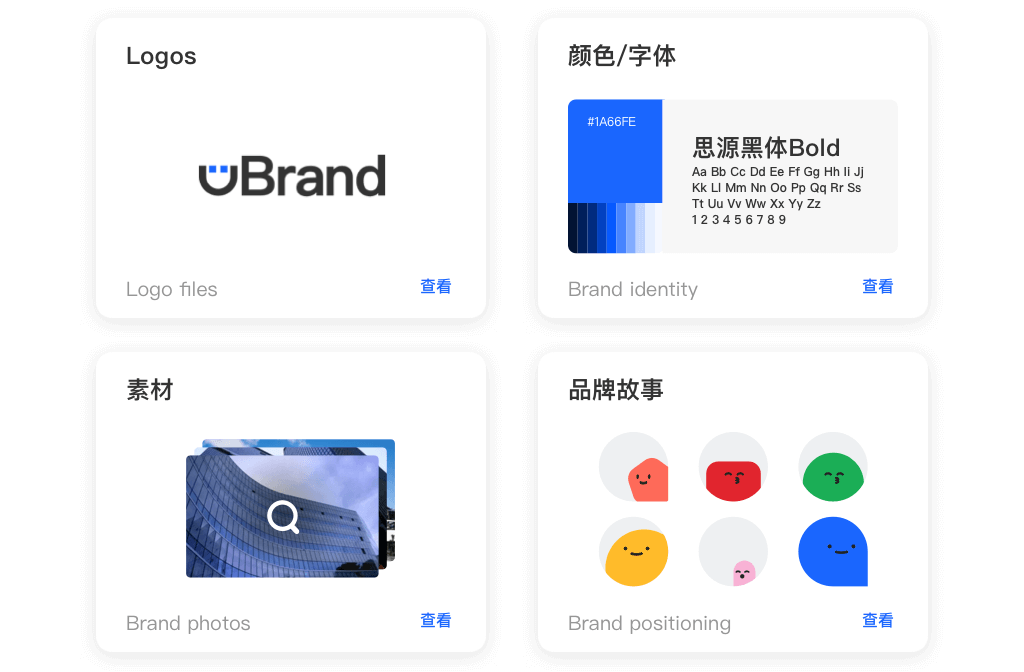
The core problem this software solves is "brand entropy", the natural tendency for brand integrity to degrade as an organization grows. Without a centralized source of truth, employees and partners inevitably save files to local desktops, use outdated logos, stretch images, or apply incorrect colors, diluting brand equity. By digitizing the style guide and linking it directly to the assets themselves, these platforms ensure that the "rules" of the brand are not just a static PDF document but an active, enforceable part of the workflow. Who uses it? Marketing teams are the primary administrators, but the end-users span the entire enterprise: sales teams generating proposals, HR departments creating recruitment materials, product teams designing interfaces, and external agencies requiring compliant assets. In a market where customer trust is directly correlated with consistent experience, these platforms act as the operational guardrails for brand reputation.
HISTORY: FROM STATIC PDFS TO BRAND ORCHESTRATION
The evolution of Brand Asset & Style Guide Platforms mirrors the broader shift in business technology from on-premise containment to cloud-based collaboration. In the 1990s, brand management was a manual, high-friction discipline. "Brand Guidelines" were physical books or static digital files (often PDFs) distributed on CD-ROMs or local servers. Access was restricted, and version control was nonexistent; once a disc was distributed, the marketing team lost all control over how assets were used. The gap that created this category was the functional chasm between the creative studio and the rest of the business. Creative professionals used complex desktop publishing software, while the rest of the organization struggled to open or utilize proprietary file formats, leading to the "logo request" bottleneck that plagued marketing departments for decades.
The mid-2000s and the rise of Web 2.0 marked the first major pivot. As internet speeds increased, early SaaS pioneers began moving asset libraries to the cloud. However, these early iterations were often little more than "FTP in a browser", clunky repositories that lacked context. You could download a logo, but the system wouldn't tell you how to use it. The market began to consolidate and mature in the 2010s as the "MarTech" explosion occurred. Buyers stopped asking for simple storage (which commodities like Dropbox solved) and started demanding "actionable intelligence." They needed platforms that could transform files on the fly, integrate with CMS tools, and provide analytics on asset usage.
Today, we are witnessing the era of "Brand Operations." The modern platform is no longer just a library; it is an active orchestration layer. The rise of vertical SaaS has led to specialized tools for industries like retail and manufacturing, where the metadata needs are complex and specific. The shift is now toward atomic content and dynamic guidelines, where the brand book is not a separate document but an integrated interface that guides the user at the moment of download. Consolidation continues as larger customer experience suites acquire standalone brand tools, aiming to close the loop between asset creation, management, and performance analysis.
WHAT TO LOOK FOR
Evaluating Brand Asset & Style Guide Platforms requires a shift in mindset from "storage capacity" to "adoption velocity." The most critical evaluation criterion is usability for non-creatives. If the interface is too complex, your sales and HR teams will revert to using the outdated files on their desktops, rendering the investment useless. Look for dynamic guideline capabilities, the ability to embed usage rules (e.g., "do not use this logo on a red background") directly into the download workflow. The platform should support format flexibility, allowing a user to download a high-resolution Photoshop file as a low-res PNG for a PowerPoint presentation without needing design software.
Red flags during the selection process often appear in the metadata and search functionality. Be wary of vendors that rely solely on folder structures (the "nested folder nightmare") rather than robust tagging and metadata filters. A system that requires users to know exactly where a file is stored is a failed system; they should be able to find assets based on intent (e.g., "summer campaign," "Instagram square"). Another warning sign is a lack of granular permission controls. In enterprise environments, you must be able to hide unapproved or expired assets from general view while keeping them accessible to administrators. Failure to handle digital rights management (DRM), such as expiration dates for stock photography licenses, can expose your company to significant legal liability.
When interviewing vendors, ask specific, probing questions. "How does your platform handle version control when a master asset is updated, do share links update automatically?" "Can we create public-facing brand portals for press and partners that are distinct from our internal library?" Crucially, ask about adoption analytics: "Will I be able to see who is downloading what, and more importantly, what assets are not being used?" This data is vital for proving ROI and optimizing your creative production spend.
INDUSTRY-SPECIFIC USE CASES
Retail & E-commerce
For retail and e-commerce, the Brand Asset & Style Guide Platform is mission-critical for omnichannel consistency and speed to market. Unlike B2B sectors, retailers manage massive volumes of product imagery that change seasonally. Their primary evaluation priority is metadata inheritance and SKU-based organization. They need platforms that can automatically associate a single product shot with multiple SKUs, sizes, and regional variations. A unique consideration here is the integration with Product Information Management (PIM) systems. The brand platform must serve as the visual counterpart to the PIM's data, ensuring that when a product specification changes, the associated visual assets are flagged for review. Furthermore, retailers require robust portal capabilities to serve varied distributor networks, ensuring that third-party retailers (like Amazon or Walmart) receive assets that meet their specific, strict upload requirements without manual resizing by the creative team.
Healthcare
In the healthcare sector, brand platforms are less about marketing speed and more about regulatory compliance and patient trust. Hospitals and pharmaceutical companies operate under strict regulations (such as HIPAA in the US) regarding what can be shown in patient testimonials or clinical imagery. A critical feature for this industry is digital rights management (DRM) with strict expiration enforcement. If a model release form for a patient expires, the platform must automatically unpublish that asset from all connected portals to prevent legal exposure. Healthcare buyers prioritize approval workflows and audit trails above all else. They need to prove exactly who approved a piece of content and when. Additionally, "brand" in healthcare is synonymous with clinical excellence; therefore, style guides often include complex rules regarding medical terminology and visual tone that must be accessible to non-marketing administrative staff across distributed hospital networks.
Financial Services
Financial services institutions (banks, insurance, wealth management) use these platforms to manage risk and localized marketing. With heavy regulation from bodies like the SEC or FINRA, every brand asset, from a social post to a wealth management brochure, must contain the correct, up-to-date disclaimers. Evaluation priorities focus heavily on templating engines that allow local advisors to customize materials (e.g., adding their name and photo) while locking down the compliant legal copy and brand elements. Unique considerations include security certifications (SOC 2, ISO 27001) which are non-negotiable. These organizations often require "distributed marketing" features where a central brand team creates a master asset, and the platform allows for controlled localization by hundreds of branches, ensuring that a rogue branch manager doesn't create non-compliant collateral that could result in hefty fines.
Manufacturing
Manufacturers face the unique challenge of a disconnected dealer and distributor network. They use Brand Asset platforms primarily as a self-service dealer portal. The goal is to reduce the administrative burden on the HQ marketing team by allowing dealers to access spec sheets, CAD drawings, and product photos independently. A specific need is format conversion for CAD and technical files, allowing a sales rep to view a 3D model on a tablet without needing engineering software. Evaluation priorities include global access performance (CDN speed) as manufacturing supply chains are often global, and assets must be accessible in low-bandwidth factory environments. They also heavily utilize version control to ensure that no dealer is selling a product using outdated technical specifications, which could lead to liability issues.
Professional Services
For law firms, consultancies, and accounting firms, the "product" is their people and their intellectual property. Consequently, their brand platform usage centers on proposal automation and presentation management. The number one pain point is the "rogue PowerPoint", consultants creating off-brand slides that dilute the firm's perceived expertise. These buyers look for deep integration with Microsoft Office and Google Workspace, allowing staff to pull on-brand slides, bios, and case studies directly into their working documents. CV/Resume management is a unique workflow here; the platform must house up-to-date headshots and bio-sketches for thousands of employees, often tagged by expertise area, to rapidly build pitch decks. The style guide here is less about visual whimsy and more about formatting rigor and tone of voice.
EMERGING TRENDS AND CONTRARIAN TAKE
Emerging Trends 2025-2026: The dominant trend is the governance of Generative AI. As teams begin using AI tools to create on-brand imagery, Brand Platforms are evolving to become the "compliance engine" for AI. They will not just store assets but will "read" AI-generated content to ensure it adheres to visual guidelines before it can be downloaded. Another shift is Content Authenticity (C2PA standards), where platforms embed cryptographic metadata to prove an asset's origin and verify it hasn't been maliciously altered, a crucial feature in an era of deepfakes.
Contrarian Take: The standalone "Brand Portal" is dying; the future is "headless" brand management. Most organizations overpay for a destination portal that employees rarely visit. The future isn't a beautiful website where you go to find logos; it's a background service that pushes the right logo directly into PowerPoint, Slack, or Word as you work. If your brand platform requires a user to open a new tab and log in, it has already failed. The most effective tool is one that is invisible, surfacing assets contextually within the tools employees are already using. Businesses would get more ROI from a "headless" API-first asset engine integrated into their workflow than from a flashy, expensive standalone brand destination.
COMMON MISTAKES
The most pervasive mistake buyers make is over-indexing on features and under-indexing on taxonomy. Companies often buy the "Ferrari" of brand platforms but fuel it with "sludge", poorly named files, duplicate assets, and messy metadata. Without a clean-up strategy before migration, the new system simply digitizes the chaos of the old one. Another common error is ignoring the "Casual User." Power users (designers) will navigate any interface, but the casual user (sales, HR) has zero tolerance for friction. If the platform requires a manual or training session to download a logo, adoption will fail. Finally, many buyers fail to plan for asset lifecycle management. They focus entirely on ingesting content but have no plan for archiving it. Two years later, the search results are clogged with outdated assets, confusing users and degrading trust in the system.
QUESTIONS TO ASK IN A DEMO
- Adoption & Usage: "Show me exactly how a non-technical sales rep would find and insert a case study into a presentation. Count the clicks."
- Metadata & Search: "Does your auto-tagging AI recognize our specific product names, or does it just tag generic terms like 'office' or 'meeting'? Can we train it?"
- Integration: "Demonstrate a live integration with our CMS/Project Management tool. I want to see data flow back and forth, not just a screenshot of a 'connected' icon."
- Scalability: "What happens to performance if we upload 50,000 assets and have 500 concurrent users searching? Do you have stress-test data?"
- Compliance: "If a stock photo license expires today, does the system automatically unpublish it from our public web portal, or is that a manual process?"
- Roadmap: "What is the one major feature you delayed last year, and why?" (This reveals their prioritization logic).
BEFORE SIGNING THE CONTRACT
Before committing, execute a final decision checklist. Verify the data exit strategy: if you leave this vendor in three years, will they charge you a "ransom" to export your data, and will that export include the valuable metadata you've spent years building? Many contracts hide exorbitant "professional services" fees for data extraction. Check the storage overage costs. "Unlimited users" often hides a low storage cap with high penalties for exceeding it. Negotiate a "grace period" or a flat-rate tier upgrade rather than per-GB overage charges. Finally, ensure the SLA (Service Level Agreement) matches your business hours. If you are a global brand, "9-5 EST support" is insufficient. Demand 24/7 critical support and clearly defined penalties for downtime.
CLOSING
Implementing the right Brand Asset & Style Guide Platform is more than a software purchase; it is a commitment to the integrity and longevity of your brand. If you have questions about specific vendors or need help navigating the complexities of your use case, I invite you to reach out.
Email: albert@whatarethebest.com

 B
B