We review products independently. We may earn a commission if you buy through our links, at no extra cost to you. Learn more


This category belongs to a broader group — view all Time & Attendance Tracking Software tools here. Other Software products for Construction.

Other Software products for Construction.

Time & Attendance Software for Construction & Job Sites
Albert Richer

Construction sites present unique time tracking challenges that standard HR software cannot address: workers frequently operate in remote locations without reliable internet, require biometric verification to prevent buddy punching across dispersed job sites, and need GPS-enabled clock-ins to verify presence at specific work zones. Clockify offers an industry-leading free plan with unlimited users and over 80 integrations, making it ideal for smaller contractors seeking comprehensive project time allocation without upfront costs, though its strict no-refund policy creates risk for paid upgrades. If compliance with strict regulatory requirements drives your selection, myComply's SOC 2 certification and NYC Local Law 196 compliance—paired with LTE-powered Smart Bricks that integrate directly with turnstiles and access control hardware—addresses high-stakes government project requirements, albeit with custom pricing that lacks transparency. For large-scale UK operations, MSite's dominance among 40% of the construction workforce and partnerships with Tier 1 contractors like Balfour Beatty provide proven scalability, though entirely quotation-based pricing likely reflects significant hardware logistics costs. BusyBusy's Series A backing from Caterpillar and 75,000 active contractor base demonstrates deep industry credibility, yet lacks native paid break tracking—a critical gap for California compliance requirements. If geofencing and biometric security matter most, Truein's dual ISO 27001 and SOC 2 certifications ensure enterprise-grade data protection, though desktop webcam attendance remains unavailable, limiting clock-in flexibility to mobile devices only. Construction sites present unique time tracking challenges that standard HR software cannot address: workers frequently operate in remote locations without reliable internet, require biometric verification to prevent buddy punching across dispersed job sites, and need GPS-enabled clock-ins to verify presence at specific work zones.

Not sure which one is right for you?

Answer 4 quick questions and we'll match you with your best options

Find Your Best Match

How big is your team?

Just me
2 - 10
11 - 50
51 - 200
201 - 1,000
1,000+

What's your budget situation?

Free or open-source only
Free to start, pay later
Best value for money
Price isn't the main factor

What's your team's technical comfort level?

We want it to just work
We can handle some setup
We have developers who'll customize it

What's the ONE thing this tool must do well?

Step 1 of 4
Similar Categories
1
Expert Score
9.7 / 10
667
153
BEST
BEST FOR COMPLIANCE

myComply Time & Attendance

myComply Time & Attendance
View Website
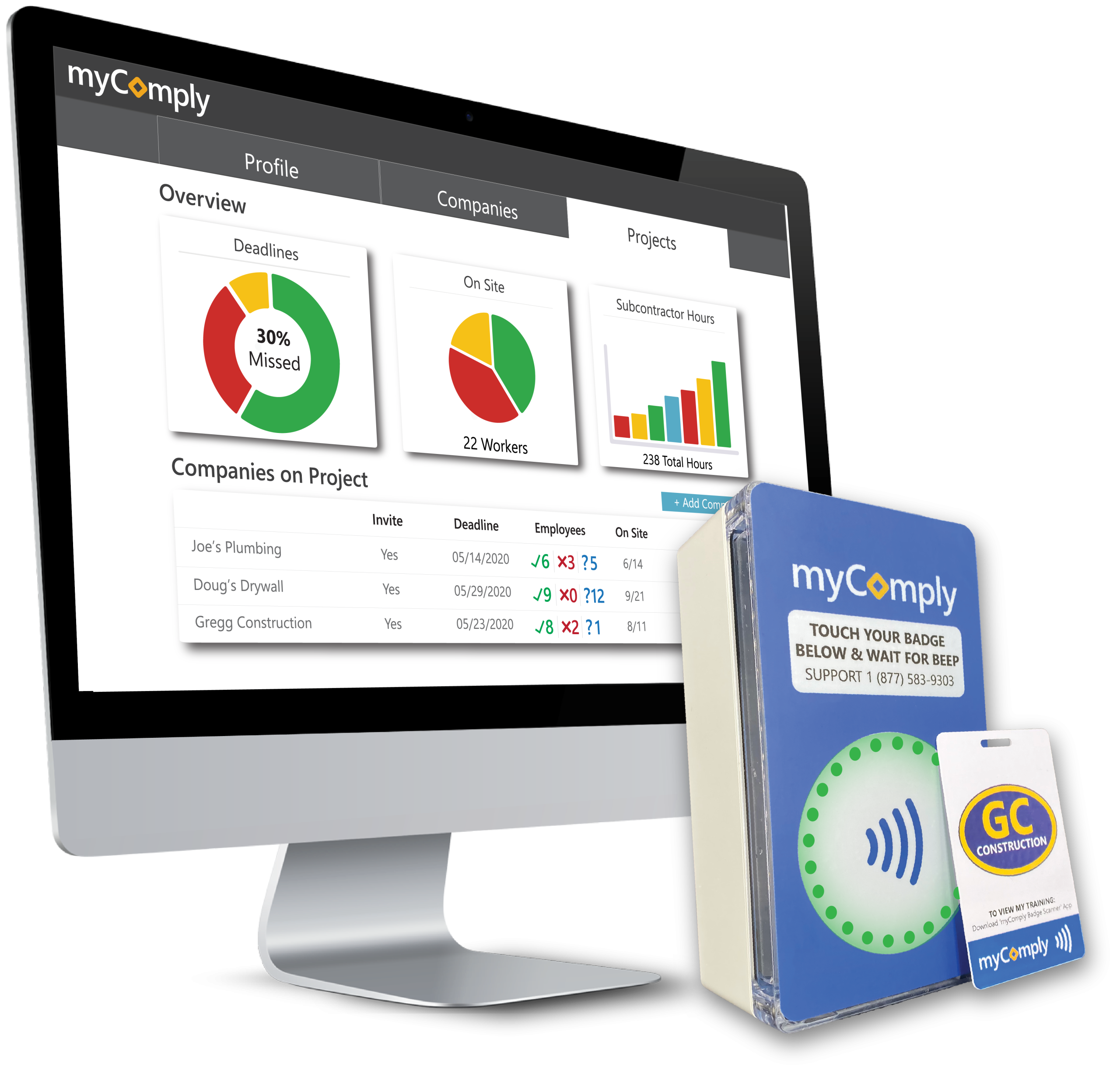
myComply's Time & Attendance system is specifically designed for the unique demands of construction sites. Its adaptability allows it to meet varied project requirements, providing real-time, reliable data on workers' time and attendance. This ensures project timelines are adhered to and labor costs are accurately tracked.
BEST
BEST FOR COMPLIANCE

Best for teams that are

  • Contractors navigating strict safety ordinances like NYC LL196.
  • Sites needing NFC/Bluetooth badge and Smart Brick access control.
  • General contractors wanting automated certification verification.

Skip if

  • Small residential contractors with simple time tracking needs.
  • Industries outside of construction, mining, or energy.

Expert Take

Our analysis shows myComply stands out by physically interlocking time tracking with compliance verification. Research indicates it is the exclusive technology partner for the NYC Department of Buildings, validating its capability to manage complex regulatory environments. Based on documented features, the integration of 'Smart Brick' hardware with software ensures that only qualified workers can log time, effectively preventing regulatory fines at the gate.

Pros

  • NYC DOB official partner
  • Integrated Smart Brick hardware
  • SOC 2 compliant security
  • Automated LL 196 reporting
  • Real-time certification verification

Cons

  • Interface described as rudimentary
  • Setup may require professional help
  • Custom pricing for Projects Pro
  • Mobile app has limited reviews
  • Hardware installation required
2
Expert Score
9.6 / 10
407
80
RATED
AI-POWERED PRECISION

Truein Construction Attendance

Truein Construction Attendance
View Website
Truein's face recognition software specifically caters to the construction industry, providing a seamless solution to manage employee attendance on job sites. With its robust features, it ensures accurate attendance tracking, even in challenging outdoor environments.
RATED
AI-POWERED PRECISION

Best for teams that are

  • Enterprises managing large temporary or contract workforces.
  • Companies needing offline AI facial recognition for multi-sites.
  • Operations requiring strict geofenced mobile check-ins.

Skip if

  • Teams wanting physical badge or RFID scanners for access.
  • Businesses needing equipment or heavy machinery tracking.

Expert Take

Research indicates Truein specifically addresses the "buddy punching" and "ghost worker" issues prevalent in construction through its AI-powered face recognition that works even with masks and beards. Our analysis highlights its robust offline mode and geofencing as critical differentiators for sites with poor connectivity, ensuring payroll accuracy for distributed contract workforces where traditional biometrics often fail.

Pros

  • AI face recognition works with masks
  • Offline mode with auto-sync
  • GPS geofencing for site restrictions
  • 70+ automated attendance policies
  • ISO 27001 and SOC 2 certified

Cons

  • Onboarding large teams can be complex
  • Occasional offline sync delays reported
  • No desktop webcam clock-in support
  • Base fee applies regardless of size
  • Limited customization in some reports
3
Expert Score
9.5 / 10
880
127
VALUE

Time Tracking (Zeiterfassung)

Time Tracking (Zeiterfassung)
View Website
Ideal for construction and job sites, absence.io simplifies time tracking and absence management with seamless integrations and ISO-certified data security, ensuring compliance for businesses.
VALUE

Best for teams that are

  • Small to medium businesses managing HR leave and PTO requests.
  • Office or remote teams needing simple browser/app clock-ins.
  • Startups seeking an easy-to-use digital personnel file system.

Skip if

  • Construction crews needing rugged job site hardware.
  • Companies requiring GPS geofencing or biometric verification.
  • Large enterprises needing complex shift or union scheduling.

Expert Take

absence.io stands out by offering a streamlined, non-intrusive approach to absence management and time tracking. We love how effortlessly it integrates into existing workflows through native Slack, Microsoft 365, and Google connections. Furthermore, their commitment to data privacy, evidenced by ISO-certified servers hosted strictly in Germany, makes it a highly trustworthy choice for compliance-conscious businesses.

Pros

  • Intuitive and minimalistic user interface
  • Seamless Slack, Microsoft, and Google integrations
  • Flexible time tracking via web, app, or terminal
  • ISO-certified servers located exclusively in Germany

Cons

  • Mobile app user interface needs modernization
  • Complex setup for diverse part-time working models
4
Expert Score
9.5 / 10
624
197
MOST INTUITIVE INTERFACE

Homebase Time Clock

Homebase Time Clock
View Website
Homebase Time Clock is designed for construction and job sites, providing an intuitive and comprehensive solution for managing hourly teams. It offers seamless POS integration, photo verification, and GPS geofencing to prevent buddy punching and ensure accurate payroll. Ideal for retail and restaurant owners, it helps forecast labor costs and maintain compliance effortlessly.
MOST INTUITIVE INTERFACE

Best for teams that are

  • Small businesses with hourly workers in retail or hospitality.
  • Local service teams needing basic scheduling and shift trades.
  • New businesses needing a simple HR and time clock app.

Skip if

  • Large construction GCs with complex job site access needs.
  • Enterprises requiring advanced union compliance tools.
  • Sites needing rugged hardware or biometric access gates.

Expert Take

Homebase stands out as an incredibly intuitive, all-in-one workforce management solution tailor-made for hourly teams. Its seamless integration with major POS systems allows retail and restaurant owners to forecast labor costs against real-time sales effortlessly. By combining photo verification, GPS geofencing, and automated compliance tracking, it eliminates buddy punching and minimizes payroll errors. The existence of a genuinely functional free tier makes it highly accessible for growing loc

Pros

  • Genuinely free tier for single locations
  • Excellent POS integrations for labor tracking
  • Photo capture prevents buddy punching
  • Highly intuitive and easy-to-use interface

Cons

  • Payroll processing is an expensive add-on
  • Per-location pricing scales poorly
  • Mobile app GPS location can glitch occasionally
5
Expert Score
9.3 / 10
459
122

Clockify™ Time Tracking Software

Clockify™ Time Tracking Software
View Website
Clockify™ is the perfect solution for professionals in the construction and job site industry that need to track precise work hours across multiple projects. Its simplicity and robust functionality make it easy to manage time and attendance, reducing errors and increasing efficiency.

Best for teams that are

  • Freelancers and agencies needing billable hours tracking.
  • Office teams wanting to analyze productivity and app usage.
  • Consultants requiring simple timesheets and invoicing tools.

Skip if

  • Construction crews needing rugged job site hardware.
  • Contractors managing complex field safety compliance and access.

Expert Take

Our analysis shows that Clockify stands out primarily for its exceptionally generous free tier, which allows unlimited users and projects—a rarity in the SaaS market. Research indicates it backs this value with enterprise-grade security credentials like SOC 2 Type II and ISO 27001, making it a safe choice for scaling teams. While the mobile app has documented limitations, the web platform's robust integration ecosystem makes it a powerhouse for desktop-based productivity tracking.

Pros

  • Free plan includes unlimited users and projects
  • SOC 2 Type II and ISO 27001 certified
  • Integrates with over 80 popular software tools
  • Intuitive and clean web interface
  • Data region selection available for compliance

Cons

  • Mobile app suffers from sync issues and bugs
  • Strict no-refund policy on subscriptions
  • Advanced reporting locked behind paid plans
  • Invoicing not available in free tier
  • GPS tracking requires Pro plan upgrade
6
Expert Score
9.2 / 10
652
146
STRONGEST SECURITY INTEGRATION

MSite Construction Time & Attendance

MSite Construction Time & Attendance
View Website
MSite offers an advanced SaaS solution specifically designed for the construction industry to monitor and track workers' time and attendance using facial biometric technology. This tool not only improves accuracy in payroll but also enhances safety measures as it provides real-time data on who is on the job site.
STRONGEST SECURITY INTEGRATION

Best for teams that are

  • Main contractors needing biometric access control and turnstiles.
  • Sites requiring strict compliance and worker qualification vetting.
  • Large construction sites needing automated attendance syncing.

Skip if

  • Small mobile crews without fixed access points.
  • Companies looking for a simple, software-only tracking app.
  • Non-construction industries or standard office environments.

Expert Take

Our analysis shows MSite is a powerhouse for physical site security, uniquely bridging the gap between rugged hardware and digital workforce management. Research indicates its dominance in the UK market (40% workforce enrollment) creates a powerful network effect for contractors. Based on documented features, its ability to physically block access for non-compliant workers via biometric turnstiles offers a level of enforcement that software-only competitors cannot match.

Pros

  • Guaranteed 5 million turnstile rotations
  • Deep Procore & Power BI integration
  • Biometric facial & fingerprint verification
  • Automatic CSCS & Right-to-Work checks
  • 40% of UK workforce already enrolled

Cons

  • Mobile app reliability issues reported
  • Requires heavy physical installation (plinths)
  • No transparent public pricing
  • Hardware lead times and logistics
  • Tablets not supported for app
7
Expert Score
9.0 / 10
709
78
BEST FOR EQUIPMENT TRACKING

BusyBusy GPS Time Tracker

BusyBusy GPS Time Tracker
View Website
BusyBusy is a time and attendance software designed specifically for construction and job sites. It comes with GPS time tracking capabilities, allowing field employees to clock in and out with ease while providing managers with real-time insights into their workforce's activities. This software addresses the need for accurate labor tracking in the construction industry.
BEST FOR EQUIPMENT TRACKING

Best for teams that are

  • Remote construction crews needing offline GPS time tracking.
  • Contractors wanting to track both labor and heavy equipment hours.
  • Companies needing daily reports and project photo documentation.

Skip if

  • Office-based companies needing traditional desk tracking.
  • Teams seeking physical biometric access control hardware.

Expert Take

Our analysis shows BusyBusy distinguishes itself through deep integration of equipment tracking alongside standard labor timekeeping, a feature directly supported by its strategic backing from Caterpillar. Research indicates the 'Free Forever' plan is unusually generous for the industry, offering unlimited users. Furthermore, the inclusion of daily safety and injury sign-offs provides critical liability protection for construction firms.

Pros

  • Free plan allows unlimited users
  • Backed by Caterpillar investment
  • Tracks heavy equipment usage/fuel
  • Offline mode syncs automatically
  • 90-day money-back guarantee

Cons

  • Mandatory $40/mo base fee
  • Battery drain on personal phones
  • No native paid break tracking
  • Cluttered mobile user interface
  • Facial verification lacks auto-alerts
8
Expert Score
8.9 / 10
352
142

Fareclock Construction Time Clock

Fareclock Construction Time Clock
View Website
Fareclock's software solution is designed specifically for the construction industry, addressing its unique needs for accurate time and attendance tracking. It not only records work hours but also enhances job site supervision and streamlines payroll processing, making it a comprehensive workforce management tool for construction businesses.

Best for teams that are

  • Companies needing facial liveness detection to block spoofing.
  • Construction and security firms managing multiple remote sites.
  • Organizations tracking temporary, contract, and mobile workers.

Skip if

  • Offices seeking basic PTO or leave tracking without biometrics.
  • Workers who refuse to use biometric facial scanning systems.

Expert Take

Our analysis shows Fareclock offers a compelling value proposition for small construction crews by including advanced features like facial recognition and job costing in its free tier—capabilities often reserved for enterprise plans in competitor products. Research indicates it effectively solves the 'buddy punching' problem common in field work through biometric verification. While it lacks the extensive native integration ecosystem of larger players, its template-based export system provides a functional workaround for most payroll platforms.

Pros

  • Free plan for up to 5 users
  • Facial recognition prevents buddy punching
  • Detailed job costing with phases
  • GPS breadcrumbing and geofencing
  • Transparent pricing structure

Cons

  • Limited native API integrations
  • Manual sync required for offline data
  • Smaller market presence than competitors
  • UI glitches reported in task editing
  • No direct ADP/Paychex API sync
9
Expert Score
8.8 / 10
569
44

TCP Construction Scheduling

TCP Construction Scheduling
View Website
TCP Construction Scheduling and Time Tracking is a robust SaaS solution developed with the unique demands of the construction industry in mind. It simplifies the process of managing time, attendance, and employee scheduling at multiple job sites, enabling efficient project management and cost control.

Best for teams that are

  • Contractors navigating complex union rules and prevailing wage laws.
  • Organizations needing dynamic scheduling for weather delays.
  • Mid-to-large companies requiring robust labor law compliance.

Skip if

  • Small non-union crews with straightforward payroll needs.
  • Companies looking exclusively for standalone basic mobile apps.

Expert Take

Our analysis shows TCP Software stands out for its deep integration of scheduling with complex construction compliance needs. Research indicates it is particularly strong in handling union rules, prevailing wages, and certification tracking, which are often gaps in lighter scheduling tools. Based on documented features, the ability to link schedule data directly to job costing and payroll rules makes it a powerful operational tool for mid-to-large construction firms.

Pros

  • Auto-assigns shifts based on skills
  • Strong union and prevailing wage compliance
  • Integrates scheduling with job costing
  • 35+ years of market experience
  • Mobile app with geofencing capabilities

Cons

  • Geofencing reliability issues reported
  • High implementation fees ($1,200+)
  • Support response times can be slow
  • Pricing is not publicly transparent
  • Complex setup for advanced features
10
Expert Score
8.5 / 10
519
158

Jibble Construction Time & Attendance

Jibble Construction Time & Attendance
View Website
Jibble's Construction Time and Attendance Software is a dedicated solution designed specifically for the construction industry. It effectively addresses industry-specific needs, such as tracking time and managing attendance across multiple job sites, with the ability to set up geofences around specific locations. It's a perfect tool for managing a mobile workforce in a challenging field environment.

Best for teams that are

  • Small to medium crews needing a highly capable free tier.
  • Remote and hybrid teams requiring GPS and facial recognition.
  • Businesses wanting to set up a shared tablet attendance kiosk.

Skip if

  • Large GCs needing rugged, solar-powered outdoor physical clocks.
  • Sites requiring union-specific prevailing wage compliance tools.

Expert Take

Our analysis shows Jibble stands out primarily for its aggressive value proposition: offering robust GPS geofencing and facial recognition features—typically premium add-ons—completely free for unlimited users. Research indicates it effectively solves the 'buddy punching' problem common in construction without requiring expensive hardware. While it may lack the complex scheduling depth of full workforce management suites, its ease of use and offline capabilities make it a top-tier choice for straightforward field time tracking.

Pros

  • Free forever plan for unlimited users
  • Accurate GPS geofencing capabilities
  • Facial recognition prevents buddy punching
  • Offline mode for remote sites
  • Intuitive mobile app interface

Cons

  • Limited shift scheduling features
  • Occasional data syncing delays
  • Basic reporting customization options
  • No built-in team chat tool
  • Limited project management depth
11
Expert Score
8.4 / 10
596
52

ExakTime Time Tracking App

ExakTime Time Tracking App
View Website
ExakTime is a robust SaaS solution specifically designed for the construction industry. It simplifies time and attendance tracking with a digital clock feature, providing real-time insights and streamlining payroll reporting. It addresses the unique needs of construction sites and job sites where traditional time tracking methods can be challenging.

Best for teams that are

  • Contracting businesses transitioning from paper timecards.
  • Field crews needing GPS location and photo ID clock-ins.
  • Fast-growing construction companies needing robust syncing.

Skip if

  • Non-construction industries or standard office environments.
  • Companies needing advanced biometric turnstile hardware.

Expert Take

Our analysis shows ExakTime is a powerhouse for the construction industry, largely due to its specialized 'AccountLinx' integration which bridges the gap between field data and complex ERPs like Sage and Viewpoint. Research indicates that while the mobile app has usability friction, the inclusion of rugged hardware options and 'FaceFront' biometric verification provides a layer of accountability that generalist tools often miss. It is purpose-built for contractors who need precise job costing over simple time tracking.

Pros

  • Deep integrations with Sage and Viewpoint ERPs
  • Rugged hardware options for harsh job sites
  • FaceFront biometrics prevents buddy punching
  • Offline mode stores data without connectivity
  • Geofencing ensures accurate job site attendance

Cons

  • Hidden monthly base fee increases cost
  • Low-rated iOS app with syncing bugs
  • No free trial or free plan available
  • Lacks automatic clock-in functionality
  • Not GDPR compliant for international use
12
Expert Score
8.4 / 10
641
98

SmartBarrel Construction Time Tracker

SmartBarrel Construction Time Tracker
View Website
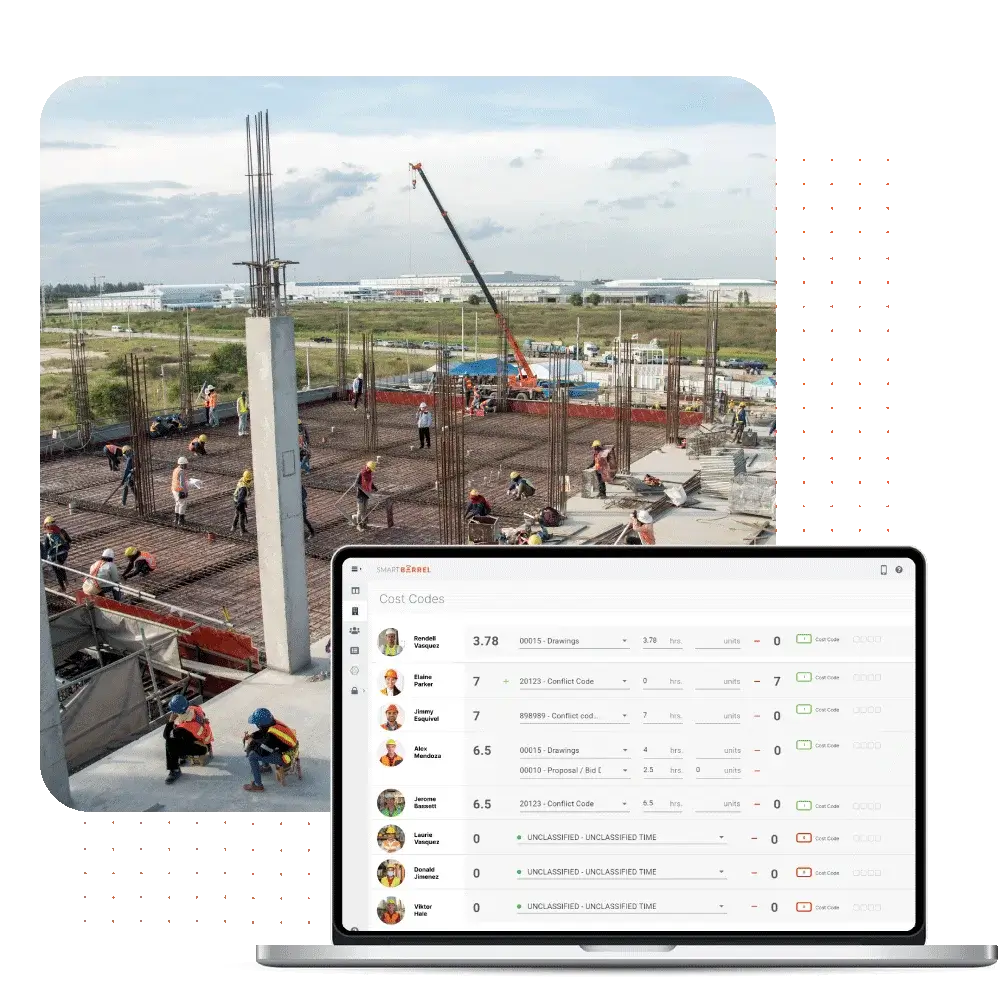
SmartBarrel is a specialized SaaS solution designed for construction industry professionals. It addresses the industry's needs for accurate, real-time tracking of field crew hours, reducing manual errors and optimizing payroll management. Its job site-oriented features streamline project management and improve efficiency.

Best for teams that are

  • Sites needing rugged, solar-powered biometric hardware.
  • General contractors managing transient or subcontracted labor.
  • Union contractors avoiding location tracking breadcrumb fines.

Skip if

  • Retail, office, or standard non-construction environments.
  • Employers looking to micromanage via constant GPS tracking.

Expert Take

Our analysis shows SmartBarrel solves the specific connectivity and compliance headaches of construction sites better than app-only competitors. By using solar-powered, LTE-connected hardware with biometric verification, it eliminates the 'I forgot my phone' excuse and prevents buddy punching. Research indicates its deep integration with Procore and CMiC goes beyond simple time syncing to fully automate daily logs and cost coding, making it a powerful tool for medium-to-large contractors.

Pros

  • Solar-powered LTE hardware
  • AI facial verification
  • No app required for workers
  • Automated Procore daily logs
  • Works offline without Wi-Fi

Cons

  • Not for service work orders
  • Custom pricing lacks transparency
  • Physical hardware logistics
  • Web kiosk mode glitches
  • Limited scheduling features

Product Comparison

Product Has Mobile App Has Free Plan Has Free Trial Integrates With Zapier Has Public API Live Chat Support SOC 2 or ISO Certified Popular Integrations Supports SSO Starting Price
1 myComply Time & Attendance
Yes No Contact for trial No Enterprise API only Email/Ticket only Not specified Procore, Autodesk, Oracle Enterprise plans only Contact for pricing
2 Truein Construction Attendance
Yes No Yes - 14 days No No Yes Not specified Zoho, QuickBooks, Tally No $2/user/month
3 Time Tracking (Zeiterfassung)
Yes Freemium Yes - 14 days Yes Yes Email/Ticket only ISO 27001 Slack, Microsoft Teams, Google Workspace Yes €4/user/month
4 Homebase Time Clock
Yes Yes Yes - 14 days Yes No Yes Not specified Square, QuickBooks, Gusto No $20/location/month
5 Clockify™ Time Tracking Software
Yes Yes Yes - 7 days Yes Yes Email/Ticket only ISO 27001 Asana, Trello, Jira Yes $3.99/user/month
6 MSite Construction Time & Attendance
Yes No Contact for trial No Enterprise API only Email/Ticket only Not specified Procore, Sage, Viewpoint Enterprise plans only Contact for pricing
7 BusyBusy GPS Time Tracker
Yes Freemium Yes - 14 days Yes Yes Yes Not specified QuickBooks, Procore, Sage No $9.99/user/month
8 Fareclock Construction Time Clock
Yes Yes Yes - 30 days No No Email/Ticket only Not specified QuickBooks, ADP, Paychex No $3/user/month
9 TCP Construction Scheduling
Yes No Yes - 14 days No Yes Email/Ticket only Not specified Kronos, ADP, QuickBooks Enterprise plans only Contact for pricing
10 Jibble Construction Time & Attendance
Yes Yes Yes - 14 days Yes Yes Yes Not specified Slack, Microsoft Teams, Google Workspace Yes $2.99/user/month
1

myComply Time & Attendance

Has Mobile App
Yes
Has Free Plan
No
Has Free Trial
Contact for trial
Integrates With Zapier
No
Has Public API
Enterprise API only
Live Chat Support
Email/Ticket only
SOC 2 or ISO Certified
Not specified
Popular Integrations
Procore, Autodesk, Oracle
Supports SSO
Enterprise plans only
Starting Price
Contact for pricing
2

Truein Construction Attendance

Has Mobile App
Yes
Has Free Plan
No
Has Free Trial
Yes - 14 days
Integrates With Zapier
No
Has Public API
No
Live Chat Support
Yes
SOC 2 or ISO Certified
Not specified
Popular Integrations
Zoho, QuickBooks, Tally
Supports SSO
No
Starting Price
$2/user/month
3

Time Tracking (Zeiterfassung)

Has Mobile App
Yes
Has Free Plan
Freemium
Has Free Trial
Yes - 14 days
Integrates With Zapier
Yes
Has Public API
Yes
Live Chat Support
Email/Ticket only
SOC 2 or ISO Certified
ISO 27001
Popular Integrations
Slack, Microsoft Teams, Google Workspace
Supports SSO
Yes
Starting Price
€4/user/month
4

Homebase Time Clock

Has Mobile App
Yes
Has Free Plan
Yes
Has Free Trial
Yes - 14 days
Integrates With Zapier
Yes
Has Public API
No
Live Chat Support
Yes
SOC 2 or ISO Certified
Not specified
Popular Integrations
Square, QuickBooks, Gusto
Supports SSO
No
Starting Price
$20/location/month
5

Clockify™ Time Tracking Software

Has Mobile App
Yes
Has Free Plan
Yes
Has Free Trial
Yes - 7 days
Integrates With Zapier
Yes
Has Public API
Yes
Live Chat Support
Email/Ticket only
SOC 2 or ISO Certified
ISO 27001
Popular Integrations
Asana, Trello, Jira
Supports SSO
Yes
Starting Price
$3.99/user/month
6

MSite Construction Time & Attendance

Has Mobile App
Yes
Has Free Plan
No
Has Free Trial
Contact for trial
Integrates With Zapier
No
Has Public API
Enterprise API only
Live Chat Support
Email/Ticket only
SOC 2 or ISO Certified
Not specified
Popular Integrations
Procore, Sage, Viewpoint
Supports SSO
Enterprise plans only
Starting Price
Contact for pricing
7

BusyBusy GPS Time Tracker

Has Mobile App
Yes
Has Free Plan
Freemium
Has Free Trial
Yes - 14 days
Integrates With Zapier
Yes
Has Public API
Yes
Live Chat Support
Yes
SOC 2 or ISO Certified
Not specified
Popular Integrations
QuickBooks, Procore, Sage
Supports SSO
No
Starting Price
$9.99/user/month
8

Fareclock Construction Time Clock

Has Mobile App
Yes
Has Free Plan
Yes
Has Free Trial
Yes - 30 days
Integrates With Zapier
No
Has Public API
No
Live Chat Support
Email/Ticket only
SOC 2 or ISO Certified
Not specified
Popular Integrations
QuickBooks, ADP, Paychex
Supports SSO
No
Starting Price
$3/user/month
9

TCP Construction Scheduling

Has Mobile App
Yes
Has Free Plan
No
Has Free Trial
Yes - 14 days
Integrates With Zapier
No
Has Public API
Yes
Live Chat Support
Email/Ticket only
SOC 2 or ISO Certified
Not specified
Popular Integrations
Kronos, ADP, QuickBooks
Supports SSO
Enterprise plans only
Starting Price
Contact for pricing
10

Jibble Construction Time & Attendance

Has Mobile App
Yes
Has Free Plan
Yes
Has Free Trial
Yes - 14 days
Integrates With Zapier
Yes
Has Public API
Yes
Live Chat Support
Yes
SOC 2 or ISO Certified
Not specified
Popular Integrations
Slack, Microsoft Teams, Google Workspace
Supports SSO
Yes
Starting Price
$2.99/user/month

Similar Categories

How We Rank Products

Our Evaluation Process

The 'How We Choose' section for Time & Attendance Software for Construction & Job Sites outlines the systematic approach used to evaluate and rank products within this category. Key factors considered include software specifications, essential features tailored for construction environments, customer reviews, and overall ratings. Specific considerations such as mobile accessibility, GPS tracking capabilities, integration with payroll systems, and compliance with labor regulations were crucial in the selection process. Rankings were determined by analyzing detailed specifications, aggregating customer feedback from various platforms, and evaluating the price-to-value ratio of each product, ensuring a comprehensive comparison of the top options available.

Overall scores reflect relative ranking within this category, accounting for which limitations materially affect real-world use cases. Small differences in category scores can result in larger ranking separation when those differences affect the most common or highest-impact workflows.

Verification

  • Products evaluated through comprehensive research and analysis of industry standards and user feedback.
  • Rankings based on a thorough analysis of specifications, customer reviews, and expert ratings specific to time and attendance solutions.
  • Selection criteria focus on key features such as ease of use, integration capabilities, and compliance with construction industry regulations.

Other Software products for Construction

×

Score Breakdown

0.0 / 10
Quick one question survey

Thanks for your input!
Your response has been recorded.

What This Award Means