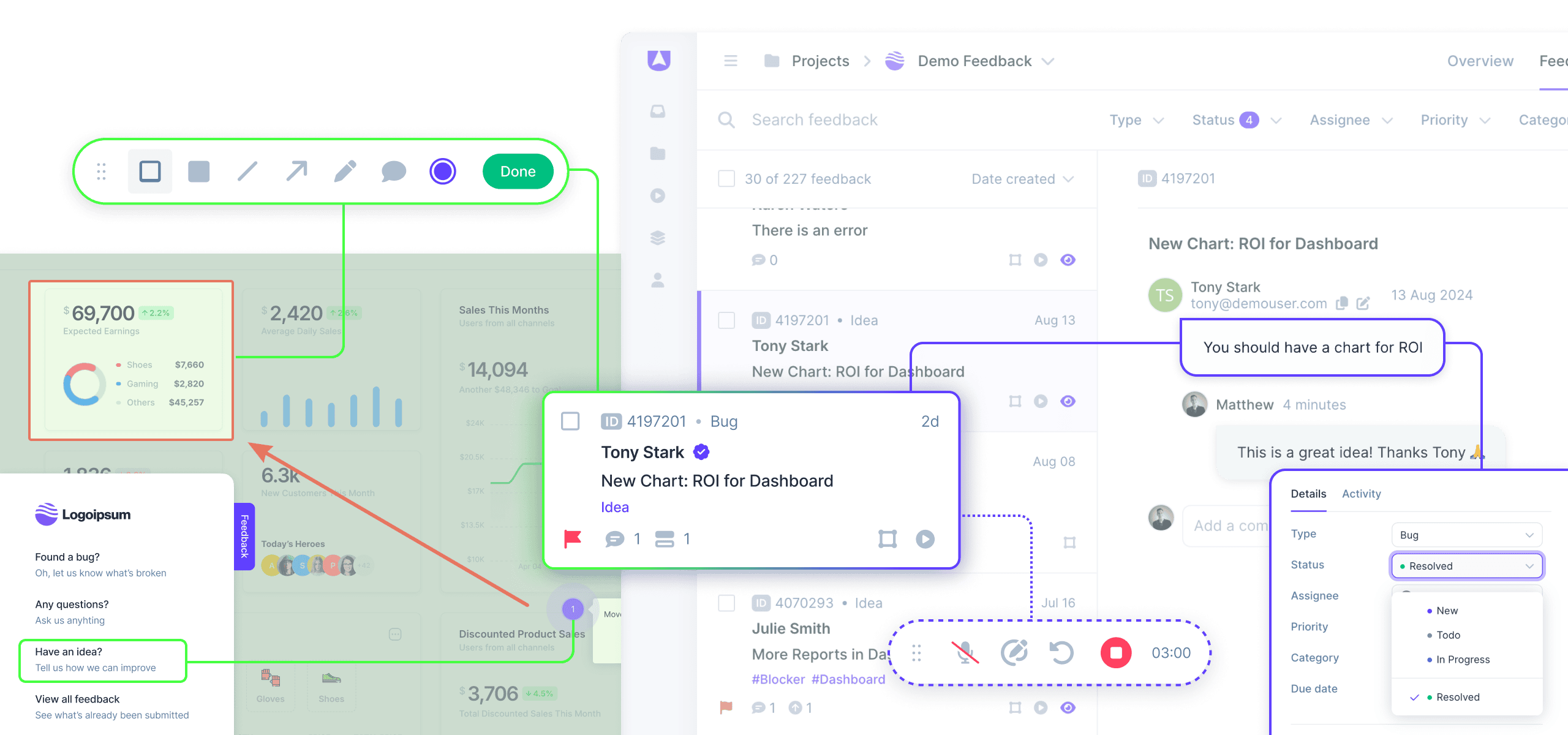
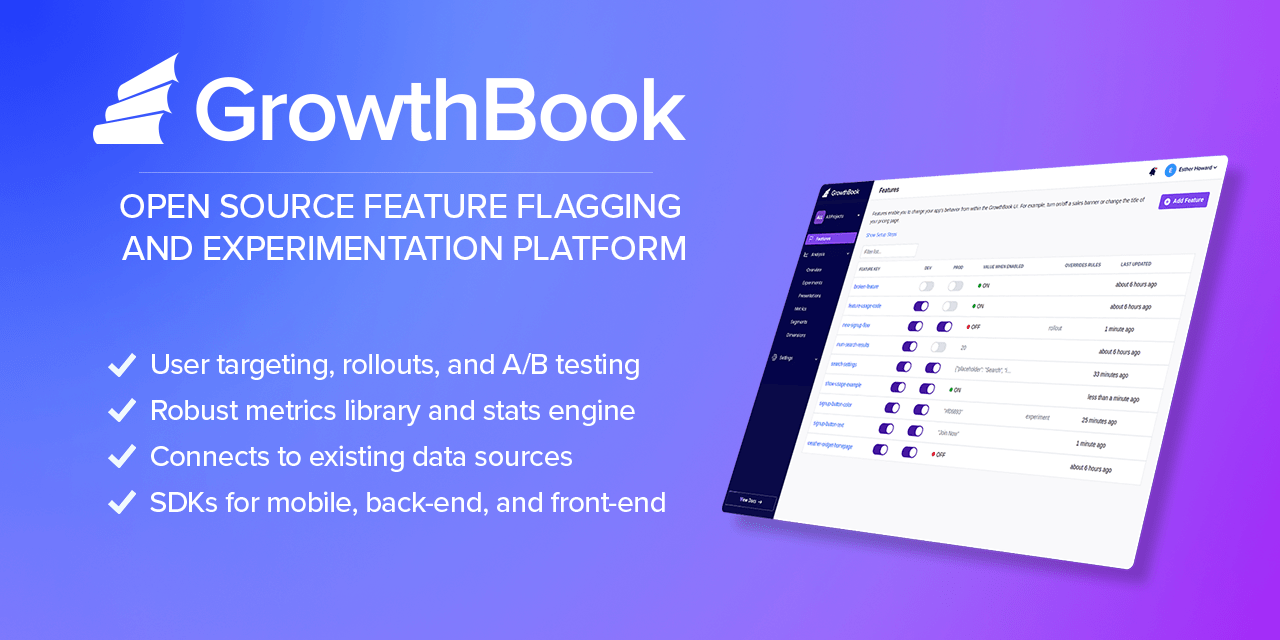
What Are Beta Testing & Feature Rollout Platforms?
In terms of positioning, this category sits distinctly downstream from automated testing suites and upstream from customer success or marketing analytics tools. It is broader than simple bug tracking, as it encompasses the recruitment of testers, the distribution of binaries or access rights, the segmentation of user cohorts, and the quantitative and qualitative analysis of user feedback. Conversely, it is narrower than Product Lifecycle Management (PLM) or Application Lifecycle Management (ALM) suites, as it focuses specifically on the validation and release phases.
The category includes two primary architectural approaches that often converge in enterprise environments: Beta Management Platforms, which focus on the logistical management of tester communities, agreements, and feedback loops; and Feature Management Platforms, which utilize feature flags (toggles) to control the visibility of code blocks to specific user segments in production. This dual scope allows organizations to decouple code deployment from feature release, enabling teams to test code in production safely ("shift right") while managing the administrative burden of coordinating hundreds or thousands of external participants. The solutions range from general-purpose platforms suitable for mobile apps and SaaS products to highly vertical-specific tools designed for complex hardware/software integrations in industries like IoT and telecommunications.
History of the Category
The evolution of Beta Testing and Feature Rollout Platforms mirrors the software industry's shift from monolithic, physical shipments to continuous, cloud-based delivery. In the 1990s, "beta testing" was largely a logistical nightmare managed via spreadsheets and email lists. Software was delivered on physical media—floppy disks or CD-ROMs—meaning a "Gold Master" release was final. The cost of a bug found after distribution was astronomical, often requiring a physical recall or the shipping of patch disks. During this era, beta testing was less about iterative feedback and more about catastrophic failure prevention. The tools were rudimentary, often consisting of homegrown databases or generic bug trackers that lacked any concept of user segmentation or community management.
The early 2000s and the rise of the consumer web began to shift this paradigm. As internet speeds increased, the "Web 2.0" era introduced the concept of the "perpetual beta," a term popularized by Google's years-long beta labels. This period saw the emergence of the first dedicated tools for managing external testers, driven by the need to gather feedback faster than a spreadsheet could handle. However, the true catalyst for the modern category arrived with the mobile revolution in the late 2000s. The fragmentation of devices (iOS vs. Android, various screen sizes) made internal device labs insufficient. Developers needed a way to distribute pre-release binaries to thousands of distinct devices over the air. This necessity birthed the first generation of mobile-specific beta distribution tools, many of which were later acquired and integrated into the major mobile OS ecosystems.
By the mid-2010s, the rise of DevOps and Agile methodologies fundamentally altered the landscape again. "Move fast and break things" became untenable for enterprise companies, leading to the adoption of "Progressive Delivery." This created a gap for Feature Management platforms—tools that allowed developers to wrap code in flags and toggle it on or off for specific users. This shifted the market from "beta testing as a distinct phase" to "beta testing as a continuous state," where features could be tested in production with limited blast radiuses. Today, the market has consolidated around platforms that offer actionable intelligence rather than just data collection. Modern buyers no longer accept a list of bugs; they demand sentiment analysis, session replay integration, and automated impact scoring, driving vendors to incorporate machine learning and deep analytics into their stacks.
What to Look For
Evaluating Beta Testing and Feature Rollout Platforms requires a rigorous assessment of how a tool handles the friction between developer efficiency and tester engagement. The most critical evaluation criterion is frictionless participation. High-quality platforms minimize the steps required for a tester to install a build or provide feedback. If a tool requires testers to create complex accounts, manually find device identifiers (UDIDs), or jump through multiple login hoops, participation rates will plummet. Look for SDKs (Software Development Kits) that offer "shake-to-report" functionality or automatic screenshot capturing, which dramatically increase the volume and quality of feedback.
Another pivotal factor is segmentation and targeting granularity. A robust platform must allow you to slice your user base by attributes such as device type, geography, tenure, or custom behavioral traits. This capability is essential for A/B testing and phased rollouts. Red flags include platforms that treat all testers as a monolith or lack the ability to exclude specific high-risk segments (e.g., enterprise VIP clients) from early beta waves. Furthermore, examine the auditability and compliance features. In an era of GDPR and CCPA, the platform must provide tools to anonymize tester data, manage Non-Disclosure Agreements (NDAs) digitally, and purge user data upon request.
When interviewing vendors, prioritize questions about integration depth. Ask: "Does your two-way sync with our issue tracker (e.g., Jira, Azure DevOps) reflect status changes in both directions?" A one-way sync creates data silos where product managers are unsure if an issue has been resolved. Additionally, inquire about "SDK weight" and performance impact. For mobile and web applications, adding a beta testing SDK should not noticeably degrade app performance or increase launch times. Ask for benchmarks on how their SDK impacts battery life and memory usage, as a laggy beta tool can skew performance feedback and lead to false negatives regarding the app's stability.
Industry-Specific Use Cases
Retail & E-commerce
In the retail and e-commerce sector, the primary driver for beta testing platforms is high-traffic load simulation and seasonal feature validation. Unlike B2B software, e-commerce platforms experience massive, predictable spikes in traffic (e.g., Black Friday). Beta tools here are used to roll out new checkout flows or recommendation engines to a small percentage of live traffic to monitor conversion rates and server load before a general release. Evaluation priorities focus heavily on performance analytics and multivariate testing capabilities. Retailers often require tools that can integrate with customer data platforms (CDPs) to target specific loyalty tiers—for example, testing a new "early access" sales feature only with Gold-tier members to ensure exclusivity and functionality work as intended.
Healthcare
For healthcare organizations, the non-negotiable requirement is HIPAA compliance and patient data security. Beta testing in this vertical often involves software as a medical device (SaMD) or patient portals where data privacy is paramount. These buyers need platforms that offer on-premise deployment options or single-tenant cloud environments to ensure Patient Health Information (PHI) is never commingled or exposed. A unique workflow in this sector is the management of clinical validation alongside software testing. Tools must support strict role-based access control (RBAC) to differentiate between clinician testers and patient testers, often requiring distinct feedback forms and legal agreements (NDAs/BAAs) for each group.
Financial Services
Financial services firms utilize these platforms to manage risk and regulatory compliance during digital transformation initiatives. The focus here is on audit trails and governance. Every feature flag change or beta invitation must be logged to satisfy regulators that software changes are controlled and traceable. Financial institutions often use feature flagging to test trading algorithms or banking interface updates with internal employees ("dogfooding") before exposing them to external retail clients. Evaluation criteria heavily weigh security integrations (SSO, MFA) and the ability to define "kill switches" that can instantly disable a feature if it triggers a compliance violation or financial error.
Manufacturing
In manufacturing, the use case extends beyond pure software to IoT and firmware validation. Beta testing platforms in this sector must handle the complexities of hardware-software dependency. Manufacturers need tools that can track which version of firmware is running on a specific physical device serial number. This "fleet management" aspect is unique; a tester might report a bug that only exists on a specific revision of a circuit board running a specific beta firmware. Consequently, these buyers prioritize platforms that allow for custom metadata tracking and can ingest telemetry data directly from connected devices to correlate user reports with hardware performance logs.
Professional Services
Professional services firms (agencies, consultancies) use these platforms to facilitate Client User Acceptance Testing (UAT). Their primary pain point is managing multiple distinct client environments without cross-contamination. They require "white-label" capabilities to brand the testing portal with their client's logo, reinforcing a professional image. The workflow here is less about mass data collection and more about approval workflows and sign-offs. The tool must allow a client stakeholder to view a build, mark specific requirements as "passed" or "failed," and formally sign off on the release. Evaluation priorities include multi-tenancy support and ease of access for non-technical stakeholders (e.g., no command-line installations).
Deep Dive: Integration & API Ecosystem
In the modern software delivery chain, a Beta Testing platform cannot exist as an island. The robustness of its API ecosystem determines whether it accelerates development or becomes an administrative bottleneck. High-performing organizations integrate these tools directly into their CI/CD pipelines (e.g., Jenkins, CircleCI) and issue tracking systems (e.g., Jira, Linear). A study by Forrester Consulting on the economic impact of integrated DevOps tools found that seamless integration can lead to a 20% improvement in developer productivity by eliminating manual data entry and context switching [1].
Consider a scenario involving a 50-person professional services firm developing a custom fintech app. They connect their beta feedback tool to Jira. In a well-designed integration, when a tester reports a "critical crash" via the beta app, a Jira ticket is automatically created with the device logs, user ID, and screenshot attached. Crucially, the sync is bi-directional: when the developer moves the Jira ticket to "Done," the beta platform automatically notifies the tester that the bug is fixed in the next build. In a poorly designed integration, the data flows one way or relies on manual CSV exports. The result is a "black hole" of feedback where testers feel ignored, and developers waste hours requesting logs that should have been captured automatically. Expert analysis from Gartner emphasizes that "advanced software engineering organizations... must establish feedback loops from production to feature design," a feat impossible without tight API integration [2].
Deep Dive: Security & Compliance
Security in beta testing is often underestimated, yet it represents a significant vector for data leakage. Beta builds often contain debug symbols, unencrypted endpoints, or future IP that must be protected. Evaluating security requires looking beyond basic encryption. SOC 2 Type II certification is the baseline expectation for any enterprise-grade tool. According to the 2022 Cost of a Data Breach Report by IBM and the Ponemon Institute, the average cost of a data breach in the U.S. reached $9.44 million, highlighting the catastrophic financial risk of insecure third-party tools [3].
For a real-world buyer, imagine a healthcare SaaS provider running a beta for a new patient intake form. If their beta platform is not HIPAA compliant, any Patient Health Information (PHI) entered by testers—even in a test environment—could constitute a violation if that data is stored on non-compliant servers. A robust platform allows for PII masking (automatically blurring text fields in screenshots) and data residency controls (ensuring EU tester data never leaves EU servers). Furthermore, "processing integrity" is a critical component of SOC 2, ensuring that the feedback data itself is not altered or corrupted, which is vital for maintaining audit trails in regulated industries like finance [4].
Deep Dive: Pricing Models & TCO
Pricing in this category is shifting rapidly from flat-rate subscriptions to consumption-based models, creating complexity in calculating Total Cost of Ownership (TCO). The two dominant models are Seat-Based (charging per internal admin/developer) and Usage-Based (charging per Monthly Active User or MAU/tester). OpenView Partners research indicates that three out of five SaaS companies are now utilizing usage-based pricing, driven by the need to align cost with value derived [5].
Let's calculate the TCO for a hypothetical mid-market company with a 25-person product team running a beta with 5,000 external users.
- Scenario A (Seat-Based): The vendor charges $99/seat/month. Cost = 25 * $99 * 12 = $29,700/year. This model is predictable but punishes the company for involving more developers or stakeholders in the feedback process.
- Scenario B (MAU-Based): The vendor charges $500/month for the platform fee + $0.10 per active monthly tester. If the beta is active for only 6 months with 5,000 users, the cost is ($500 * 12) + (5,000 * $0.10 * 6) = $9,000/year.
However, if that company suddenly needs to scale to 50,000 testers for a massive open beta, Scenario B's costs balloon to $36,000 for just that period. Buyers must model their
peak usage scenarios, not just their average usage. Hidden costs often lurk in "data retention" fees—vendors may charge extra to keep video feedback or logs for more than 30 days.
Deep Dive: Implementation & Change Management
The technical installation of a beta platform (often just adding a few lines of code) is deceptively simple; the organizational implementation is where failure occurs. Successful implementation requires a cultural shift from "testing is QA's job" to "quality is everyone's job." The "Cost of Poor Software Quality" (CPSQ) in the U.S. was estimated at $2.41 trillion in 2022, largely due to operational failures and technical debt that accumulate when testing processes are siloed or poorly adopted [6].
Consider a scenario where a company implements a feature flagging platform to enable progressive delivery. Technically, the SDK is installed in a day. However, without a governance framework, developers start wrapping every minor change in a flag. Six months later, the codebase is littered with stale flags, creating a maintenance nightmare known as feature flag debt. A proper implementation plan must include lifecycle management rules—for example, mandating that a temporary flag must be removed or converted to a permanent configuration setting within 30 days of 100% rollout. Without this process, the tool meant to increase velocity eventually slows it down due to increased code complexity and testing permutations.
Deep Dive: Vendor Evaluation Criteria
When creating a shortlist, buyers must weigh "must-haves" against "nice-to-haves" based on their specific maturity level. A critical, often overlooked criterion is the viability of the vendor's ecosystem. In a fragmented market, utilizing a vendor that integrates natively with your existing stack (e.g., Slack, Jira, GitHub, Zendesk) is paramount. Gartner notes that "feature management enables the value of features to be monitored, tracked and compared," implying that the tool's ability to ingest data from analytics platforms (like Amplitude or Mixpanel) is as important as its ability to control features [2].
For a concrete scenario, take an enterprise buyer evaluating vendors for a global mobile app launch.
- Vendor A offers superior UI and cheaper pricing but lacks Single Sign-On (SSO) and has servers only in the US.
- Vendor B is expensive and has a steeper learning curve but supports SAML 2.0 SSO, has EU data residency, and offers an SLA (Service Level Agreement) of 99.99% uptime.
For a global enterprise, Vendor A is a non-starter despite the cost savings. The evaluation criteria must prioritize
enterprise readiness (SSO, SLAs, Role-Based Access Control) over feature count. If the platform goes down during a critical beta launch, the reputational damage far outweighs the software subscription savings.
Emerging Trends and Contrarian Take
Looking toward 2025-2026, the dominant trend is the rise of Agentic AI in Testing. Gartner predicts that by 2028, significantly more work decisions will be made autonomously by AI agents [7]. In the context of beta testing, this means platforms will evolve from passive collection tools to active participants. Imagine an AI agent that not only collects a bug report but automatically attempts to reproduce it, correlates it with backend logs, and assigns a severity score before a human ever sees it. Another trend is Platform Engineering Convergence, where standalone beta tools are increasingly being absorbed into broader internal developer platforms (IDPs), reducing tool sprawl.
Contrarian Take: The obsession with "more feedback" is killing product velocity. Most mid-market companies are over-recruiting testers and drowning in noise. You do not need 1,000 beta testers; you need 10 who actually fit your ICP and are incentivized correctly. The industry pushes "crowdtesting" and massive pools because it sells subscriptions, but for 90% of B2B SaaS, the ROI of managing 500 validated reports is lower than having deep, qualitative interviews with 5 key accounts. Software cannot fix a broken recruitment strategy; paying for a larger tier of testers often just buys you more work, not more insight.
Common Mistakes
One of the most pervasive mistakes is treating beta testing as a marketing activity rather than a product validation exercise. Companies often announce a "Public Beta" as a hype-generation tool without the infrastructure to handle the influx of feedback. This leads to the "black hole" effect where users submit bugs that are never acknowledged, permanently damaging brand trust. Effective beta testing requires a dedicated resource—a "Beta Program Manager"—even if it's a part-time role, to close the loop with testers.
Another critical error is ignoring "silent" users. In any beta program, the vocal minority (often power users) dominates the feedback channels. However, the silent majority who log in once, get confused, and leave without reporting a bug are the ones who reveal true usability issues. Failing to rely on passive telemetry (session duration, feature adoption rates, drop-off points) and relying solely on active reports leads to a product optimized for power users but impenetrable to the average customer.
Questions to Ask in a Demo
- Regarding Data Rights: "Do we own the tester data and the feedback unconditionally? If we leave your platform, can we export the entire history of user interactions and bug reports in a structured format (JSON/CSV)?"
- Regarding Technical Debt: "What features do you have to help us manage stale feature flags? Do you offer automated scanning to identify flags that have been served 100% of the time for more than 30 days?"
- Regarding the Tester Experience: "Walk me through the exact onboarding flow for a non-technical tester. How many clicks does it take from receiving the invite email to reporting their first bug?"
- Regarding SDK Impact: "What is the binary size overhead of your SDK, and do you have performance benchmarks for how it affects app startup time on older devices?"
- Regarding Segmentation: "Can I target a feature rollout based on custom user attributes passing from my own database (e.g., 'Lifetime Value > $10k'), or am I limited to your default fields?"
Before Signing the Contract
Before committing to a contract, verify the Service Level Agreement (SLA). For feature management platforms, uptime is critical; if the platform fails, your application might default to a state that hides features or breaks functionality. Ensure the contract specifies what the "default" behavior is during an outage (usually "default to off" or "default to last known state").
Negotiate "true-up" provisions for tester limits. If you have a seasonal business, you don't want to be forced into a higher annual tier just because you exceeded your user cap during a one-month peak. Ask for a quarterly true-up or a flexible overage rate. Finally, check for Data Processing Addendums (DPAs). If you have users in Europe or California, ensure the vendor creates a compliant DPA that shields you from liability regarding the processing of your testers' personal data.
Closing
If you have further questions or need help navigating the complexities of selecting the right platform for your stack, feel free to reach out.
Email: albert@whatarethebest.com

 S
S