


1. Home
  2. Project Management & Productivity
  3. Virtual Collaboration & Team Workspaces

Ranked by evidence · 2026

The Best Virtual Collaboration & Team Workspaces

20 tools ranked scored on up to six criteria updated by How we score →

Ranked by evidence · 2026

Virtual Collaboration & Team Workspaces

Part of Project Management & Productivity →
  • 20tools ranked
  • up to 6criteria scored
  • Oct 27last updated
  • Ties. Tools with the same shown score are ordered by how many of this category's use cases they are reviewed for, then by name.
  • Compare any tool. Tick Compare on any ranked tool to see 2 to 4 side by side; the table further down shows the top picks.
  • Reader reviews are checked before they appear and are shown with the product. They do not change scores.
  • Prices and security claims are what the vendor states on its own pages unless a card says otherwise; each card links its sources.

Researched and ranked by . Every score comes from documented evidence; no vendor pays for a place.

The ranking: 20 Virtual Collaboration & Team Workspaces by score

  1. 1

    MiroTop pick

    Best for remote product and engineering teams needing visual brainstorming and sprint planning

    Free tier; paid from $8 per user/mo
    Visit ↗

    Visual collaboration workspace combining an infinite canvas with AI prototyping, docs, and enterprise security.

    Pick it ifRemote product and engineering teams needing visual brainstorming and sprint planning
    Skip it ifMobile-first or tablet-only users, since the app suffers stability issues
    PricingFree plan (3 boards), Starter $8/user/mo, Business $16/user/mo
    Standout factOne of the first platforms to achieve ISO 42001 AI management certification miro.com
    Biggest catchFree plan limits editing to 3 boards; a 4th board locks the oldest to view-only. help.miro.com
    100M+Global usersmiro.com
    99%Fortune 100 adoptionupdf.com
    150+Enterprise integrationsecommercenews.asia
    Visit Miro ↗
  2. 2

    Microsoft Teams

    Best for enterprises already invested in Microsoft 365 apps and licensing.

    Free tier; paid from $4 per user/mo
    Visit ↗

    Collaboration hub bundling chat, video, and file sharing deeply tied to Microsoft 365.

    Pick it ifEnterprises already invested in Microsoft 365 apps and licensing.
    Skip it ifSmall startups wanting a lightweight chat interface like Slack.
    PricingFrom $4/user/mo Essentials, free tier available
    Standout factMicrosoft Teams has more than 320 million monthly active users worldwide. demandsage.com
    Biggest catchTeams uses up to 1GB of RAM even sitting idle, and more once a meeting starts. windowslatest.com
    320M+Monthly active usersdemandsage.com
    93%Fortune 100 adoptiondemandsage.com
    1,400+Third-party appsdesk365.io
    Visit Microsoft Teams ↗
  3. 3

    Zenhub

    Best for software teams that plan sprints and track issues entirely inside GitHub.

    Free tier; paid from $8.33 per user/mo
    Visit ↗

    Zenhub is a project management tool built directly into the GitHub interface.

    Pick it ifSoftware teams that plan sprints and track issues entirely inside GitHub.
    Skip it ifTeams on GitLab or Bitbucket, or non-dev teams needing broader tools.
    PricingFrom $8.33/user/mo billed yearly, free plan for small teams
    Standout factSOC 2 Type II certified with zero exceptions for the second year running. zenhub.com
    Biggest catchBoards with many issues can slow down and load with a lag. softwarefinder.com
    4.3/5G2 ratingg2.com
    $8.33/user/moStarting pricezenhub.com
    9.0/10Overall score
    Visit Zenhub ↗
  4. 4

    Mural

    Best for facilitators and enterprise teams running structured strategy workshops.

    Free tier
    Visit ↗

    An enterprise visual collaboration platform with FedRAMP 'In Process' status and deep Microsoft Copilot integration.

    Pick it ifFacilitators and enterprise teams running structured strategy workshops.
    Skip it ifSolo workers or teams needing robust task management instead.
    PricingFree plan available, Team+ from $9.99/month
    Standout factMural is trusted by 95% of the Fortune 100 companies. g2.com
    Biggest catchLarge boards with many collaborators can lag, and the mobile app has limited editing. theprocesshacker.com
    95%Fortune 100 adoptiong2.com
    3Free plan muralsgrowhackscale.com
    $9.99/moTeam+ pricemural.co
    Visit Mural ↗
  5. 5

    Box Canvas

    Best for existing Box enterprise customers needing native visual collaboration

    Free plan
    Visit ↗

    Enterprise digital whiteboarding tool built natively into Box, inheriting HIPAA and FedRAMP compliance at no extra cost.

    Pick it ifExisting Box enterprise customers needing native visual collaboration
    Skip it ifTeams already heavily invested in Microsoft 365 or Google Workspace
    PricingFree with any Box subscription, unlimited canvases
    Standout factBox Canvas includes unlimited canvases on every Box plan at no additional cost. computerworld.com
    Biggest catchSome users report stuttering or lag when using the freehand drawing and handwriting tools. productivego.space
    1,500+Box app integrationsbox.com
    4.75/5Box parent platform G2 ratingslashdot.org
    $0Cost for Canvascomputerworld.com
    Visit Box Canvas ↗
  6. 6

    Coda

    Best for product teams wanting to build custom internal tools inside documents.

    Free tier; paid from $10 per user/mo
    Visit ↗

    All-in-one docs, spreadsheet, and app workspace that only charges for document creators, not editors.

    Pick it ifProduct teams wanting to build custom internal tools inside documents.
    Skip it ifUsers wanting a simple note app or reliable offline mobile access.
    PricingFree plan available, paid plans from $10/user/mo (Maker Billing)
    Standout factCoda's Maker Billing model charges only document creators, letting editors and viewers use docs for free. coda.io
    Biggest catchThe mobile app is widely described as slow and buggy, lacking the native feel of competitors. community.coda.io
    $10/user/moStarting pricecoda.io
    up to 80-90%Cost savings vs competitorscoda.io
    SOC 2, ISO 27001, HIPAASecurity certificationshelp.coda.io
    Visit Coda ↗
  7. 7

    CoLab

    Best for manufacturing enterprises sharing CAD files securely with suppliers

    From $50,000 per year
    Visit ↗

    Browser-based CAD review platform with AI design checks and deep PLM integrations.

    Pick it ifManufacturing enterprises sharing CAD files securely with suppliers
    Skip it ifSmall organizations or startups facing $50k+ minimum pricing
    PricingContact for pricing, enterprise-level ($50k+ minimum)
    Biggest catchAn engineering team of 30-50 evaluated CoLab and found it too expensive. reddit.com
    30% fasterFord Pro speed improvementyoutube.com
    70+CAD file types supportedcolabsoftware.com
    $50,000+Minimum enterprise pricingcolabsoftware.com
    Visit CoLab ↗
  8. 8

    Intapp

    Best for legal and accounting firms needing compliance-grade Teams governance and DMS ties.

    Visit ↗

    Microsoft Teams add-on that enforces ethical walls and matter-centric structure for legal and accounting firms.

    Pick it ifLegal and accounting firms needing compliance-grade Teams governance and DMS ties.
    Skip it ifSmall firms outside Microsoft 365 or teams under the 100-user minimum.
    Pricing4.62-7.69 GBP per named user/month, 100-user minimum, per a G-Cloud listing.
    Standout factIt automatically removes users from a Teams channel when ethical wall permissions change. intapp.com
    Biggest catchPricing requires a minimum of 100 licensed users. assets.applytosupply.digitalmarketplace.service.gov.uk
    Visit Intapp ↗
  9. 9

    Mattermost

    Best for defense, critical infrastructure, or DevSecOps teams needing data sovereignty.

    Free tier; paid from $10 per user/mo
    Visit ↗

    An open-source collaboration platform for technical teams, built for air-gapped and self-hosted deployment.

    Standout factMattermost rolled out to 48,000 DoD employees on Platform One in a single week. mattermost.com
    Biggest catchThere is no native video conferencing, calls rely on third-party tools like Zoom or Jitsi. slackalternative.com
    Visit Mattermost ↗
  10. 10

    Teamflow

    Best for remote teams that value spatial audio and embedded apps.

    Free tier; paid from $15 per user/mo
    Visit ↗

    Virtual office platform using spatial audio and persistent rooms to recreate spontaneous office collaboration.

    Standout fact78% of users say their team became more collaborative after adopting Teamflow teamflowhq.com
    Biggest catchThe company's G2 profile has looked inactive or unclaimed for more than a year. g2.com
    Visit Teamflow ↗
  11. 11

    Confluence

    Best for software teams needing documentation tightly linked to Jira issues.

    Free tier; paid from $6.40 per user/mo
    Visit ↗

    Market-leading team wiki with deep Jira integration and 5,700+ marketplace apps.

    Standout factAtlassian serves over 300,000 customers, including over 80% of Fortune 500 companies. atlassian.com
    Biggest catchEnforcing SSO requires a separate Atlassian Guard subscription at $4.20 per user monthly. atlassian.com
    Visit Confluence ↗
  12. 12

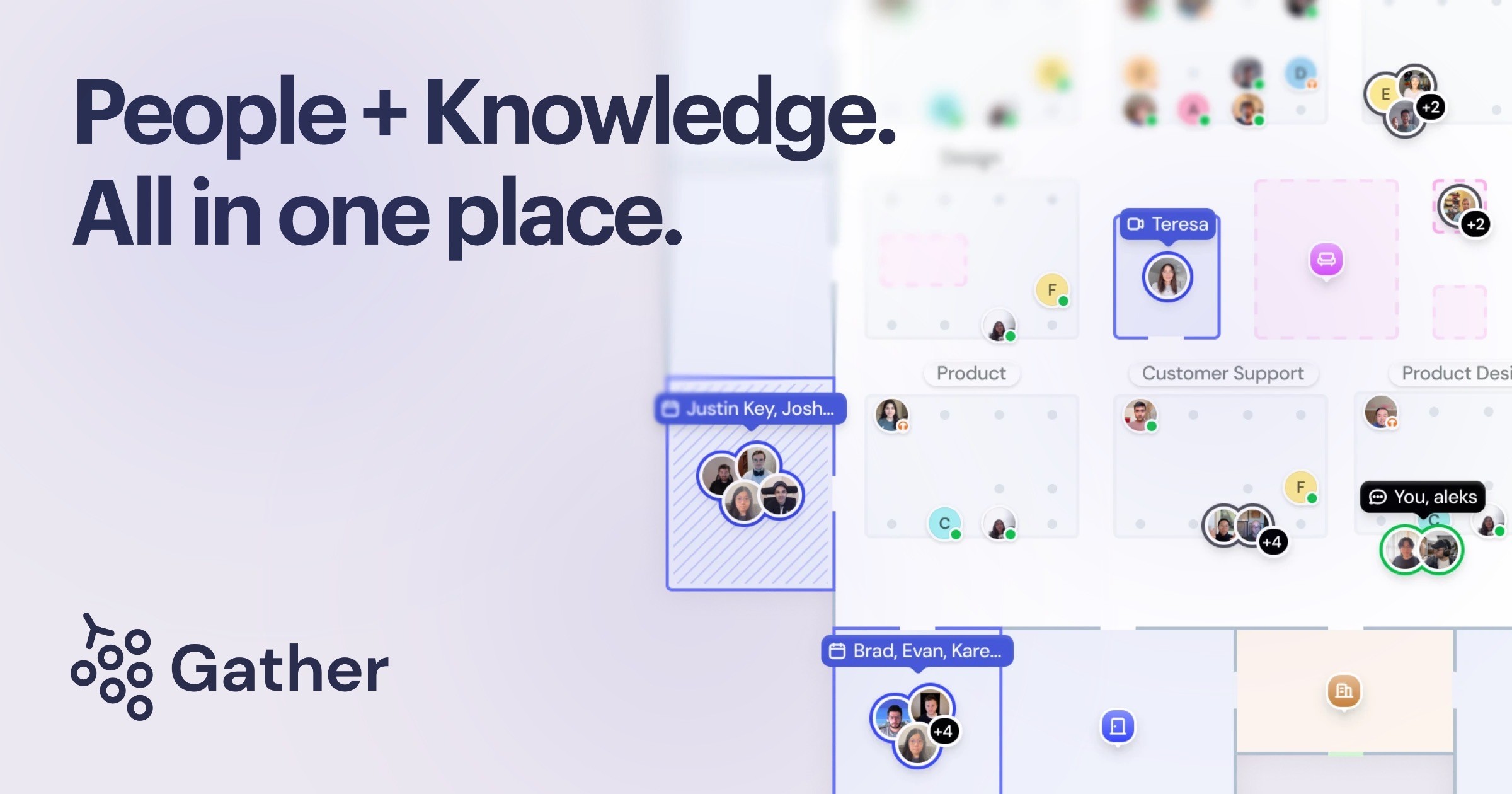
    Gather

    Best for remote teams wanting a virtual office that fosters spontaneous hallway chats.

    From $15 per user/mo
    Visit ↗

    A 2D virtual office with spatial video, built for spontaneous remote team interaction.

    Standout factGather recommends 16GB of RAM for the best performance. support.gather.town
    Biggest catchThe free tier is being removed entirely after September 15, 2025. support.gather.town
    Visit Gather ↗
  13. 13

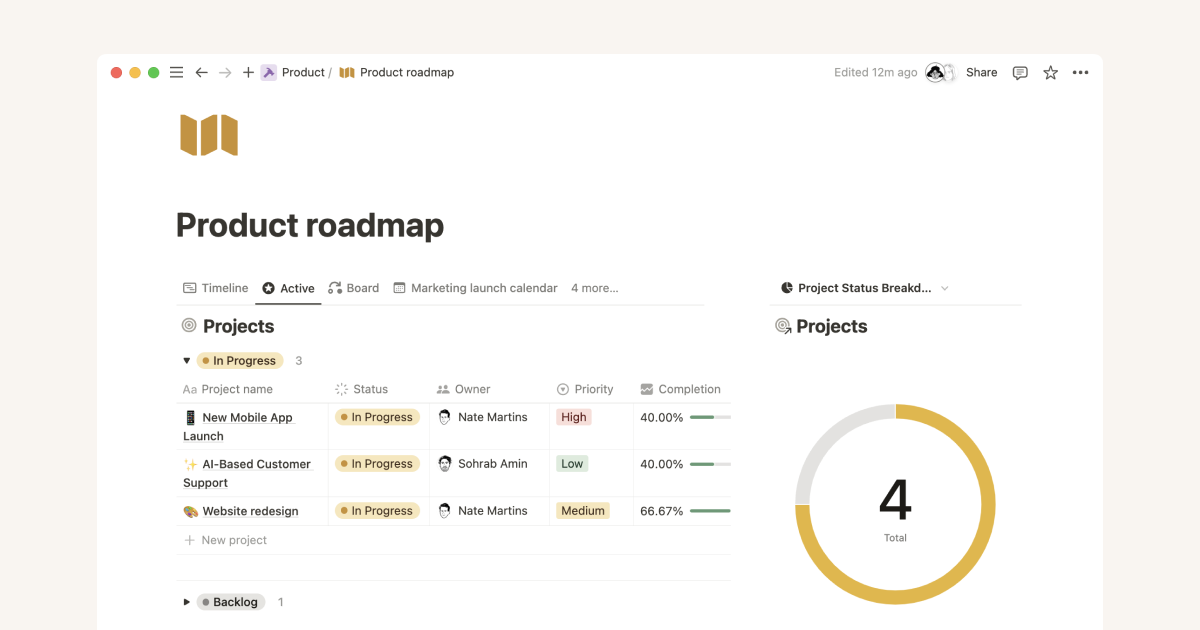
    Notion

    Best for product teams building interconnected wikis, roadmaps, and task databases.

    Free tier; paid from $10 per user/mo
    Visit ↗

    Flexible workspace unifying product docs, roadmaps, and task databases with AI writing tools built in.

    Standout factNotion holds four ISO certifications, including ISO 27001, alongside SOC 2 Type 2. notion.com
    Biggest catchSynced databases for GitHub are read-only, so edits must happen in the original tool. unito.io
    Visit Notion ↗
  14. 14

    Roam

    Best for distributed teams wanting a professional, audio-first virtual headquarters.

    From $19.50 per user/mo
    Visit ↗

    Virtual office platform with spatial video, AI meeting summaries, and pay-per-active-user pricing.

    Standout factRoam charges only for members who actually log in each month; inactive users are free. ro.am
    Biggest catchThe web client has significant functional limitations compared to the desktop app, including no screen recording. ro.am
    Visit Roam ↗
  15. 15

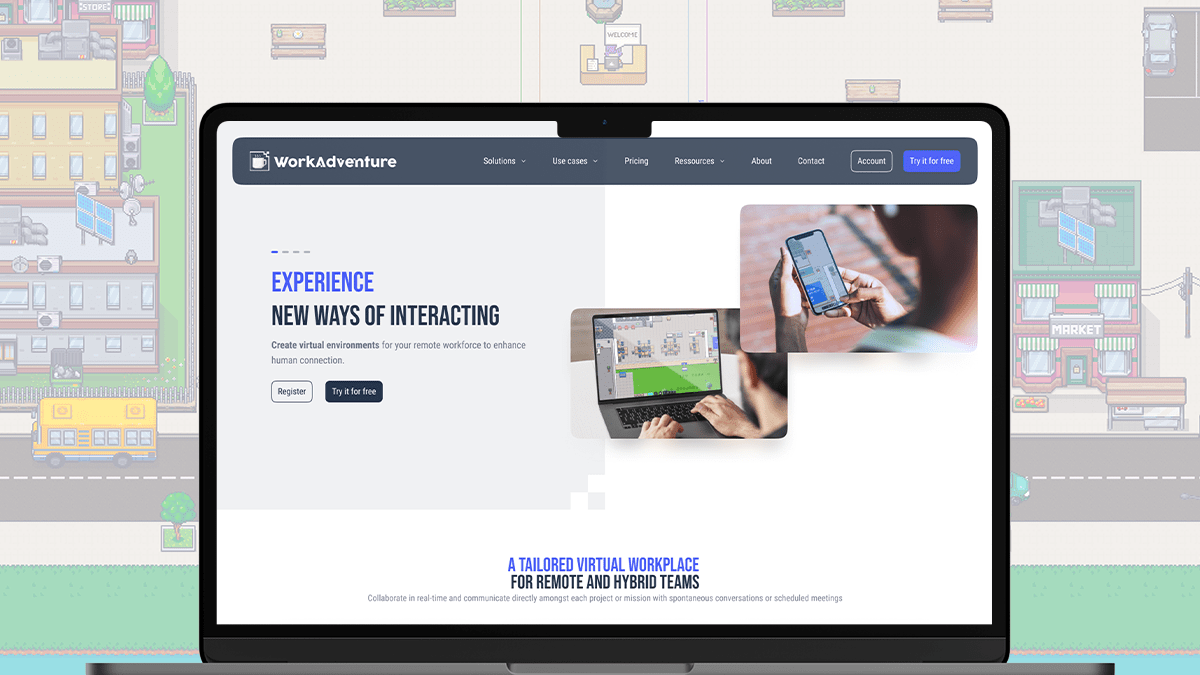
    WorkAdventure

    Best for technical teams wanting self-hosted, GDPR-compliant virtual offices

    Free tier
    Visit ↗

    Open-source, GDPR-compliant virtual office combining 2D gamified spaces with video chat.

    Standout factFree plan supports up to 15 simultaneous users. workadventu.re
    Biggest catchSelf-hosted admin panel needs an enterprise license to unlock. docs.workadventu.re
    Visit WorkAdventure ↗
  16. 16

    Wrike

    Best for mid-to-large teams needing AI automation and 400+ integrations

    Free tier; paid from $9.80 per user/mo
    Visit ↗

    AI-driven work management platform with 400+ integrations, built for complex enterprise workflows.

    Standout factNamed a Leader in the 2024 Gartner Magic Quadrant for Collaborative Work Management, the second year running. businesswire.com
    Biggest catchThe Business plan requires a minimum of 5 seats, raising entry cost to about $125 a month. smartsuite.com
    Visit Wrike ↗
  17. 17

    ActiveCollab

    Best for agencies needing unlimited client access with integrated invoicing

    Free tier; paid from $7 per month
    Visit ↗

    Project management workspace for agencies unifying tasks, time tracking, and invoicing, with a rare self-hosted option.

    Standout factActiveCollab offers a self-hosted plan with a one-time payment instead of recurring fees projectmanagers.net
    Biggest catchTasks can only be assigned to one user at a time, limiting multi-person collaboration on a single task. softwareforpm.com
    Visit ActiveCollab ↗
  18. 18

    HubStar

    Best for facility and real estate teams managing hybrid office portfolios who already run Microsoft 365.

    From $300 per year (third-party estimate)
    Visit ↗

    A hybrid workplace platform that pairs desk booking with real occupancy data from existing Wi-Fi and sensors.

    Standout factPresenceIQ combines badge, Wi-Fi and sensor data into one utilization view without requiring new hardware installs. hubstar.com
    Biggest catchThe mobile app draws consistent complaints about login failures and crashes from users. apps.apple.com
    Visit HubStar ↗
  19. 19

    Slack AI

    Best for enterprises wanting AI search and summaries without LLM training on their data.

    From $10 per user/mo
    Visit ↗

    AI add-on for Slack that summarizes threads and searches messages without training on customer data.

    Standout factSlack states customer data is never used to train LLMs and never leaves its trust boundary. slack.com
    Biggest catchThe AI add-on must be purchased for every paid user in the workspace, not just select individuals. eesel.ai
    Visit Slack AI ↗
  20. 20

    SoWork

    Best for remote teams prioritizing AI-driven meeting summaries and analytics

    Free tier; paid from $15 per user/mo
    Visit ↗

    AI-powered 2.5D virtual office with automated meeting summaries for distributed teams.

    Standout factSoWork holds a 4.8 out of 5 rating on G2, with 90% five-star reviews. g2.com
    Biggest catchThe free plan disables video entirely, limiting free users to audio-only meetings capped at 30 minutes. sowork.com
    Visit SoWork ↗

Ranked by score on up to six criteria. Open Details on any row, then its evidence.

Before you buyFree plans are common here: 70% of the 20 team collaboration tools we scored have one. Check what each workspace connects to before anything else, because one that sits apart from your issue tracker or file storage tends to get ignored.

Visit ↗

Side by side

Compare

What our research found
01

Side by side

10 features across 10 products. Green is yes, red is no, grey is not published.

FeatureMiroMicrosoft TeamsZenhubMuralBox CanvasCodaCoLabIntappMattermostTeamflow
Has Mobile App ✓✓✗✓Web-only✓✗✗✓✓
Has Free Plan ✓✓✓✓✓✓✗✗✓✓
Has Free Trial ✓✓✓✓Contact for trial✓Contact for trialContact for trial✓✓
Integrates With Zapier ✓✓✗✓✗✓✗✗✓✗
Has Public API ✓✓✓✗Enterprise API only✓Enterprise API only✗✓✗
Live Chat Support ✓✓Email/Ticket only✓Email/Ticket only✗Email/Ticket onlyEmail/Ticket onlyEmail/Ticket onlyEmail/Ticket only
SOC 2 or ISO Certified ✓Both——✓———✓—
Popular Integrations Slack, Microsoft Teams, ZoomMicrosoft 365, Salesforce, TrelloGitHub, Slack, TrelloSlack, Microsoft Teams, Google DriveBox, Microsoft Teams, SlackSlack, Google Calendar, JiraSolidWorks, Siemens NX, PTC CreoMicrosoft Teams, Outlook, SharePointJira, GitHub, JenkinsSlack, Zoom, Google Calendar
Supports SSO ✓✓Enterprise plans only✓✓✓Enterprise plans only✓Enterprise plans only✗
Starting Price Free plan; paid from $8 per user/moFree plan; paid from $4 per user/moFree plan; paid from $8.33 per user/moFreeFreeFree plan; paid from $10 per user/mo$50,000 per yearEnterprise pricingFree plan; paid from $10 per user/moFree plan; paid from $15 per user/mo

How to read a check: the vendor's own current page (its security or trust page, pricing, documentation, or its official app store or Zapier listing) states it. We have not seen the vendors' audit reports or contracts.

02

What we found

Figures computed from our reviews of the 20 team collaboration tools on this page.

Scores. The 20 team collaboration tools we scored range from 8.6 to 9.1, with Miro on top. The top 5 are within 0.2 points of each other, so the order between them is close and the plan, price and features you need should decide it. Tools score best on market credibility & trust signals (average 9.2) and weakest on value, pricing & transparency (average 8.6).

Price. 1 of 20 team collaboration tools is quote-only, and 14 offer a free plan or free tier. Prices are not directly comparable across tools: some charge per user, some per device or data volume, some a flat fee. Each card names its plan and what the price leaves out.

Trust. 6 of 20 team collaboration tools state on their own pages that they hold a SOC 2 report or an ISO 27001 certificate. 13 of 20 offer a free trial. We have not seen the vendors' audit reports or contracts, so ask for the report before you sign.

Scores on this page come from our per-industry reviews of each tool. The single category-wide rubric has not been applied to this page yet, so compare scores within a ranking, not across rankings.

03

Questions people ask

How much do team collaboration tools cost?

15 of the 20 team collaboration tools checked publish a monthly starting price (annual prices divided by 12). Per-user plans (13): the median is $10 per user a month and the lowest $4 (Microsoft Teams), so a five-person team at the median pays about $50 a month. Flat-rate plans for the whole account (2): the median is $7 a month and the lowest $7 (ActiveCollab). 5% are quote-only, which usually means a sales call before you see a number. 4 do not show a clear price either way, so ask before you trial.

Which team collaboration tools have a free plan?

14 of the 20 vendors (70%) offer a free plan or free tier: Miro, Microsoft Teams, Zenhub, Mural, Box Canvas, Coda, and others. Counted here: a plan you can keep using without paying for this or another product, including free open-source editions; free trials and features included only with a paid subscription do not count. Free tiers usually cap users, records or features, so check the limits against your team size.

Which team collaboration tools say they hold SOC 2 or ISO 27001?

Across all 20 vendors on this page (every industry ranking, not only the side-by-side table), 6 of the 20 with security details on record (30%) state on their own current security or trust page that they hold a SOC 2 report or an ISO 27001 certificate. Among the top picks: Miro, Box Canvas, Mattermost. We have not seen the audit reports themselves, so ask for the report before you sign.

Do team collaboration tools offer a public API and single sign-on?

Across the vendors on this page with these details on record, 10 of 20 (50%) offer a public API and 10 of 20 (50%) support single sign-on. Top picks with both: Miro, Microsoft Teams, Coda.

What do buyers complain about most?

The 72 documented weaknesses cluster in Usability & Customer Experience (31), Product Capability & Depth (25), Value, Pricing & Transparency (13). One example from a top pick, Miro: Users frequently report performance lag and slow loading times when working with large, content-heavy boards.

How are the scores produced?

Documentation, pricing pages, security pages and third-party reviews are reviewed against up to six criteria. Each criterion records what was found and links its sources. Penalties pull the score down and are shown with their evidence. Rank follows the score. Full methodology.

04

More in Project Management & Productivity

The whole group
Research

Change history

Every change is dated and links to the page we checked.

Write a review

Your first-hand experience helps other buyers. Every review is checked before it appears.

Your rating *
Tap a star
How long have you used it? *
Add a few details
Loading the security code
No email needed. Text only, no links.