Archiving & Long-Term Storage Solutions: The Definitive Expert Guide
What Is Archiving & Long-Term Storage Solutions?
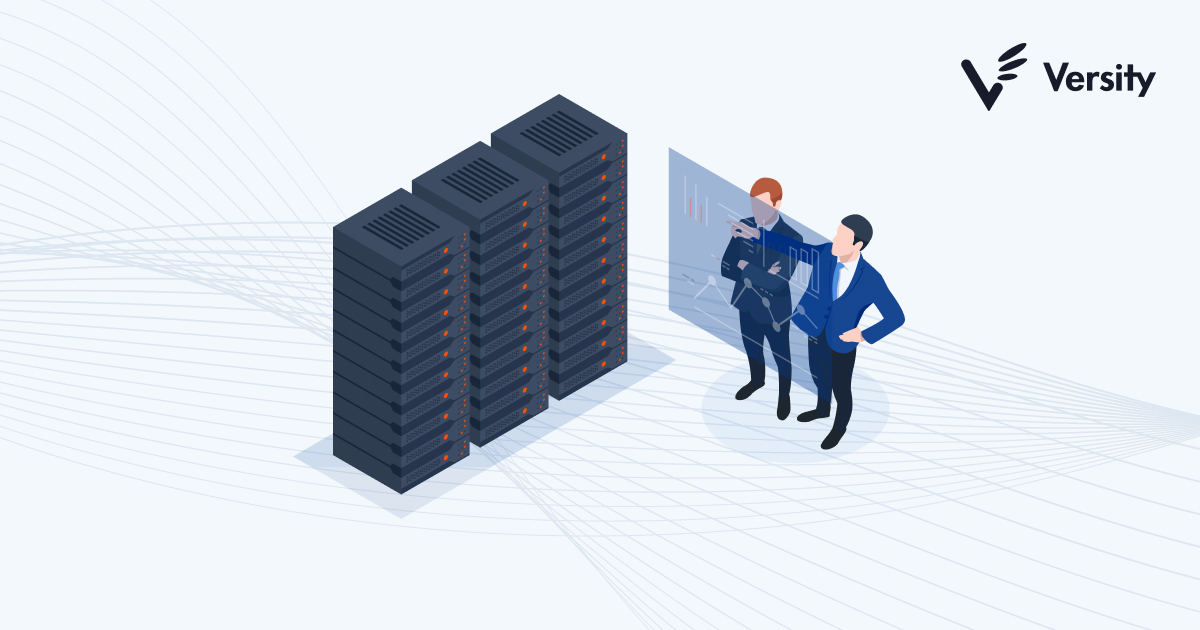
At its core, Archiving & Long-Term Storage software solves the tension between data growth and data governance. Organizations generate vast quantities of information—emails, contracts, design files, patient records, and IoT telemetry—that lose immediate operational relevance but retain immense legal, historical, or analytical value. Keeping this "cold" data on high-performance primary storage is financially ruinous and operationally inefficient. However, deleting it creates existential risks regarding regulatory non-compliance, litigation defensibility, and the loss of intellectual property.
The primary function of these solutions is to identify data that is no longer actively modified, move it to lower-cost, immutable storage tiers, and index it for granular search and retrieval. Unlike backups, which create copies of entire systems to restore a previous state, archives manage individual data objects (a specific email, a signed contract, a CAD drawing) to ensure they remain accessible for decades. This distinction is critical: a backup tape might restore a crashed server, but it cannot efficiently find "all emails sent by John Doe to Client X in 2018" without restoring the entire database first. Archiving solutions enable that specific retrieval in seconds.
These tools are used by compliance officers, legal teams, IT directors, and records managers who must prove to auditors that data has been retained for mandated periods (e.g., 7 years for tax records, infinity for certain medical records) and has not been tampered with. It matters because the cost of failure is not just storage fees—it is the multimillion-dollar fines for spoliation of evidence, the inability to defend against a malpractice claim due to missing files, or the collapse of a brand’s reputation following a data breach of unmanaged legacy systems.
History of the Category
The trajectory of Archiving & Long-Term Storage has shifted from a hardware-centric concern to a software-defined intelligence imperative. In the 1990s, archiving was largely synonymous with "hierarchical storage management" (HSM). IT teams physically moved data from expensive spinning disks to magnetic tape libraries. The driver was purely economic: hard drives were expensive, and tape was cheap. The "archive" was a graveyard where data went to die, often retrieved only with significant latency and manual intervention. The user expectation was simply capacity—"give me a bucket to dump this overflow."
The early 2000s marked the first major pivot, driven not by technology, but by scandal. The collapse of Enron and WorldCom led to the Sarbanes-Oxley Act (SOX) of 2002, which mandated strict record-keeping controls. Simultaneously, the proliferation of email in business created a new nightmare for legal teams. The amendment of the Federal Rules of Civil Procedure (FRCP) in 2006 effectively codified that electronic data (ESI) was discoverable in litigation. Suddenly, an "archive" wasn't just cheap storage; it had to be a searchable, tamper-proof system of record. This era saw the rise of on-premise email archiving appliances—dedicated hardware sitting in server racks designed solely to capture copies of Exchange server traffic.
The 2010s introduced the cloud and the verticalization of SaaS. As organizations moved primary workloads (like email and CRM) to the cloud (e.g., Microsoft 365, Salesforce), the idea of maintaining on-premise archiving appliances became obsolete. The market shifted toward cloud-native archiving platforms that offered "infinite" scalability and removed the burden of hardware refreshes. During this period, huge market consolidation occurred. Large enterprise information management firms acquired specialized email archiving vendors to build comprehensive suites. Buyer expectations evolved from "store it safely" to "help me find it instantly."
Today, in the mid-2020s, the category faces a new "intelligence" gap. We have moved beyond simple email archiving to "Unified Data Management." Modern solutions must ingest data from Slack, Microsoft Teams, Zoom transcripts, and social media. The buyer expectation has shifted again: from "give me a database" to "give me actionable intelligence." Organizations now demand archives that can auto-classify data using AI, detect sensitive PII (Personally Identifiable Information) for GDPR compliance, and identify sentiment or behavioral anomalies that indicate insider threats. The archive has transformed from a passive repository into an active defense layer.
What to Look For
Evaluating an archiving solution requires peeling back the marketing layers to examine the underlying architecture. The most critical evaluation criterion is immutability. Can the vendor guarantee—technologically, not just contractually—that archived records cannot be altered or deleted before their retention period expires? This is often referred to as WORM (Write Once, Read Many) compliance. If a solution relies solely on software-level permissions that an administrator can override, it may not stand up in court or regulatory audits.
Indexing and Search Speed is the second pillar. Many vendors claim "comprehensive search," but the reality often involves slow, linear scans of data that can take hours or days for large datasets. A robust solution should offer an "elastic" search architecture that returns results across petabytes of data in seconds. Look for "faceted search" capabilities that allow legal teams to filter by metadata (sender, recipient, date, file type) and content (keywords, proximity searches, boolean operators) simultaneously.
Red Flags and Warning Signs:
Be wary of vendors who charge excessive egress fees. Some providers operate on a "roach motel" model: data checks in easily, but checking it out (e.g., switching vendors or performing a massive e-discovery export) incurs crippling bandwidth or service fees. Another red flag is a lack of native format preservation. If the tool converts dynamic content (like a Slack conversation or a website) into a static PDF, you lose the metadata and context required for authentication in legal proceedings. The archive must preserve the "native" digital signature and structure of the data.
Key Questions to Ask Vendors:
- "How do you handle 'chain of custody' reporting for every single item in the archive, from ingestion to export?"
- "Can your system apply different retention policies to different data types within the same user's account (e.g., keep emails for 7 years but Teams chats for 3 years)?"
- "What is your Service Level Agreement (SLA) for search performance when the archive exceeds 100 Terabytes?"
- "Do you support 'Legal Hold' in place, or does placing a hold create a duplicate copy of the data, doubling my storage consumption?"
Industry-Specific Use Cases
Retail & E-commerce
For the retail sector, archiving is no longer just about keeping tax records; it is a frontline defense against refund fraud and a necessity for consumer privacy compliance. Retailers face a sophisticated threat landscape where "serial returners" and organized crime rings exploit return policies. Archiving transaction history, customer service chats, and return logs allows retailers to build a longitudinal view of customer behavior, helping to identify anomalies that flag fraudulent activity. According to [1], tracking refund history at a customer level is essential to identifying patterns like "wardrobing" or item switching. Furthermore, with regulations like GDPR and CCPA, retailers must be able to execute "Right to Erasure" requests. An archiving solution for retail must distinguish between data that must be deleted (marketing cookies) and data that must be kept (transaction records for tax purposes), ensuring that a deletion request doesn't wipe out legally required financial history [2].
Healthcare
Healthcare organizations grapple with the dual challenges of massive file sizes (medical imaging) and extreme regulatory rigidity (HIPAA). Long-term storage solutions here must handle PACS (Picture Archiving and Communication Systems) data—X-rays, MRIs, and CT scans—which are non-textual and require massive bandwidth. Unlike a standard document archive, a healthcare archive must maintain the diagnostic quality of images over decades, resisting "bit rot" or file corruption. The consequences of data loss are life-threatening, not just financial. Additionally, HIPAA mandates strictly controlled access logs. As noted in the [3] IBM Cost of a Data Breach Report, healthcare breaches are the most expensive, averaging nearly $9.8 million. An archiving solution must provide granular audit trails showing exactly which doctor accessed which historical record and when, ensuring that "VIP syndrome" (unauthorized viewing of celebrity patient records) is detected immediately.
Financial Services
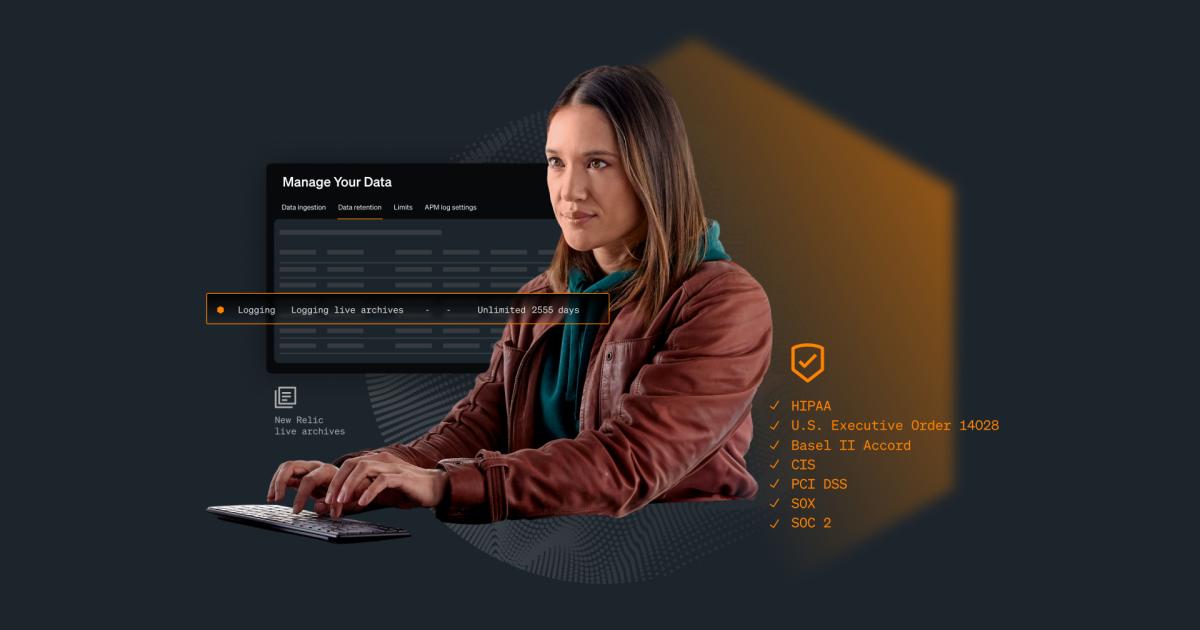
In financial services, the "gold standard" is SEC Rule 17a-4. This regulation dictates that broker-dealers must store records in a non-rewriteable, non-erasable format (WORM). This is non-negotiable. Financial firms use archiving solutions to capture every trade communication, whether it happens on a Bloomberg Terminal, corporate email, or, increasingly, mobile text messages. The challenge is "Compliance Surveillance." Firms use these archives to run automated lexicon checks—scanning for words like "guarantee," "inside info," or "off the books." As noted by [4], failure to maintain these immutable records results in massive fines. The evaluation priority here is coverage: can the solution natively archive WhatsApp and WeChat? If traders move to unmonitored channels, the firm is liable. The archive acts as the firm's insurance policy against rogue trading allegations.
Manufacturing
Manufacturing has shifted from rust-belt mechanics to high-tech IoT (Internet of Things) ecosystems. Modern factories generate terabytes of telemetry data daily from sensors on assembly lines. Archiving this time-series data is critical for two reasons: Product Liability and Predictive Maintenance. If a component fails five years after production, the manufacturer needs the archived telemetry data from the exact day it was made to prove that the manufacturing process was within tolerance levels [5]. This requires storage solutions that are incredibly cheap per terabyte but highly durable. Furthermore, by retaining long-term historical data, manufacturers can train AI models to predict equipment failure. As highlighted in [6], this "historical analysis" is the foundation of smart manufacturing, allowing firms to move from reactive repairs to proactive efficiency.
Professional Services
Law firms, consultancies, and accounting agencies live and die by their intellectual property and client history. For these firms, the archive is a Knowledge Management engine. When a law firm takes on a new case involving a specific precedent, they need to instantly retrieve every memo, brief, and email related to similar cases from the past 20 years. The retention policies here are complex: client files might need to be kept for 7-10 years, while internal administrative records have different lifecycles [7]. A key evaluation priority is Legal Hold management. When a conflict of interest arises or a malpractice claim is filed, the firm must instantly "freeze" relevant data across the archive to prevent spoliation. A professional services archive must seamlessly integrate with the firm's Practice Management Software to associate archived emails automatically with Client Matter Numbers.
Emerging Trends and Contrarian Take
Emerging Trends (2025-2026):
The biggest shift is the rise of AI Agents as Data Creators. By 2026, AI agents are expected to generate a significant portion of enterprise data, creating databases and logs autonomously [14]. This creates a new archiving challenge: "Machine-to-Machine" compliance. Archives will need to store not just human emails, but the decision logs of AI agents to prove why an automated system approved a loan or denied a claim ("Explainability Archiving").
Contrarian Take:
The "Single Source of Truth" is a dangerous myth.
For years, vendors have sold the dream of a centralized "Data Lake" or "Single Archive" where all truth resides. The reality is that modern enterprises are too complex and fragmented for this to ever work. The contrarian insight is that federated archiving—leaving data where it lives (in Salesforce, in Slack, in the ERP) and using a centralized index to search it—is often superior to trying to move petabytes of data into a central repository. Moving data breaks context. The future is not a "central vault" but a "central map." [15] suggests that trying to force a single repository often creates "Shadow DAMs" where users work outside the system to get things done. Acknowledging this fragmentation is the first step to true governance.
Common Mistakes
1. Storing "Dark Data" Indefinitely
The most common mistake is hoarding. Organizations operate on a "save everything just in case" mentality. Industry stats suggest that up to 69% of stored data has no value to the company [16]. This "Dark Data" is not an asset; it is a liability. It drives up storage costs and increases the blast radius of a security breach. A smart archiving strategy includes "Defensible Deletion"—automated policies that aggressively purge trivial data (like "happy hour" invites or system logs) after 90 days.
2. Confusing Backup with Archiving
Buyers often think, "I have a backup, so I have an archive." This is fatal. Backups are designed for disaster recovery (restoring a crashed server). They are large, clunky images of data. They are not indexed for search. If you are subpoenaed and need to produce specific emails, restoring a backup tape to find them can take weeks and cost tens of thousands of dollars in IT labor. An archive is indexed for immediate extraction; a backup is not [17].
3. Ignoring the "Human Element" of Adoption
Buying software is easy; getting people to use it is hard. A common failure mode is selecting a tool that is highly secure but user-hostile. If the retrieval interface is difficult, employees will simply save important files to their desktop or personal Google Drive, creating "Shadow IT" silos that are unarchived and non-compliant. User Experience (UX) is a compliance feature.
Questions to Ask in a Demo
- "Show me the 'Legal Hold' workflow." (Do not just ask if they have it. Ask them to demonstrate the exact clicks required to place a hold on a user. Is it intuitive, or does it require a PhD?)
- "How does your search handle misspellings or fuzzy matches?" (If I search for "Johnston" will it find "Johnson"? In a legal discovery, missing a document because of a typo is unacceptable.)
- "Demonstrate an export of 10GB of data." (How long does it take? What format does it come in? Is there a readable index file included?)
- "How do you license 'inactive' users?" (If an employee leaves the company, do I still have to pay a full license fee just to keep their old email archived? Look for vendors who offer free or deeply discounted "historical user" licenses.)
- "What happens if my data grows by 50% next year?" (Ask for the tiered pricing sheet now. Avoid "overage penalties" that kick in unexpectedly.)
Before Signing the Contract
Final Decision Checklist:
- Data Sovereignty: Ensure the vendor's data centers are located in the jurisdictions required by your compliance team (e.g., EU data stays in the EU for GDPR).
- Exit Clause: Negotiate the "divorce" before the marriage. Ensure the contract specifies the cost and timeline for data extraction if you terminate the agreement.
- SLA Penalties: Ensure the Service Level Agreement includes financial credits for downtime or performance failures, not just "best effort" promises.
- Support Tiers: Verify if "24/7 Support" actually means "a human answers the phone" or just "you can submit a ticket anytime." for critical retrieval issues, you need a phone number.
Common Negotiation Points:
Vendors are often flexible on ingestion fees. They want your data on their platform. Negotiate to have the "migration/ingestion" costs waived or heavily discounted. Also, lock in your renewal rate cap. Ensure your price cannot increase by more than 3-5% annually upon renewal.
Deal-Breakers:
If a vendor refuses to undergo a security questionnaire or cannot provide a clear roadmap for "End of Life" (EOL) for the software version you are buying, walk away. You are buying a long-term relationship, not a transactional product.
Closing
Archiving is the memory of your organization. Done correctly, it transforms a liability (old data) into an asset (institutional knowledge). Done poorly, it is a ticking time bomb of legal risk and wasted budget. If you have specific questions about how these solutions fit your unique regulatory environment or need help deciphering a vendor's technical claims, please reach out.
Email: albert@whatarethebest.com

 R
R