
Product Analytics & Usage Intelligence Platforms
These are the specialized categories within Product Analytics & Usage Intelligence Platforms. Looking for something broader? See all Business Intelligence & Analytics Software categories.

How big is your team?
What's your budget situation?
What's your team's technical comfort level?
What's the ONE thing this tool must do well?

Attention Insight Heatmaps is an AI-driven pre-launch analytics tool specifically designed for professionals in the digital marketing and product design industry. It allows users to instantly generate AI heatmaps using predictive eye-tracking technology, helping them to understand how users view their design and thereby increase conversion rates.
Best for Product Analytics Tools with Heatmaps
Expert Take
Attention Insight Heatmaps excels in providing AI-driven predictive analytics for digital marketing and product design professionals. Its integration capabilities and detailed analytics contribute to its high usability and market credibility. However, the pricing model may be a consideration for smaller businesses.
Pros
- 90-96% accuracy validated by MIT benchmark
- Native plugins for Figma, Adobe, and Sketch
- Instant results without live user testing
- Includes WCAG 2.2 AA contrast analysis
- Transparent pricing with 14-day free trial
Cons
- Lacks gaze plot (viewing sequence) visualization
- Large pages may generate fragmented reports
- Video analysis consumes credits per second
- Does not replace qualitative user feedback
Best for teams that are
- Designers wanting predictive AI heatmaps to test concepts pre-launch
- Teams needing to validate visual hierarchy during the design phase
Skip if
- Users needing to track actual live visitor clicks and scrolls
- Post-launch analysis of real user behavior
Best for teams that are
- Designers wanting predictive AI heatmaps to test concepts pre-launch
- Teams needing to validate visual hierarchy during the design phase
Skip if
- Users needing to track actual live visitor clicks and scrolls
- Post-launch analysis of real user behavior
Pros
- 90-96% accuracy validated by MIT benchmark
- Native plugins for Figma, Adobe, and Sketch
- Instant results without live user testing
- Includes WCAG 2.2 AA contrast analysis
- Transparent pricing with 14-day free trial
Cons
- Lacks gaze plot (viewing sequence) visualization
- Large pages may generate fragmented reports
- Video analysis consumes credits per second
- Does not replace qualitative user feedback
Expert Take
Attention Insight Heatmaps excels in providing AI-driven predictive analytics for digital marketing and product design professionals. Its integration capabilities and detailed analytics contribute to its high usability and market credibility. However, the pricing model may be a consideration for smaller businesses.
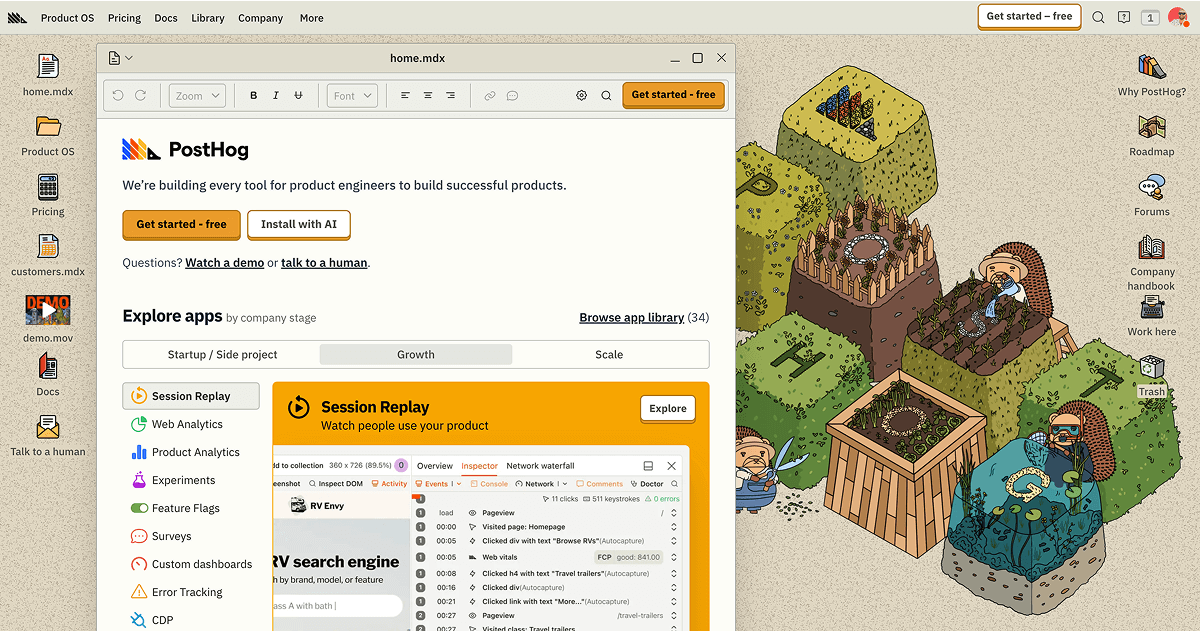
PostHog is a comprehensive suite of developer tools designed specifically for product engineers in the SaaS industry. It provides a single platform to build, test, measure, and ship products effectively and swiftly, addressing the industry's need for speed, accuracy, and efficiency.
Best for Product Analytics Tools for Growth Teams
Expert Take
PostHog Developer Tools stands out as a comprehensive solution for product engineers in the SaaS industry, offering a robust suite of features for building, testing, and measuring products. Its open-source, self-hosted option provides flexibility, while real-time data insights enhance decision-making. Despite some integration limitations, it remains a top choice for growth-focused teams.
Pros
- Generous free tier (1M events/month)
- All-in-one platform replaces multiple tools
- SOC 2 Type II and HIPAA compliant
- Direct SQL access to analytics data
- Open-source with self-hosting options
Cons
- Steep learning curve for non-technical users
- Deprecated Kubernetes Helm chart support
- Self-hosted version lacks commercial support
- Interface can be complex and overwhelming
- Reports of slow dashboard loading times
Best for teams that are
- Engineering-led startups and technical founders wanting an all-in-one platform
- Teams needing self-hosted options or strict data control (open source)
- Developers who want analytics, feature flags, and session replay in a single tool
Skip if
- Non-technical marketing teams who need a simple, no-code interface
- Enterprise teams requiring a dedicated, non-technical Customer Success solution
- Users who only want simple web analytics without developer-focused features
Best for teams that are
- Engineering-led startups and technical founders wanting an all-in-one platform
- Teams needing self-hosted options or strict data control (open source)
- Developers who want analytics, feature flags, and session replay in a single tool
Skip if
- Non-technical marketing teams who need a simple, no-code interface
- Enterprise teams requiring a dedicated, non-technical Customer Success solution
- Users who only want simple web analytics without developer-focused features
Pros
- Generous free tier (1M events/month)
- All-in-one platform replaces multiple tools
- SOC 2 Type II and HIPAA compliant
- Direct SQL access to analytics data
- Open-source with self-hosting options
Cons
- Steep learning curve for non-technical users
- Deprecated Kubernetes Helm chart support
- Self-hosted version lacks commercial support
- Interface can be complex and overwhelming
- Reports of slow dashboard loading times
Expert Take
PostHog Developer Tools stands out as a comprehensive solution for product engineers in the SaaS industry, offering a robust suite of features for building, testing, and measuring products. Its open-source, self-hosted option provides flexibility, while real-time data insights enhance decision-making. Despite some integration limitations, it remains a top choice for growth-focused teams.
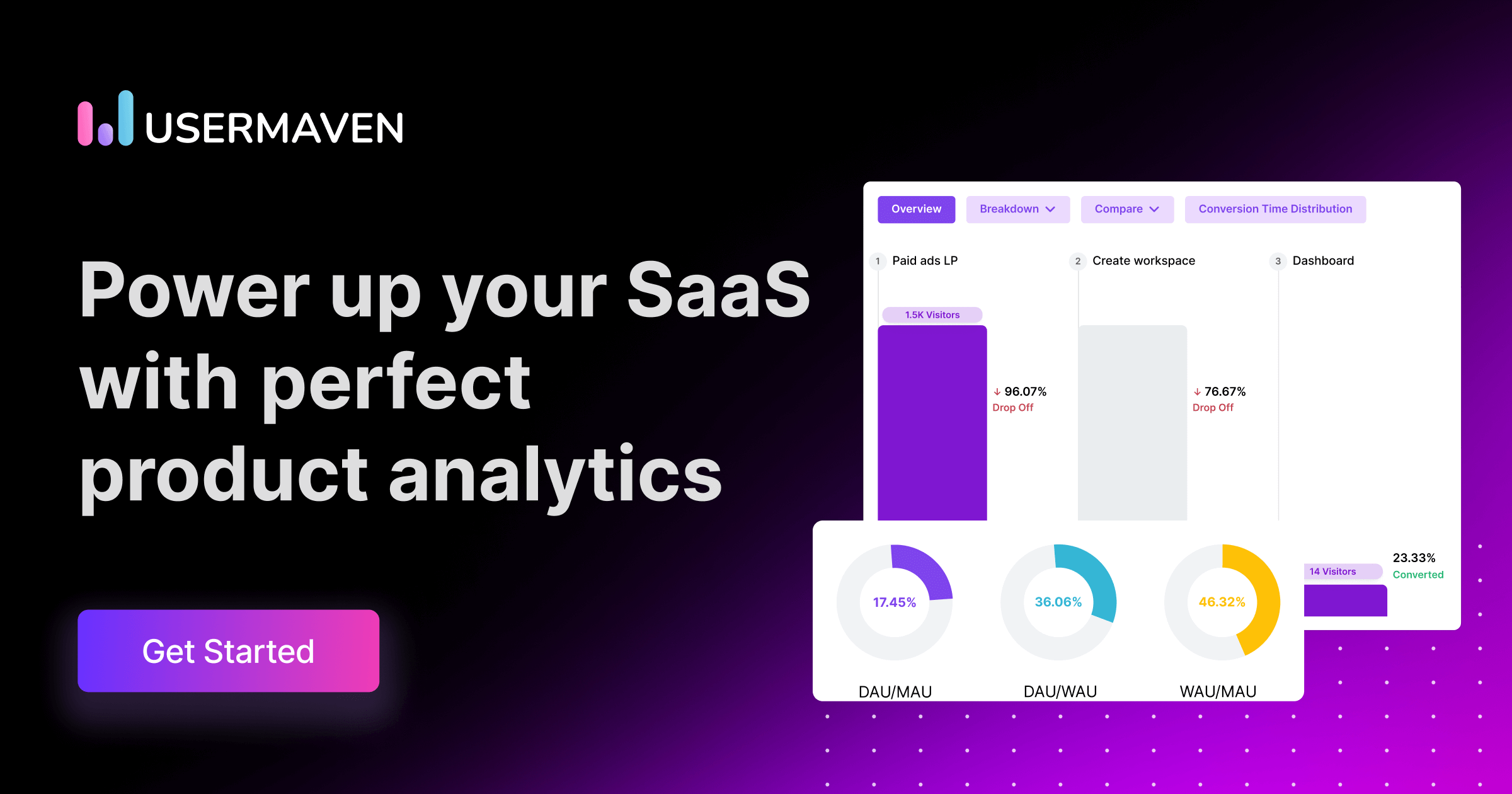
Usermaven is a comprehensive SaaS solution designed for product and marketing teams, offering actionable insights for product-led growth. Its analytics platform simplifies product data interpretation, making it an ideal tool for SaaS companies that need to understand user behavior, optimize product features, and drive growth.
Best for Product Analytics Tools for SaaS Teams
Expert Take
Usermaven Product Analytics is recognized for its comprehensive capabilities tailored for SaaS teams, providing actionable insights that drive product-led growth. Its user-friendly interface and customizable reporting enhance usability, while its market credibility is supported by third-party validations.
Pros
- Auto-capture events without coding
- Privacy-first & GDPR compliant
- Maven AI natural language queries
- Generous free tier (25k events)
- Unified product & marketing analytics
Cons
- Limited report customization options
- No multilingual dashboard support
- Fewer integrations than enterprise giants
- Attribution locked to higher tiers
- Steep learning curve for advanced features
Best for teams that are
- Privacy-focused companies needing GDPR/CCPA compliant cookieless tracking
- Marketing and product teams wanting simple no-code auto-capture
- Teams needing a hybrid of web analytics and product analytics
Skip if
- Enterprises requiring deep SQL access and complex behavioral analysis
- Teams needing an extensive ecosystem of third-party integrations
- Power users who need granular control over raw data exports
Best for teams that are
- Privacy-focused companies needing GDPR/CCPA compliant cookieless tracking
- Marketing and product teams wanting simple no-code auto-capture
- Teams needing a hybrid of web analytics and product analytics
Skip if
- Enterprises requiring deep SQL access and complex behavioral analysis
- Teams needing an extensive ecosystem of third-party integrations
- Power users who need granular control over raw data exports
Pros
- Auto-capture events without coding
- Privacy-first & GDPR compliant
- Maven AI natural language queries
- Generous free tier (25k events)
- Unified product & marketing analytics
Cons
- Limited report customization options
- No multilingual dashboard support
- Fewer integrations than enterprise giants
- Attribution locked to higher tiers
- Steep learning curve for advanced features
Expert Take
Usermaven Product Analytics is recognized for its comprehensive capabilities tailored for SaaS teams, providing actionable insights that drive product-led growth. Its user-friendly interface and customizable reporting enhance usability, while its market credibility is supported by third-party validations.
Statsig is a comprehensive data platform tailored for product development. It consolidates various tools crucial to product lifecycle management such as experimentation, analytics, feature flags, and session replays. Its ability to serve multiple needs in one platform makes it an ideal solution for industry professionals aiming to optimize and streamline their product development process.
Best for Product Analytics Tools with A B Testing
Expert Take
Statsig is a comprehensive platform that integrates multiple tools essential for product development, such as experimentation and analytics. Its scalability and integration capabilities make it a strong choice for industry professionals. However, pricing transparency could be improved, which slightly affects its overall score.
Pros
- Unlimited free feature flags
- Warehouse-native analysis prevents data egress
- Generous free tier (2M events/month)
- Unified experimentation and product analytics
- Proven scale (1T+ events/day)
Cons
- Steep learning curve for advanced stats
- Documentation gaps for complex features
- Bot detection capabilities could be stronger
- UI can be dense for new users
- Limited drill-down properties in some views
Best for teams that are
- Engineering-led product teams combining feature flags with A/B testing
- Startups to Enterprises wanting 'big tech' style experimentation infrastructure
- Teams capable of code-based implementation for deep product control
Skip if
- Non-technical marketing teams seeking a purely visual, no-code website editor
- Organizations looking for a simple, standalone marketing testing tool
- Teams without engineering resources to manage SDK implementations
Best for teams that are
- Engineering-led product teams combining feature flags with A/B testing
- Startups to Enterprises wanting 'big tech' style experimentation infrastructure
- Teams capable of code-based implementation for deep product control
Skip if
- Non-technical marketing teams seeking a purely visual, no-code website editor
- Organizations looking for a simple, standalone marketing testing tool
- Teams without engineering resources to manage SDK implementations
Pros
- Unlimited free feature flags
- Warehouse-native analysis prevents data egress
- Generous free tier (2M events/month)
- Unified experimentation and product analytics
- Proven scale (1T+ events/day)
Cons
- Steep learning curve for advanced stats
- Documentation gaps for complex features
- Bot detection capabilities could be stronger
- UI can be dense for new users
- Limited drill-down properties in some views
Expert Take
Statsig is a comprehensive platform that integrates multiple tools essential for product development, such as experimentation and analytics. Its scalability and integration capabilities make it a strong choice for industry professionals. However, pricing transparency could be improved, which slightly affects its overall score.

Amplitude Experiment is a powerful A/B testing and product experimentation tool specifically designed to meet the needs of data-driven product and marketing teams. It provides a seamless experimentation environment that allows professionals to make data-led decisions, optimize user experience, and drive product growth effectively.
Best for Product Analytics Tools with A B Testing
Expert Take
Amplitude Experiment stands out as a leading product analytics tool with robust A/B testing capabilities. It excels in providing data-driven insights and a seamless user experience, making it a preferred choice for data-driven teams. Its market credibility is reinforced by third-party recognitions and partnerships.
Pros
- Unified analytics and experimentation platform
- Advanced sequential and multi-armed bandit testing
- Generous free plan with 50k MTUs
- SOC 2, ISO 27001, and HIPAA compliant
- Visual editor for non-technical users
Cons
- Steep learning curve for new users
- Expensive at scale with high event volume
- Opaque pricing for Enterprise plans
- Complex setup for feature flags
- UI can be slow to navigate
Best for teams that are
- Existing Amplitude Analytics users wanting a unified data and testing platform
- Product teams focusing on complex behavioral targeting and user journeys
- Enterprises needing robust identity resolution across devices
Skip if
- Small teams with limited engineering resources for complex SDK setup
- Marketers looking for a simple drag-and-drop landing page optimizer
- Users seeking a standalone testing tool without adopting the analytics suite
Best for teams that are
- Existing Amplitude Analytics users wanting a unified data and testing platform
- Product teams focusing on complex behavioral targeting and user journeys
- Enterprises needing robust identity resolution across devices
Skip if
- Small teams with limited engineering resources for complex SDK setup
- Marketers looking for a simple drag-and-drop landing page optimizer
- Users seeking a standalone testing tool without adopting the analytics suite
Pros
- Unified analytics and experimentation platform
- Advanced sequential and multi-armed bandit testing
- Generous free plan with 50k MTUs
- SOC 2, ISO 27001, and HIPAA compliant
- Visual editor for non-technical users
Cons
- Steep learning curve for new users
- Expensive at scale with high event volume
- Opaque pricing for Enterprise plans
- Complex setup for feature flags
- UI can be slow to navigate
Expert Take
Amplitude Experiment stands out as a leading product analytics tool with robust A/B testing capabilities. It excels in providing data-driven insights and a seamless user experience, making it a preferred choice for data-driven teams. Its market credibility is reinforced by third-party recognitions and partnerships.
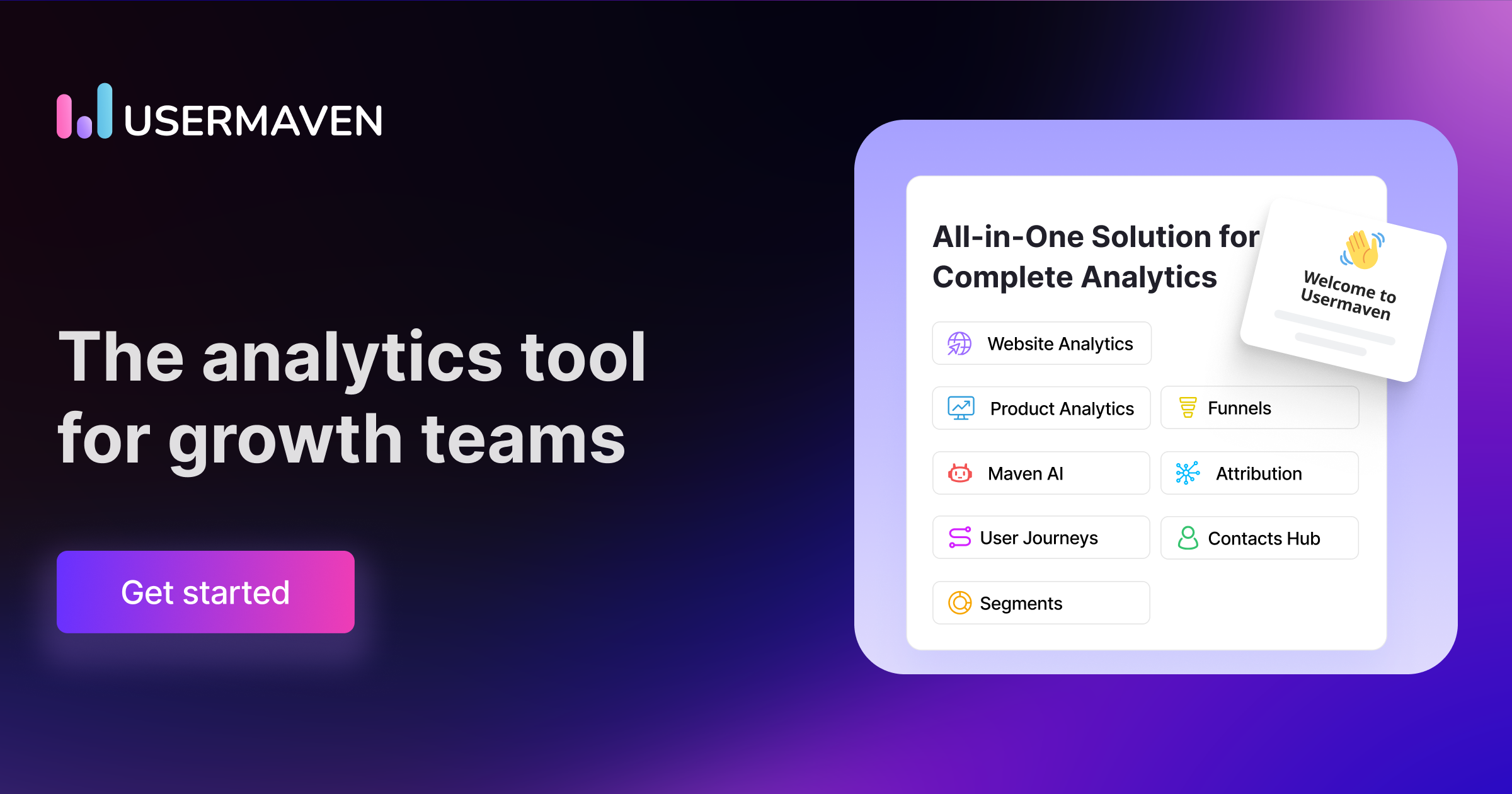
Usermaven is the go-to analytics platform crafted for growth teams. It empowers teams to revolutionize their growth strategies by offering real-time insights and precise attribution, addressing the industry's need for actionable data-driven solutions.
Best for Product Analytics Tools for Growth Teams
Expert Take
Usermaven Analytics is a specialized tool designed for growth teams, offering real-time insights and precise attribution. Its capabilities are well-documented, and it is recognized for its user-friendly interface and robust data analysis features. However, pricing transparency is limited, which may affect smaller businesses.
Pros
- Unified web and product analytics
- Privacy-first cookieless tracking
- Auto-capture events without coding
- Unlimited users and workspaces
- Bypasses ad-blockers via white-labeling
Cons
- No permanent free plan advertised
- Limited report customization options
- Advanced features locked to higher tiers
- Fewer integrations than legacy tools
- Documentation gaps for complex setups
Best for teams that are
- Small to mid-sized SaaS companies wanting a simple, all-in-one solution
- Non-technical teams needing auto-capture and no-code event tracking
- Privacy-conscious businesses looking for a GDPR-compliant, cookieless alternative
Skip if
- Large enterprises requiring complex, deep behavioral data modeling and SQL access
- Teams needing highly specialized, granular manual instrumentation for complex apps
- Users requiring extensive third-party integrations beyond standard marketing tools
Best for teams that are
- Small to mid-sized SaaS companies wanting a simple, all-in-one solution
- Non-technical teams needing auto-capture and no-code event tracking
- Privacy-conscious businesses looking for a GDPR-compliant, cookieless alternative
Skip if
- Large enterprises requiring complex, deep behavioral data modeling and SQL access
- Teams needing highly specialized, granular manual instrumentation for complex apps
- Users requiring extensive third-party integrations beyond standard marketing tools
Pros
- Unified web and product analytics
- Privacy-first cookieless tracking
- Auto-capture events without coding
- Unlimited users and workspaces
- Bypasses ad-blockers via white-labeling
Cons
- No permanent free plan advertised
- Limited report customization options
- Advanced features locked to higher tiers
- Fewer integrations than legacy tools
- Documentation gaps for complex setups
Expert Take
Usermaven Analytics is a specialized tool designed for growth teams, offering real-time insights and precise attribution. Its capabilities are well-documented, and it is recognized for its user-friendly interface and robust data analysis features. However, pricing transparency is limited, which may affect smaller businesses.

Relevance AI Feature Usage Analytics provides a sophisticated approach to understanding user engagement with product features. Its AI-powered analytics tools are a game-changer for product managers, providing detailed insights into how users interact with specific functionalities, aiding decision-making processes. It's tailored to fill the gap in the market for deep, data-driven understanding of feature usage.
Best for Feature Usage Analytics for Product Managers
Expert Take
Relevance AI Feature Usage Analytics excels in providing AI-powered insights into user engagement, making it a valuable tool for product managers. Its integration capabilities and real-time data collection enhance its utility, although pricing transparency could be improved. Overall, it stands out as a leading solution in feature usage analytics.
Pros
- Visual no-code builder for custom agents
- 2000+ integrations via Zapier and native apps
- SOC 2 Type II and GDPR compliant
- Generous free tier for testing capabilities
- AI detects anomalies traditional analytics miss
Cons
- Steep learning curve for complex workflows
- Strict no-refund policy causes frustration
- Credit consumption can be unpredictable
- Support response times can be slow
- Documentation lacks depth for advanced logic
Best for teams that are
- Teams wanting to build AI agents that automate analysis and generate insights automatically.
- Operations and product managers looking to delegate repetitive monitoring tasks to AI.
- Low-code builders who want to create custom workflows for tracking feature adoption.
Skip if
- Users seeking a traditional, out-of-the-box static dashboard without configuration.
- Teams with strict budgets who prefer flat-rate pricing over credit-based consumption models.
- Organizations requiring deterministic reporting without AI interpretation or reasoning.
Best for teams that are
- Teams wanting to build AI agents that automate analysis and generate insights automatically.
- Operations and product managers looking to delegate repetitive monitoring tasks to AI.
- Low-code builders who want to create custom workflows for tracking feature adoption.
Skip if
- Users seeking a traditional, out-of-the-box static dashboard without configuration.
- Teams with strict budgets who prefer flat-rate pricing over credit-based consumption models.
- Organizations requiring deterministic reporting without AI interpretation or reasoning.
Pros
- Visual no-code builder for custom agents
- 2000+ integrations via Zapier and native apps
- SOC 2 Type II and GDPR compliant
- Generous free tier for testing capabilities
- AI detects anomalies traditional analytics miss
Cons
- Steep learning curve for complex workflows
- Strict no-refund policy causes frustration
- Credit consumption can be unpredictable
- Support response times can be slow
- Documentation lacks depth for advanced logic
Expert Take
Relevance AI Feature Usage Analytics excels in providing AI-powered insights into user engagement, making it a valuable tool for product managers. Its integration capabilities and real-time data collection enhance its utility, although pricing transparency could be improved. Overall, it stands out as a leading solution in feature usage analytics.

Mixpanel is an advanced product analytics software that is ideal for growth teams in any industry. It provides insightful data on product and user growth, helping businesses to make informed decisions. It supports businesses at every stage, answering foundational questions and aiding sophisticated analysis.
Best for Product Analytics Tools for Growth Teams
Expert Take
Mixpanel is recognized for its advanced product analytics capabilities, offering comprehensive insights into user behavior and product usage. It is widely used by growth teams for its ability to facilitate data-driven decision-making. The platform's robust features and integration capabilities make it a strong contender in the product analytics space.
Pros
- Generous free plan (1M events/month)
- Native Warehouse Connectors (Snowflake/BigQuery)
- Integrated Session Replay capabilities
- SOC 2 Type II & HIPAA compliant
- Fast, intuitive self-serve reports
Cons
- Expensive scaling with event volume
- Steep learning curve for setup
- Engineering required for implementation
- HIPAA limited to Enterprise plan
- Support limited on lower tiers
Best for teams that are
- Product and growth teams needing granular, real-time event-based analysis
- Companies capable of implementing and maintaining a structured tracking plan
- Teams focused on converting specific user segments through deep behavioral funnels
Skip if
- Teams preferring automatic data capture over manual instrumentation
- Early-stage startups with very limited budgets, as costs scale with user volume
- Non-technical teams unable to manage a complex tracking implementation
Best for teams that are
- Product and growth teams needing granular, real-time event-based analysis
- Companies capable of implementing and maintaining a structured tracking plan
- Teams focused on converting specific user segments through deep behavioral funnels
Skip if
- Teams preferring automatic data capture over manual instrumentation
- Early-stage startups with very limited budgets, as costs scale with user volume
- Non-technical teams unable to manage a complex tracking implementation
Pros
- Generous free plan (1M events/month)
- Native Warehouse Connectors (Snowflake/BigQuery)
- Integrated Session Replay capabilities
- SOC 2 Type II & HIPAA compliant
- Fast, intuitive self-serve reports
Cons
- Expensive scaling with event volume
- Steep learning curve for setup
- Engineering required for implementation
- HIPAA limited to Enterprise plan
- Support limited on lower tiers
Expert Take
Mixpanel is recognized for its advanced product analytics capabilities, offering comprehensive insights into user behavior and product usage. It is widely used by growth teams for its ability to facilitate data-driven decision-making. The platform's robust features and integration capabilities make it a strong contender in the product analytics space.

Heatmap.com offers an innovative on-site analytics platform that provides deep insights into user behavior and links revenue to every pixel. It is a game-changer for businesses seeking to optimize their website performance, offering comprehensive data on every click on every element. It perfectly addresses the need of professionals in this industry to understand user behavior and how it impacts revenue.
Best for Product Analytics Tools with Heatmaps
Expert Take
Heatmap.com Analytics stands out as a leading product analytics tool with a focus on heatmaps, offering detailed insights into user behavior and revenue impact. Its integration capabilities and user-friendly interface enhance its usability, while its market credibility is supported by third-party recognition.
Pros
- Attributes revenue to specific page elements
- Lightweight 8kb script minimizes speed impact
- AI-driven recommendations for site optimization
- Deep integration with Shopify and WooCommerce
- Revenue-based screen recordings and scrollmaps
Cons
- Dashboard lags with heavy data loads
- Significant price jump between plan tiers
- Limited white-labeling options for agencies
- No historical data retro-active tracking
- Mobile app tracking is limited vs competitors
Best for teams that are
- Ecommerce brands wanting to attribute revenue to specific page elements
- Marketers focused on optimizing revenue-per-session
Skip if
- Non-ecommerce sites where revenue attribution isn't the main metric
- Users looking for a general-purpose, free heatmap tool
Best for teams that are
- Ecommerce brands wanting to attribute revenue to specific page elements
- Marketers focused on optimizing revenue-per-session
Skip if
- Non-ecommerce sites where revenue attribution isn't the main metric
- Users looking for a general-purpose, free heatmap tool
Pros
- Attributes revenue to specific page elements
- Lightweight 8kb script minimizes speed impact
- AI-driven recommendations for site optimization
- Deep integration with Shopify and WooCommerce
- Revenue-based screen recordings and scrollmaps
Cons
- Dashboard lags with heavy data loads
- Significant price jump between plan tiers
- Limited white-labeling options for agencies
- No historical data retro-active tracking
- Mobile app tracking is limited vs competitors
Expert Take
Heatmap.com Analytics stands out as a leading product analytics tool with a focus on heatmaps, offering detailed insights into user behavior and revenue impact. Its integration capabilities and user-friendly interface enhance its usability, while its market credibility is supported by third-party recognition.

Hotjar is a powerful SaaS solution that provides in-depth heatmaps and behavior analytics, specifically tailored for businesses to understand their website user behavior. It helps industry professionals to identify areas where users spend the most time, thus enabling them to optimize content placement and refine their website's layout to enhance user experience and ultimately, drive conversions.
Best for Product Analytics Tools with Heatmaps
Expert Take
Hotjar stands out as a leading tool in the product analytics space, particularly for its heatmap capabilities. It provides valuable insights into user behavior, allowing businesses to optimize their websites effectively. The product's market credibility is supported by its wide adoption and positive press coverage. While it offers extensive usability and customer experience, the limited functionality of its free plan and potential performance impacts are noted tradeoffs.
Pros
- Intuitive visual heatmaps and recordings
- Generous 'Free Forever' plan available
- Massive integration ecosystem (Slack, HubSpot)
- Strong GDPR and privacy compliance tools
- Modular pricing allows flexible feature selection
Cons
- Script measurably impacts site load speed
- Data retention capped at 365 days
- No support for native mobile apps
- Fragmented pricing can become expensive
- Support limited on lower-tier plans
Best for teams that are
- Marketers and UX designers needing visual behavior data and user feedback
- SMBs wanting an easy-to-use, all-in-one qualitative tool
Skip if
- Mobile app analytics as it currently only supports web-based tracking
- Enterprise teams needing complex quantitative event analysis
Best for teams that are
- Marketers and UX designers needing visual behavior data and user feedback
- SMBs wanting an easy-to-use, all-in-one qualitative tool
Skip if
- Mobile app analytics as it currently only supports web-based tracking
- Enterprise teams needing complex quantitative event analysis
Pros
- Intuitive visual heatmaps and recordings
- Generous 'Free Forever' plan available
- Massive integration ecosystem (Slack, HubSpot)
- Strong GDPR and privacy compliance tools
- Modular pricing allows flexible feature selection
Cons
- Script measurably impacts site load speed
- Data retention capped at 365 days
- No support for native mobile apps
- Fragmented pricing can become expensive
- Support limited on lower-tier plans
Expert Take
Hotjar stands out as a leading tool in the product analytics space, particularly for its heatmap capabilities. It provides valuable insights into user behavior, allowing businesses to optimize their websites effectively. The product's market credibility is supported by its wide adoption and positive press coverage. While it offers extensive usability and customer experience, the limited functionality of its free plan and potential performance impacts are noted tradeoffs.





Loading comparison data…