
Animation & Motion Graphics Software
These are the specialized categories within Animation & Motion Graphics Software. Looking for something broader? See all Design, Creative & Media Production Software categories.

Animaker, an AI-powered animation generator and video maker, specifically caters to the needs of marketing content teams by providing accessible, studio-quality animated videos. Its suite of tools and functionalities streamline the creation process, making it an ideal solution for marketing professionals looking to enhance their content with engaging, high-quality animations.
Best for Animation Tools for Marketing Content Teams
Expert Take
Animaker stands out as a leading tool for marketing content teams due to its AI-powered capabilities, extensive asset library, and user-friendly interface. It offers a balance of affordability and high-quality output, making it accessible for teams with varying budgets and expertise levels. The product's recognition in the industry further solidifies its position as a top choice for animation tools.
Pros
- Massive library of 100M+ stock assets
- ISO 27001 certified enterprise security
- Deep character customization with billions of options
- Intuitive drag-and-drop interface for beginners
- AI-powered tools like auto lip-sync
Cons
- Slow rendering times reported by users
- Interface can be laggy on complex projects
- Free plan exports are watermarked
- Premium assets limited by monthly credits
- 4K export locked to Enterprise plan
Best for teams that are
- HR and L&D teams creating internal training and onboarding videos
- Non-designers needing quick 2D explainer videos with pre-made assets
- Marketers wanting to create animated characters with auto lip-sync
Skip if
- Professional animators requiring frame-by-frame control
- Users needing to work offline without an internet connection
- Creators looking for complex 3D motion graphics capabilities
Best for teams that are
- HR and L&D teams creating internal training and onboarding videos
- Non-designers needing quick 2D explainer videos with pre-made assets
- Marketers wanting to create animated characters with auto lip-sync
Skip if
- Professional animators requiring frame-by-frame control
- Users needing to work offline without an internet connection
- Creators looking for complex 3D motion graphics capabilities
Pros
- Massive library of 100M+ stock assets
- ISO 27001 certified enterprise security
- Deep character customization with billions of options
- Intuitive drag-and-drop interface for beginners
- AI-powered tools like auto lip-sync
Cons
- Slow rendering times reported by users
- Interface can be laggy on complex projects
- Free plan exports are watermarked
- Premium assets limited by monthly credits
- 4K export locked to Enterprise plan
Expert Take
Animaker stands out as a leading tool for marketing content teams due to its AI-powered capabilities, extensive asset library, and user-friendly interface. It offers a balance of affordability and high-quality output, making it accessible for teams with varying budgets and expertise levels. The product's recognition in the industry further solidifies its position as a top choice for animation tools.

Vyond is an AI-driven video creation platform highly suited for education and training purposes. It harnesses artificial intelligence to convert ideas, documents, or URLs into engaging videos, streamlining the production of explainers, sales enablement, or training materials.
Best for Animation Tools for Education and Training
Expert Take
Vyond AI Video Creation excels in providing an intuitive platform for creating educational and training videos. Its AI-driven features and wide range of templates enhance user experience and content quality. While the pricing model may limit transparency, the overall capabilities and market trust make it a top choice in its category.
Pros
- FedRAMP Authorized & ISO 27001 certified
- Vyond Go generates videos from prompts
- Massive library of pre-animated assets
- Instant translation into 70+ languages
- Used by 65% of Fortune 500
Cons
- Essential plan includes watermark
- AI features limited by credits
- Browser lag on long videos
- No offline editing mode
- Expensive compared to basic tools
Best for teams that are
- Enterprises creating professional training and compliance videos
- Instructional designers needing lip-sync and character customization
- Large teams requiring robust data security and collaboration tools
Skip if
- Hobbyists or individuals on a tight budget due to high cost
- Creators wanting a personal, on-camera video style
- Users looking for non-corporate, artistic animation styles
Best for teams that are
- Enterprises creating professional training and compliance videos
- Instructional designers needing lip-sync and character customization
- Large teams requiring robust data security and collaboration tools
Skip if
- Hobbyists or individuals on a tight budget due to high cost
- Creators wanting a personal, on-camera video style
- Users looking for non-corporate, artistic animation styles
Pros
- FedRAMP Authorized & ISO 27001 certified
- Vyond Go generates videos from prompts
- Massive library of pre-animated assets
- Instant translation into 70+ languages
- Used by 65% of Fortune 500
Cons
- Essential plan includes watermark
- AI features limited by credits
- Browser lag on long videos
- No offline editing mode
- Expensive compared to basic tools
Expert Take
Vyond AI Video Creation excels in providing an intuitive platform for creating educational and training videos. Its AI-driven features and wide range of templates enhance user experience and content quality. While the pricing model may limit transparency, the overall capabilities and market trust make it a top choice in its category.
Jitter is a fast and simple web-based motion design tool that addresses the needs of creative industry professionals by offering reusable animations and built-in presets. It allows users to test ideas quickly and maintain brand consistency by enabling them to copy and paste animations across different layers.
Best for Animation Tools with Templates & Presets
Expert Take
Jitter Animation Design Tool excels as a fast and simple web-based motion design tool, offering reusable animations and built-in presets. It is particularly valued for its ease of use and efficiency, making it a preferred choice for creative professionals. However, it is limited to 2D animations and requires an internet connection.
Pros
- Intuitive drag-and-drop interface with zero learning curve
- Pixel-perfect Figma import preserves layer hierarchy
- Exports up to 4K resolution and 120fps
- Real-time multiplayer collaboration for teams
- Supports transparent video export (ProRes 4444 & WebM)
Cons
- Requires active internet connection (no offline mode)
- No 3D animation capabilities (2D only)
- Free plan exports are watermarked and 720p
- Limited advanced audio editing features
- Lacks complex VFX features found in After Effects
Best for teams that are
- UI/UX designers and marketing teams needing Figma-integrated motion tools
- Beginners wanting to create professional social media motion graphics quickly
- Product teams requiring collaborative, web-based animation workflows
Skip if
- Professional motion designers requiring advanced 3D or complex VFX tools
- Users needing offline access or heavy video editing capabilities
- Creators looking for long-form narrative animation software
Best for teams that are
- UI/UX designers and marketing teams needing Figma-integrated motion tools
- Beginners wanting to create professional social media motion graphics quickly
- Product teams requiring collaborative, web-based animation workflows
Skip if
- Professional motion designers requiring advanced 3D or complex VFX tools
- Users needing offline access or heavy video editing capabilities
- Creators looking for long-form narrative animation software
Pros
- Intuitive drag-and-drop interface with zero learning curve
- Pixel-perfect Figma import preserves layer hierarchy
- Exports up to 4K resolution and 120fps
- Real-time multiplayer collaboration for teams
- Supports transparent video export (ProRes 4444 & WebM)
Cons
- Requires active internet connection (no offline mode)
- No 3D animation capabilities (2D only)
- Free plan exports are watermarked and 720p
- Limited advanced audio editing features
- Lacks complex VFX features found in After Effects
Expert Take
Jitter Animation Design Tool excels as a fast and simple web-based motion design tool, offering reusable animations and built-in presets. It is particularly valued for its ease of use and efficiency, making it a preferred choice for creative professionals. However, it is limited to 2D animations and requires an internet connection.
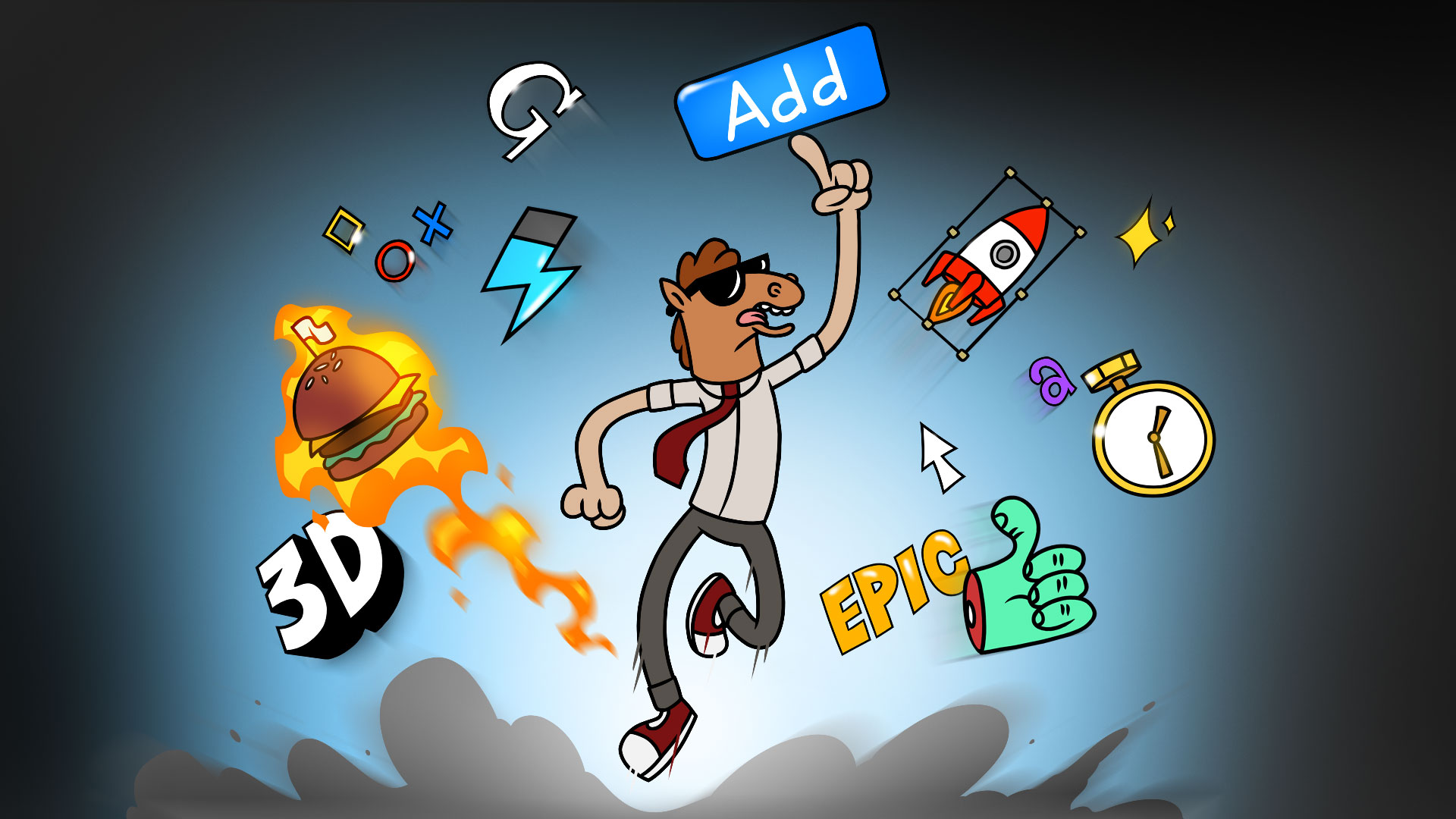
Mister Horse is a highly specialized SaaS solution for professionals in the animation and motion graphics industry. It offers high-quality presets, templates, and tools that can streamline the creation of stunning animated videos, catering specifically to the needs of Adobe After Effects & Premiere Pro users.
Best for Animation Tools with Templates & Presets
Expert Take
Mister Horse Animation Tools excels in providing high-quality presets and templates specifically for Adobe After Effects and Premiere Pro users. Its market credibility is supported by a large user base, and it offers a competitive pricing model with a free version available. However, it relies on third-party software, which may limit its functionality for some users.
Pros
- Library of over 6,000 drag-and-drop assets
- Includes essential Keyframe Wingman utility tool
- Free version available for commercial use
- User Library allows importing custom assets
- Cross-platform support for After Effects and Premiere
Cons
- Subscription-only pricing model (no perpetual option)
- Documented stability issues in Premiere Pro
- Limited customization on some pre-made assets
- No discounts for non-profit organizations
Best for teams that are
- Adobe Premiere and After Effects users seeking workflow efficiency
- Video editors needing quick, polished transitions and text presets
- YouTubers wanting to add professional polish without manual keyframing
Skip if
- Users who do not own or subscribe to Adobe Creative Cloud
- Motion designers wanting to create bespoke, custom animations from scratch
- Users looking for a standalone animation application
Best for teams that are
- Adobe Premiere and After Effects users seeking workflow efficiency
- Video editors needing quick, polished transitions and text presets
- YouTubers wanting to add professional polish without manual keyframing
Skip if
- Users who do not own or subscribe to Adobe Creative Cloud
- Motion designers wanting to create bespoke, custom animations from scratch
- Users looking for a standalone animation application
Pros
- Library of over 6,000 drag-and-drop assets
- Includes essential Keyframe Wingman utility tool
- Free version available for commercial use
- User Library allows importing custom assets
- Cross-platform support for After Effects and Premiere
Cons
- Subscription-only pricing model (no perpetual option)
- Documented stability issues in Premiere Pro
- Limited customization on some pre-made assets
- No discounts for non-profit organizations
Expert Take
Mister Horse Animation Tools excels in providing high-quality presets and templates specifically for Adobe After Effects and Premiere Pro users. Its market credibility is supported by a large user base, and it offers a competitive pricing model with a free version available. However, it relies on third-party software, which may limit its functionality for some users.
Specifically designed for video post-production, motion graphics, and visual effects professionals, Red Giant provides an extensive toolkit that delivers high-level color grading and smooth transitions. Its comprehensive features meet the industry-specific needs for precision, creativity, and efficiency in video editing.
Best for Motion Graphics Tools for Video Production
Expert Take
Red Giant Toolkit is recognized as a leading solution in the motion graphics and video production industry, offering an extensive set of tools for high-level color grading and transitions. Its strong market credibility and usability make it a top choice for professionals, despite some complexity for beginners.
Pros
- Industry-standard particle & VFX tools
- Comprehensive color grading suite
- Wide host application support
- Regular feature updates (Geo, Capsules)
- Unified management via Maxon App
Cons
- Subscription-only pricing model
- Licensing app connectivity issues
- Strict refund policy (14 days annual only)
- Support response delays
Best for teams that are
- VFX artists using After Effects for particles and compositing
- Editors needing professional color grading and finishing tools
- Motion designers requiring broadcast-quality effects
Skip if
- Beginners or hobbyists on a tight budget
- Users who do not own host apps like After Effects or Premiere
- Creators looking for simple, one-click social templates
Best for teams that are
- VFX artists using After Effects for particles and compositing
- Editors needing professional color grading and finishing tools
- Motion designers requiring broadcast-quality effects
Skip if
- Beginners or hobbyists on a tight budget
- Users who do not own host apps like After Effects or Premiere
- Creators looking for simple, one-click social templates
Pros
- Industry-standard particle & VFX tools
- Comprehensive color grading suite
- Wide host application support
- Regular feature updates (Geo, Capsules)
- Unified management via Maxon App
Cons
- Subscription-only pricing model
- Licensing app connectivity issues
- Strict refund policy (14 days annual only)
- Support response delays
Expert Take
Red Giant Toolkit is recognized as a leading solution in the motion graphics and video production industry, offering an extensive set of tools for high-level color grading and transitions. Its strong market credibility and usability make it a top choice for professionals, despite some complexity for beginners.
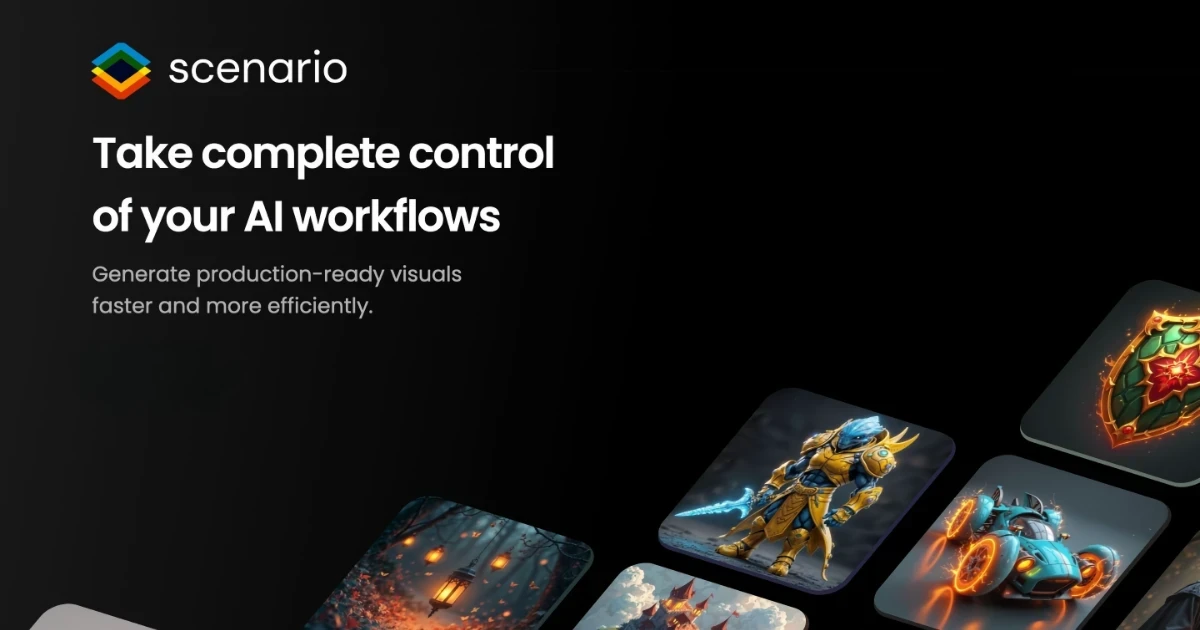
Scenario provides an AI-powered content generation platform specifically designed to cater to the needs of the gaming, media, and marketing industries. It allows users to generate custom AI models, images, videos, and 3D assets to streamline creative operations, making it an essential tool for industry professionals who require high-quality digital assets quickly and efficiently.
Best for Animation Tools with AI-Generated Assets
Expert Take
Scenario AI Content Generation excels in providing AI-driven solutions for the gaming, media, and marketing industries. Its ability to generate custom AI models and digital assets efficiently positions it as a top-tier tool in its category. Despite some limitations in customization and pricing transparency, it remains a highly valuable asset for creative professionals.
Pros
- Custom model training ensures consistent game art style
- Official Unity plugin streamlines workflow
- Enterprise-grade security with SOC2 compliance
- API-first design allows flexible integration
- Trusted by major studios like Ubisoft and Scopely
Cons
- Unused monthly credits do not roll over
- Canvas tool has a learning curve
- Advanced security features gated to Enterprise
- 3D generation features are less mature than 2D
- Private scenarios sometimes bugged as 'under review'
Best for teams that are
- Game developers and studios requiring style-consistent assets
- Artists wanting to train custom AI models on specific game art styles
- Designers integrating assets directly into Unity or Unreal Engine
Skip if
- General users looking for standard stock photo or video generation
- Creators needing long-form narrative video content
- Those seeking a simple, one-off image generator without model training
Best for teams that are
- Game developers and studios requiring style-consistent assets
- Artists wanting to train custom AI models on specific game art styles
- Designers integrating assets directly into Unity or Unreal Engine
Skip if
- General users looking for standard stock photo or video generation
- Creators needing long-form narrative video content
- Those seeking a simple, one-off image generator without model training
Pros
- Custom model training ensures consistent game art style
- Official Unity plugin streamlines workflow
- Enterprise-grade security with SOC2 compliance
- API-first design allows flexible integration
- Trusted by major studios like Ubisoft and Scopely
Cons
- Unused monthly credits do not roll over
- Canvas tool has a learning curve
- Advanced security features gated to Enterprise
- 3D generation features are less mature than 2D
- Private scenarios sometimes bugged as 'under review'
Expert Take
Scenario AI Content Generation excels in providing AI-driven solutions for the gaming, media, and marketing industries. Its ability to generate custom AI models and digital assets efficiently positions it as a top-tier tool in its category. Despite some limitations in customization and pricing transparency, it remains a highly valuable asset for creative professionals.

Toon Boom Animation Software is a premier solution for educators and trainers in the creative and digital media space. Its comprehensive toolset, designed specifically for creating 2D animations, aligns perfectly with the needs of the education and training industry. The software allows for easy development and delivery of engaging, high-quality instructional materials.
Best for Animation Tools for Education and Training
Expert Take
Toon Boom Animation Software is a leading solution in the animation education sector due to its comprehensive 2D animation tools and global reach. It is recognized for its robust feature set tailored for educators and trainers, supported by extensive training resources and a strong market presence.
Pros
- Industry standard for 2D TV animation
- Advanced rigging and deformer tools
- Powerful node-based compositing system
- Seamless 2D/3D hybrid workflow
- Deep integration with Storyboard Pro
Cons
- Steep learning curve for beginners
- Expensive Premium subscription tier
- No perpetual license option available
- Resource-heavy system requirements
- Complex UI can be overwhelming
Best for teams that are
- Professional studios working on TV, film, or game productions
- Students learning industry-standard 2D rigging and compositing
- Artists needing advanced vector and bitmap drawing tools
Skip if
- Beginners looking for quick, drag-and-drop video creation
- Users with limited budgets or hardware unable to run heavy apps
- Educators needing simple tools for general classroom use
Best for teams that are
- Professional studios working on TV, film, or game productions
- Students learning industry-standard 2D rigging and compositing
- Artists needing advanced vector and bitmap drawing tools
Skip if
- Beginners looking for quick, drag-and-drop video creation
- Users with limited budgets or hardware unable to run heavy apps
- Educators needing simple tools for general classroom use
Pros
- Industry standard for 2D TV animation
- Advanced rigging and deformer tools
- Powerful node-based compositing system
- Seamless 2D/3D hybrid workflow
- Deep integration with Storyboard Pro
Cons
- Steep learning curve for beginners
- Expensive Premium subscription tier
- No perpetual license option available
- Resource-heavy system requirements
- Complex UI can be overwhelming
Expert Take
Toon Boom Animation Software is a leading solution in the animation education sector due to its comprehensive 2D animation tools and global reach. It is recognized for its robust feature set tailored for educators and trainers, supported by extensive training resources and a strong market presence.
Move AI is a game-changer in the animation industry, providing effortless character animation and high precision motion capture. It addresses the industry's needs for speed, cost-efficiency, and innovation, by leveraging AI to create realistic, dynamic animations with less manual input and time.
Best for Animation Tools with AI-Generated Assets
Expert Take
Move AI excels in providing AI-driven animation tools that enhance efficiency and precision in character animation. Its capabilities in motion capture and AI-generated assets are well-documented, positioning it as a leader in its niche. While pricing transparency is limited, the product's innovative features and industry relevance justify its premium status.
Pros
- Markerless capture using standard iPhones
- Scalable from single to multi-camera
- High-fidelity finger and hand tracking
- Exports to FBX, USD, and Blender
- Accessible entry pricing ($15/month)
Cons
- Slow processing time (15-30x video length)
- Real-time requires expensive hardware
- Credit system can be complex
- Single-cam struggles with occlusion
- Documentation lags behind engine updates
Best for teams that are
- 3D animators and game devs needing markerless motion capture
- Indie creators wanting studio-grade mocap using standard iPhones
- VFX artists requiring affordable body motion data for characters
Skip if
- Productions requiring sub-millimeter optical precision (e.g., Vicon)
- Users with very limited physical space for capture volumes
- Those needing real-time streaming without high-end GPU hardware
Best for teams that are
- 3D animators and game devs needing markerless motion capture
- Indie creators wanting studio-grade mocap using standard iPhones
- VFX artists requiring affordable body motion data for characters
Skip if
- Productions requiring sub-millimeter optical precision (e.g., Vicon)
- Users with very limited physical space for capture volumes
- Those needing real-time streaming without high-end GPU hardware
Pros
- Markerless capture using standard iPhones
- Scalable from single to multi-camera
- High-fidelity finger and hand tracking
- Exports to FBX, USD, and Blender
- Accessible entry pricing ($15/month)
Cons
- Slow processing time (15-30x video length)
- Real-time requires expensive hardware
- Credit system can be complex
- Single-cam struggles with occlusion
- Documentation lags behind engine updates
Expert Take
Move AI excels in providing AI-driven animation tools that enhance efficiency and precision in character animation. Its capabilities in motion capture and AI-generated assets are well-documented, positioning it as a leader in its niche. While pricing transparency is limited, the product's innovative features and industry relevance justify its premium status.
Powtoon: Online Video and Animation Maker

Powtoon is a leading online video and animation maker specifically designed for marketing content teams. This SaaS solution allows users to create explainer videos, animated presentations, and marketing videos with ease, addressing the need for impactful and engaging content in the marketing industry.
Best for Animation Tools for Marketing Content Teams
Expert Take
Powtoon excels in providing a user-friendly platform for creating marketing content through animations and videos. Its integration capabilities and extensive template library make it a valuable tool for marketing teams. While its premium plans may be costly for small businesses, the overall offering justifies its position as a top-tier animation tool.
Pros
- Used by 96% of Fortune 500 companies
- ISO 27001 certified and SOC 2 aligned
- Deep integrations with Canva and Photoshop
- Unified platform for AI and manual animation
- Extensive library of templates and assets
Cons
- Editor can lag with complex projects
- Complaints regarding auto-renewal transparency
- AI features limited by credit system
- No refunds on unused AI credits
- Free plan has significant limitations
Best for teams that are
- Corporate trainers creating engaging internal presentations
- Marketers building animated explainer videos without design skills
- Teams needing to convert PowerPoint slides into animated videos
Skip if
- Advanced motion designers seeking granular timeline control
- Users needing to work offline or create frame-by-frame animation
- Creators looking for realistic 3D animation styles
Best for teams that are
- Corporate trainers creating engaging internal presentations
- Marketers building animated explainer videos without design skills
- Teams needing to convert PowerPoint slides into animated videos
Skip if
- Advanced motion designers seeking granular timeline control
- Users needing to work offline or create frame-by-frame animation
- Creators looking for realistic 3D animation styles
Pros
- Used by 96% of Fortune 500 companies
- ISO 27001 certified and SOC 2 aligned
- Deep integrations with Canva and Photoshop
- Unified platform for AI and manual animation
- Extensive library of templates and assets
Cons
- Editor can lag with complex projects
- Complaints regarding auto-renewal transparency
- AI features limited by credit system
- No refunds on unused AI credits
- Free plan has significant limitations
Expert Take
Powtoon excels in providing a user-friendly platform for creating marketing content through animations and videos. Its integration capabilities and extensive template library make it a valuable tool for marketing teams. While its premium plans may be costly for small businesses, the overall offering justifies its position as a top-tier animation tool.
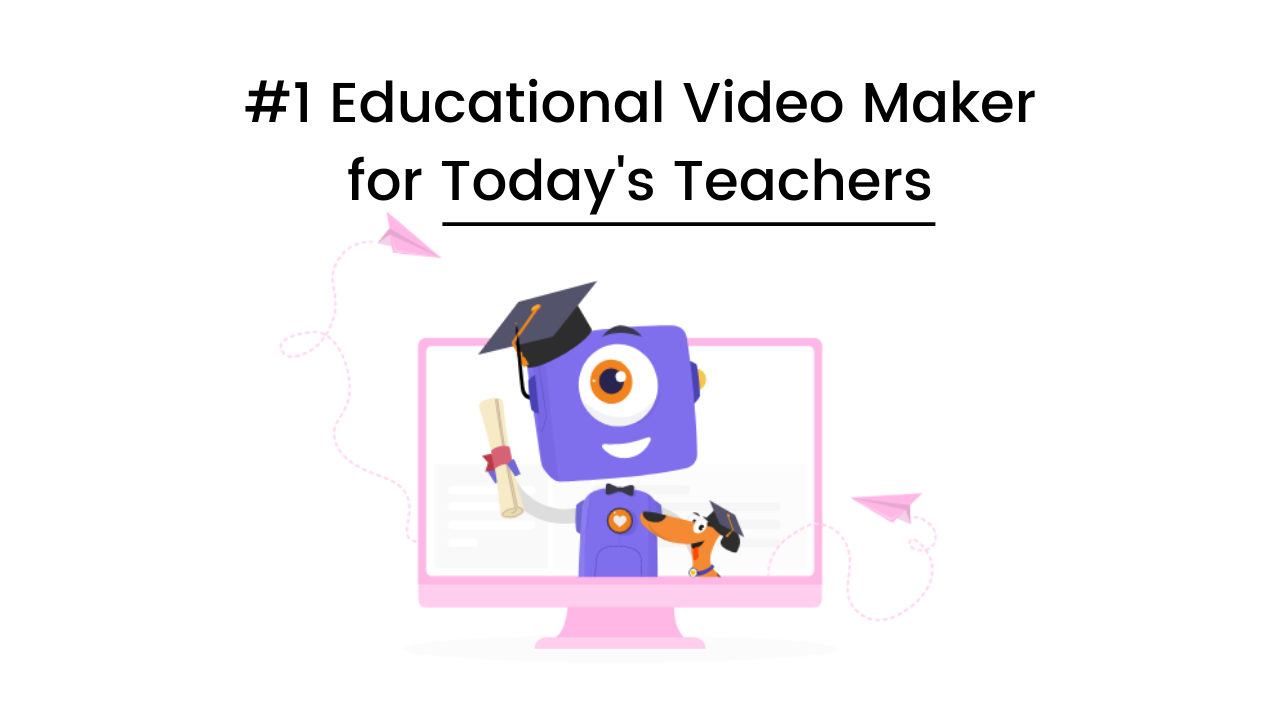
Animaker is an AI-powered educational video maker that is designed to simplify the process of creating engaging and impactful videos in the educational field. Its rich features and intuitive interface make it a perfect tool for educators and trainers who want to deliver content in a more interactive and efficient way.
Best for Animation Tools for Education and Training
Expert Take
Animaker for Education stands out as a leading tool in the animation software category for educational purposes. Its AI-powered features, ease of use, and educational templates make it highly suitable for educators and trainers. Despite some limitations in the free plan, its comprehensive capabilities and market credibility justify its premium positioning.
Pros
- Intuitive drag-and-drop interface
- Dedicated classroom management dashboard
- Massive library of 100M+ assets
- AI-powered text-to-video tools
- Real-time collaboration features
Cons
- Privacy warning from Common Sense Media
- Watermarks on free plan exports
- Slow rendering and interface lag
- Limited export count on free tier
- No 3D animation capabilities
Best for teams that are
- Teachers and students creating animated classroom presentations
- Beginners needing a vast library of pre-made assets and templates
- Users wanting to create animated characters with simple lip-sync
Skip if
- Professionals requiring advanced motion graphics or timeline control
- Users with unstable internet as the tool is entirely cloud-based
- Creators needing complex frame-by-frame animation tools
Best for teams that are
- Teachers and students creating animated classroom presentations
- Beginners needing a vast library of pre-made assets and templates
- Users wanting to create animated characters with simple lip-sync
Skip if
- Professionals requiring advanced motion graphics or timeline control
- Users with unstable internet as the tool is entirely cloud-based
- Creators needing complex frame-by-frame animation tools
Pros
- Intuitive drag-and-drop interface
- Dedicated classroom management dashboard
- Massive library of 100M+ assets
- AI-powered text-to-video tools
- Real-time collaboration features
Cons
- Privacy warning from Common Sense Media
- Watermarks on free plan exports
- Slow rendering and interface lag
- Limited export count on free tier
- No 3D animation capabilities
Expert Take
Animaker for Education stands out as a leading tool in the animation software category for educational purposes. Its AI-powered features, ease of use, and educational templates make it highly suitable for educators and trainers. Despite some limitations in the free plan, its comprehensive capabilities and market credibility justify its premium positioning.