
Animation & Motion Graphics Software
These are the specialized categories within Animation & Motion Graphics Software. Looking for something broader? See all Design, Creative & Media Production Software categories.

How big is your team?
What's your budget situation?
What's your team's technical comfort level?
What's the ONE thing this tool must do well?

Skywork AI is designed for marketing content teams looking to streamline their workflow. It combines research, design, and formatting in one interface, utilizing advanced Super Agents for complex tasks like research and content creation.
Best for Animation Tools for Marketing Content Teams
Expert Take
Skywork AI essentially replaces your entire productivity stack by merging research, design, and formatting into one fluid interface. By utilizing specialized Super Agents governed by an advanced top-level planning agent, it handles complex workflows—from deep academic research to generating multi-speaker podcasts and professional slide decks—without losing contextual continuity.
Pros
- All-in-one multimodal workspace (docs, slides, video, podcasts)
- Proprietary DeepResearch scans up to 600 sources
- Generous free tier for basic exploration
- Open-source access to underlying agent frameworks
Cons
- Heavy multimedia generation burns credits quickly
- Website generation lacks dedicated structural polish
- Some stylized image prompts yield inaccurate aesthetics
Best for teams that are
- Professionals turning deep research into slides and documents.
- Knowledge workers needing multi-source data synthesis.
Skip if
- Free tier users needing high generation volume.
- Animators looking for advanced custom motion graphics.
Best for teams that are
- Professionals turning deep research into slides and documents.
- Knowledge workers needing multi-source data synthesis.
Skip if
- Free tier users needing high generation volume.
- Animators looking for advanced custom motion graphics.
Pros
- All-in-one multimodal workspace (docs, slides, video, podcasts)
- Proprietary DeepResearch scans up to 600 sources
- Generous free tier for basic exploration
- Open-source access to underlying agent frameworks
Cons
- Heavy multimedia generation burns credits quickly
- Website generation lacks dedicated structural polish
- Some stylized image prompts yield inaccurate aesthetics
Expert Take
Skywork AI essentially replaces your entire productivity stack by merging research, design, and formatting into one fluid interface. By utilizing specialized Super Agents governed by an advanced top-level planning agent, it handles complex workflows—from deep academic research to generating multi-speaker podcasts and professional slide decks—without losing contextual continuity.

Pacdora revolutionizes packaging design by offering a web-based tool with parametric dieline generation and 3D visualization. Ideal for freelancers and agencies, it provides a vast template library and real-time rendering capabilities, all within a browser or Adobe Illustrator.
Best for Animation Tools with Templates & Presets
Expert Take
Pacdora fundamentally streamlines the packaging design process by combining parametric dieline generation with stunning 3D visualization. Instead of juggling complex CAD software and traditional 2D editors, designers can iterate in real-time within their browser or directly inside Adobe Illustrator. Its vast template library and instant 4K rendering capabilities make professional-grade packaging accessible to freelancers and agencies alike.
Pros
- Massive library of 3D templates
- Exports precise AI, PDF, DXF dielines
- Intuitive Adobe Illustrator plugin
- Web-based with real-time 3D rendering
Cons
- Occasional login and access bugs
- Inch dimensions may lack US accuracy
- Price hikes for unwanted AI tools
Best for teams that are
- Packaging designers and manufacturers needing accurate dielines.
- E-commerce brands wanting quick, photorealistic 3D packaging mockups.
Skip if
- Designers looking to build general 3D character or environmental models.
- Users who only need occasional mockups and avoid paid tiers.
Best for teams that are
- Packaging designers and manufacturers needing accurate dielines.
- E-commerce brands wanting quick, photorealistic 3D packaging mockups.
Skip if
- Designers looking to build general 3D character or environmental models.
- Users who only need occasional mockups and avoid paid tiers.
Pros
- Massive library of 3D templates
- Exports precise AI, PDF, DXF dielines
- Intuitive Adobe Illustrator plugin
- Web-based with real-time 3D rendering
Cons
- Occasional login and access bugs
- Inch dimensions may lack US accuracy
- Price hikes for unwanted AI tools
Expert Take
Pacdora fundamentally streamlines the packaging design process by combining parametric dieline generation with stunning 3D visualization. Instead of juggling complex CAD software and traditional 2D editors, designers can iterate in real-time within their browser or directly inside Adobe Illustrator. Its vast template library and instant 4K rendering capabilities make professional-grade packaging accessible to freelancers and agencies alike.

Vyond is an AI-driven video creation platform highly suited for education and training purposes. It harnesses artificial intelligence to convert ideas, documents, or URLs into engaging videos, streamlining the production of explainers, sales enablement, or training materials.
Best for Animation Tools for Education and Training
Expert Take
Vyond AI Video Creation excels in providing an intuitive platform for creating educational and training videos. Its AI-driven features and wide range of templates enhance user experience and content quality. While the pricing model may limit transparency, the overall capabilities and market trust make it a top choice in its category.
Pros
- FedRAMP Authorized & ISO 27001 certified
- Vyond Go generates videos from prompts
- Massive library of pre-animated assets
- Instant translation into 70+ languages
- Used by 65% of Fortune 500
Cons
- Essential plan includes watermark
- AI features limited by credits
- Browser lag on long videos
- No offline editing mode
- Expensive compared to basic tools
Best for teams that are
- Enterprises creating professional training and compliance videos
- Instructional designers needing lip-sync and character customization
- Large teams requiring robust data security and collaboration tools
Skip if
- Hobbyists or individuals on a tight budget due to high cost
- Creators wanting a personal, on-camera video style
- Users looking for non-corporate, artistic animation styles
Best for teams that are
- Enterprises creating professional training and compliance videos
- Instructional designers needing lip-sync and character customization
- Large teams requiring robust data security and collaboration tools
Skip if
- Hobbyists or individuals on a tight budget due to high cost
- Creators wanting a personal, on-camera video style
- Users looking for non-corporate, artistic animation styles
Pros
- FedRAMP Authorized & ISO 27001 certified
- Vyond Go generates videos from prompts
- Massive library of pre-animated assets
- Instant translation into 70+ languages
- Used by 65% of Fortune 500
Cons
- Essential plan includes watermark
- AI features limited by credits
- Browser lag on long videos
- No offline editing mode
- Expensive compared to basic tools
Expert Take
Vyond AI Video Creation excels in providing an intuitive platform for creating educational and training videos. Its AI-driven features and wide range of templates enhance user experience and content quality. While the pricing model may limit transparency, the overall capabilities and market trust make it a top choice in its category.
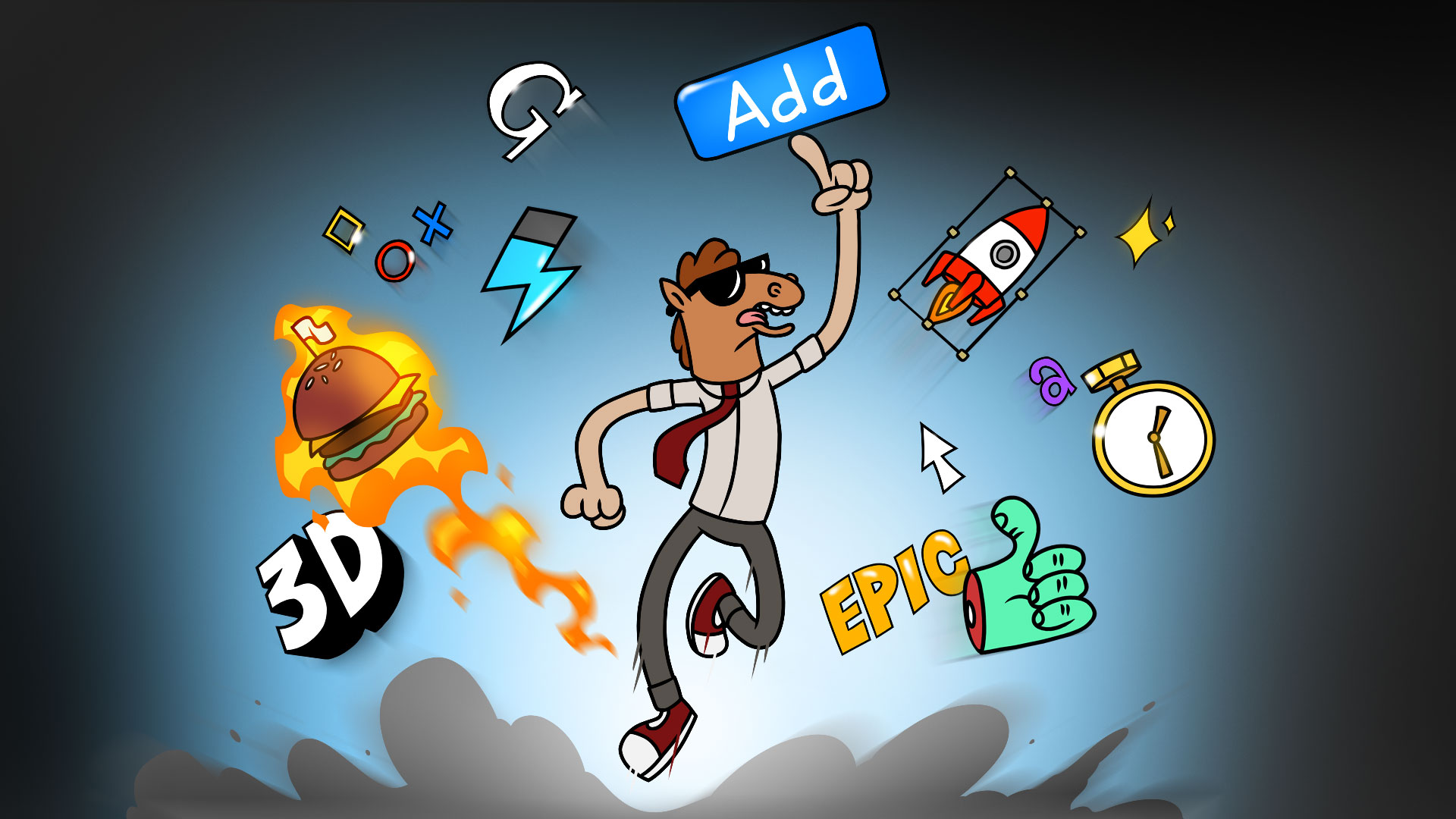
Mister Horse is a highly specialized SaaS solution for professionals in the animation and motion graphics industry. It offers high-quality presets, templates, and tools that can streamline the creation of stunning animated videos, catering specifically to the needs of Adobe After Effects & Premiere Pro users.
Best for Animation Tools with Templates & Presets
Expert Take
Mister Horse Animation Tools excels in providing high-quality presets and templates specifically for Adobe After Effects and Premiere Pro users. Its market credibility is supported by a large user base, and it offers a competitive pricing model with a free version available. However, it relies on third-party software, which may limit its functionality for some users.
Pros
- Library of over 6,000 drag-and-drop assets
- Includes essential Keyframe Wingman utility tool
- Free version available for commercial use
- User Library allows importing custom assets
- Cross-platform support for After Effects and Premiere
Cons
- Subscription-only pricing model (no perpetual option)
- Documented stability issues in Premiere Pro
- Limited customization on some pre-made assets
- No discounts for non-profit organizations
Best for teams that are
- Video editors and freelancers needing quick presets to save time.
- Teams looking for ready-made transitions and text animations.
Skip if
- Users strongly opposed to subscription-based pricing models.
- High-end professionals needing custom-built VFX from scratch.
Best for teams that are
- Video editors and freelancers needing quick presets to save time.
- Teams looking for ready-made transitions and text animations.
Skip if
- Users strongly opposed to subscription-based pricing models.
- High-end professionals needing custom-built VFX from scratch.
Pros
- Library of over 6,000 drag-and-drop assets
- Includes essential Keyframe Wingman utility tool
- Free version available for commercial use
- User Library allows importing custom assets
- Cross-platform support for After Effects and Premiere
Cons
- Subscription-only pricing model (no perpetual option)
- Documented stability issues in Premiere Pro
- Limited customization on some pre-made assets
- No discounts for non-profit organizations
Expert Take
Mister Horse Animation Tools excels in providing high-quality presets and templates specifically for Adobe After Effects and Premiere Pro users. Its market credibility is supported by a large user base, and it offers a competitive pricing model with a free version available. However, it relies on third-party software, which may limit its functionality for some users.
Jitter is a potent SaaS solution for animators and motion designers in the video production industry, offering a streamlined, web-based platform for creating quick, intuitive animations. Its user-friendly interface and fast export functionality meet the industry's need for efficient, high-quality motion design production.
Best for Motion Graphics Tools for Video Production
Expert Take
Jitter Motion Design Tool excels in providing a user-friendly, web-based platform for motion designers, offering fast and efficient animation capabilities. While it may lack some advanced features, its accessibility and cost-effectiveness make it a top choice for video production professionals seeking simplicity and speed.
Pros
- Intuitive interface lowers entry barrier
- Seamless Figma import and sync
- Supports 4K, Lottie, and transparent video
- Real-time web-based collaboration
- Generous free plan for testing
Cons
- No 3D or advanced VFX capabilities
- Free exports are watermarked and 720p
- Requires constant internet connection
- Less granular control than After Effects
Best for teams that are
- UI/UX designers animating Figma mockups and interfaces.
- Marketers creating fast social media motion graphics.
- Web designers building simple micro-interactions.
Skip if
- 3D animators needing complex character rigging.
- Professional film VFX artists doing advanced compositing.
Best for teams that are
- UI/UX designers animating Figma mockups and interfaces.
- Marketers creating fast social media motion graphics.
- Web designers building simple micro-interactions.
Skip if
- 3D animators needing complex character rigging.
- Professional film VFX artists doing advanced compositing.
Pros
- Intuitive interface lowers entry barrier
- Seamless Figma import and sync
- Supports 4K, Lottie, and transparent video
- Real-time web-based collaboration
- Generous free plan for testing
Cons
- No 3D or advanced VFX capabilities
- Free exports are watermarked and 720p
- Requires constant internet connection
- Less granular control than After Effects
Expert Take
Jitter Motion Design Tool excels in providing a user-friendly, web-based platform for motion designers, offering fast and efficient animation capabilities. While it may lack some advanced features, its accessibility and cost-effectiveness make it a top choice for video production professionals seeking simplicity and speed.

Toon Boom Animation Software is a premier solution for educators and trainers in the creative and digital media space. Its comprehensive toolset, designed specifically for creating 2D animations, aligns perfectly with the needs of the education and training industry. The software allows for easy development and delivery of engaging, high-quality instructional materials.
Best for Animation Tools for Education and Training
Expert Take
Toon Boom Animation Software is a leading solution in the animation education sector due to its comprehensive 2D animation tools and global reach. It is recognized for its robust feature set tailored for educators and trainers, supported by extensive training resources and a strong market presence.
Pros
- Industry standard for 2D TV animation
- Advanced rigging and deformer tools
- Powerful node-based compositing system
- Seamless 2D/3D hybrid workflow
- Deep integration with Storyboard Pro
Cons
- Steep learning curve for beginners
- Expensive Premium subscription tier
- No perpetual license option available
- Resource-heavy system requirements
- Complex UI can be overwhelming
Best for teams that are
- Professional studios working on TV, film, or game productions
- Students learning industry-standard 2D rigging and compositing
- Artists needing advanced vector and bitmap drawing tools
Skip if
- Beginners looking for quick, drag-and-drop video creation
- Users with limited budgets or hardware unable to run heavy apps
- Educators needing simple tools for general classroom use
Best for teams that are
- Professional studios working on TV, film, or game productions
- Students learning industry-standard 2D rigging and compositing
- Artists needing advanced vector and bitmap drawing tools
Skip if
- Beginners looking for quick, drag-and-drop video creation
- Users with limited budgets or hardware unable to run heavy apps
- Educators needing simple tools for general classroom use
Pros
- Industry standard for 2D TV animation
- Advanced rigging and deformer tools
- Powerful node-based compositing system
- Seamless 2D/3D hybrid workflow
- Deep integration with Storyboard Pro
Cons
- Steep learning curve for beginners
- Expensive Premium subscription tier
- No perpetual license option available
- Resource-heavy system requirements
- Complex UI can be overwhelming
Expert Take
Toon Boom Animation Software is a leading solution in the animation education sector due to its comprehensive 2D animation tools and global reach. It is recognized for its robust feature set tailored for educators and trainers, supported by extensive training resources and a strong market presence.

Filmora is an animation tool designed for marketing content teams, offering an intuitive interface and powerful AI features. It excels in converting long videos to social media-ready clips, making it ideal for creators seeking professional results swiftly.
Best for Animation Tools for Marketing Content Teams
Expert Take
Wondershare Filmora strikes a perfect balance between approachability and enthusiast-level power. We love its aggressive adoption of practical AI features—like Smart Short Clips, which automatically repurposes long-form videos into viral social media formats, and the text-based editor that treats video like a document. With blazing-fast render speeds and millions of integrated stock assets, Filmora dramatically reduces the friction of video creation for creators who want professional-looking res
Pros
- Extensive suite of 20+ AI automation tools
- Blazing-fast rendering and processing speeds
- Intuitive, beginner-friendly timeline interface
- Millions of integrated stock media assets
Cons
- Highly deceptive free trial billing practices
- Basic plans lack AI generation credits
- Strict no-refund policy causes user frustration
Best for teams that are
- Beginner to intermediate YouTube content creators.
- Marketers wanting intuitive AI-assisted video editing tools.
Skip if
- TV and high-end cinematic color grading professionals.
- Editors working with extremely heavy 4K project files.
Best for teams that are
- Beginner to intermediate YouTube content creators.
- Marketers wanting intuitive AI-assisted video editing tools.
Skip if
- TV and high-end cinematic color grading professionals.
- Editors working with extremely heavy 4K project files.
Pros
- Extensive suite of 20+ AI automation tools
- Blazing-fast rendering and processing speeds
- Intuitive, beginner-friendly timeline interface
- Millions of integrated stock media assets
Cons
- Highly deceptive free trial billing practices
- Basic plans lack AI generation credits
- Strict no-refund policy causes user frustration
Expert Take
Wondershare Filmora strikes a perfect balance between approachability and enthusiast-level power. We love its aggressive adoption of practical AI features—like Smart Short Clips, which automatically repurposes long-form videos into viral social media formats, and the text-based editor that treats video like a document. With blazing-fast render speeds and millions of integrated stock assets, Filmora dramatically reduces the friction of video creation for creators who want professional-looking res
Adobe After Effects is an industry-standard motion graphics software that empowers film, TV, video, and web designers to bring their ideas to life. Its comprehensive suite of tools addresses the specific needs of the video production industry, offering a platform for creating stunning visual effects, designing compelling motion graphics, and enhancing video quality.
Best for Motion Graphics Tools for Video Production
Expert Take
Adobe After Effects is a leading motion graphics tool known for its comprehensive capabilities and integration within the Adobe ecosystem. It is widely recognized in the industry for its robust features and professional-grade visual effects, making it a top choice for video production professionals.
Pros
- Industry-standard motion graphics toolset
- Seamless Dynamic Link with Premiere Pro
- Native 3D model import support
- Massive third-party plugin ecosystem
- AI-powered Roto Brush and features
Cons
- Steep learning curve for beginners
- High RAM usage and performance lags
- Subscription-only with cancellation fees
- No perpetual license option available
- Occasional stability issues and crashes
Best for teams that are
- Professional motion graphic designers.
- Film, TV, and broadcast VFX compositors.
- Advanced digital multimedia artists.
Skip if
- Beginners seeking quick drag-and-drop animation tools.
- Marketers needing automated social media video generation.
Best for teams that are
- Professional motion graphic designers.
- Film, TV, and broadcast VFX compositors.
- Advanced digital multimedia artists.
Skip if
- Beginners seeking quick drag-and-drop animation tools.
- Marketers needing automated social media video generation.
Pros
- Industry-standard motion graphics toolset
- Seamless Dynamic Link with Premiere Pro
- Native 3D model import support
- Massive third-party plugin ecosystem
- AI-powered Roto Brush and features
Cons
- Steep learning curve for beginners
- High RAM usage and performance lags
- Subscription-only with cancellation fees
- No perpetual license option available
- Occasional stability issues and crashes
Expert Take
Adobe After Effects is a leading motion graphics tool known for its comprehensive capabilities and integration within the Adobe ecosystem. It is widely recognized in the industry for its robust features and professional-grade visual effects, making it a top choice for video production professionals.

Animaker is an AI-powered animation and video maker, designed specifically for the creative and digital media industry. It provides studio-quality animated videos, reducing the need for expensive equipment or extensive training.
Best for Animation Tools with AI-Generated Assets
Expert Take
Animaker stands out in the animation software market due to its AI-powered capabilities and extensive asset library, which simplify the animation process for users of all skill levels. Its flexible pricing and ease of use make it accessible to a wide range of users, from freelancers to enterprises. However, limitations in advanced editing tools and offline capabilities slightly impact its overall usability.
Pros
- Massive library of 100M+ stock assets
- Trusted by 80% of Fortune 500
- Extensive AI tools including Voice & Subtitles
- Supports 4K video export (Enterprise)
- Deep character customization options
Cons
- Interface can be laggy on complex projects
- Asset credit limits on paid plans
- Watermark on free plan exports
- Steep price jump for Pro features
- Rendering times can be slow
Best for teams that are
- Marketers and HR teams creating quick explainer videos or social media ads.
- Small businesses and startups needing an affordable, beginner-friendly video tool.
- Educators creating interactive learning and tutorial videos without design skills.
Skip if
- Professional animators requiring complex, frame-by-frame editing control.
- Studios needing high-end 3D animation or heavy cinematic video editing.
- Users with unreliable internet connections needing offline desktop software.
Best for teams that are
- Marketers and HR teams creating quick explainer videos or social media ads.
- Small businesses and startups needing an affordable, beginner-friendly video tool.
- Educators creating interactive learning and tutorial videos without design skills.
Skip if
- Professional animators requiring complex, frame-by-frame editing control.
- Studios needing high-end 3D animation or heavy cinematic video editing.
- Users with unreliable internet connections needing offline desktop software.
Pros
- Massive library of 100M+ stock assets
- Trusted by 80% of Fortune 500
- Extensive AI tools including Voice & Subtitles
- Supports 4K video export (Enterprise)
- Deep character customization options
Cons
- Interface can be laggy on complex projects
- Asset credit limits on paid plans
- Watermark on free plan exports
- Steep price jump for Pro features
- Rendering times can be slow
Expert Take
Animaker stands out in the animation software market due to its AI-powered capabilities and extensive asset library, which simplify the animation process for users of all skill levels. Its flexible pricing and ease of use make it accessible to a wide range of users, from freelancers to enterprises. However, limitations in advanced editing tools and offline capabilities slightly impact its overall usability.
Canva's Animated Video Maker is a free SaaS solution specifically designed for educators and trainers seeking an easy-to-use, intuitive tool for creating engaging, animated videos. It addresses the industry's need for a cost-effective and user-friendly solution to personalize learning experiences and enhance the delivery of educational content.
Best for Animation Tools for Education and Training
Expert Take
Canva Animated Video Maker excels in providing an intuitive and accessible platform for educators and trainers to create engaging content. Its extensive template library and collaborative features enhance usability, while its free and affordable pricing models offer significant value. However, the free version's limitations and reliance on internet connectivity are notable tradeoffs.
Pros
- 100M+ integrated stock assets
- One-click 'Magic Animate' AI
- Intuitive drag-and-drop interface
- Real-time cloud collaboration
- Instant multi-platform resizing
Cons
- 4K uploads downscaled to 1080p
- No multi-track video layering
- Limited keyframe control
- Web editor lags with large files
- Max 10 seconds per animation
Best for teams that are
- Non-designers creating social media videos and simple ads
- Teams needing real-time collaboration on simple video projects
- Small businesses needing an all-in-one design and video tool
Skip if
- Professional editors needing granular timeline control
- Users requiring complex character animation or vector exports
- Creators needing advanced audio mixing features
Best for teams that are
- Non-designers creating social media videos and simple ads
- Teams needing real-time collaboration on simple video projects
- Small businesses needing an all-in-one design and video tool
Skip if
- Professional editors needing granular timeline control
- Users requiring complex character animation or vector exports
- Creators needing advanced audio mixing features
Pros
- 100M+ integrated stock assets
- One-click 'Magic Animate' AI
- Intuitive drag-and-drop interface
- Real-time cloud collaboration
- Instant multi-platform resizing
Cons
- 4K uploads downscaled to 1080p
- No multi-track video layering
- Limited keyframe control
- Web editor lags with large files
- Max 10 seconds per animation
Expert Take
Canva Animated Video Maker excels in providing an intuitive and accessible platform for educators and trainers to create engaging content. Its extensive template library and collaborative features enhance usability, while its free and affordable pricing models offer significant value. However, the free version's limitations and reliance on internet connectivity are notable tradeoffs.





Loading comparison data…