
Prototyping & Wireframing Tools
These are the specialized categories within Prototyping & Wireframing Tools. Looking for something broader? See all Design, Creative & Media Production Software categories.
Justinmind Prototyping Tool
Best for Prototyping & Wireframing Tools for Photography Studios

Justinmind is an ideal solution for photography studios that need to build innovative web and mobile app prototypes. With its user-friendly UI prototyping tool, studios can easily design, test and validate prototypes, enabling them to showcase their work in a unique and interactive way to clients. Its free plan makes it highly accessible for small to medium-sized studios.
Best for Prototyping & Wireframing Tools for Photography Studios
Expert Take
Justinmind Prototyping Tool excels in providing an accessible and feature-rich platform for photography studios to create interactive prototypes. It offers a strong balance of usability, market credibility, and integration capabilities, making it a top choice in its category.
Pros
- Advanced data simulation with Data Masters
- Perpetual license option available
- Powerful conditional logic and variables
- Offline desktop client ensures security
- Unlimited projects on free plan
Cons
- Steep learning curve for beginners
- Performance lag on large prototypes
- No web-based editing (desktop only)
- Support limited to higher tiers
- Collaboration requires cloud sync
Best for teams that are
- UX professionals creating high-fidelity, interactive prototypes with complex logic.
- Designers needing realistic mobile simulations with gestures and transitions.
- Teams requiring detailed documentation and requirements management.
Skip if
- Beginners or non-designers looking for a simple, quick wireframing tool.
- Users with a low budget as professional features can be expensive.
- Teams needing a purely web-based tool for real-time co-editing (desktop focused).
Best for teams that are
- UX professionals creating high-fidelity, interactive prototypes with complex logic.
- Designers needing realistic mobile simulations with gestures and transitions.
- Teams requiring detailed documentation and requirements management.
Skip if
- Beginners or non-designers looking for a simple, quick wireframing tool.
- Users with a low budget as professional features can be expensive.
- Teams needing a purely web-based tool for real-time co-editing (desktop focused).
Pros
- Advanced data simulation with Data Masters
- Perpetual license option available
- Powerful conditional logic and variables
- Offline desktop client ensures security
- Unlimited projects on free plan
Cons
- Steep learning curve for beginners
- Performance lag on large prototypes
- No web-based editing (desktop only)
- Support limited to higher tiers
- Collaboration requires cloud sync
Expert Take
Justinmind Prototyping Tool excels in providing an accessible and feature-rich platform for photography studios to create interactive prototypes. It offers a strong balance of usability, market credibility, and integration capabilities, making it a top choice in its category.
Balsamiq Wireframing Tool
Balsamiq is a highly efficient tool for SaaS companies that need to quickly generate low-fidelity wireframes. Its drag & drop functionality, combined with a vast library of pre-built UI components, allows the creation of functional designs focused on user flow. It specifically addresses the industry's need for fast, effective prototyping, thereby streamlining the product design process.
Best for Prototyping & Wireframing Tools for SaaS Companies
Expert Take
Balsamiq excels in providing efficient low-fidelity wireframing capabilities, crucial for SaaS companies needing rapid prototyping. Its extensive UI component library and collaborative features enhance usability, while its market credibility is supported by industry recognition. However, limitations in high-fidelity design options slightly impact its overall versatility.
Pros
- Unlimited users included on all pricing plans
- Zero learning curve suitable for non-designers
- Industry-standard tool for rapid low-fidelity wireframing
- Deep native integration with Jira and Confluence
- Extensive free educational resources and courses
Cons
- Cannot produce high-fidelity or pixel-perfect designs
- Google Drive integration has been retired
- Desktop version sales ending in 2026
- Limited interactive prototyping capabilities
- Sketch style may feel unprofessional for some clients
Best for teams that are
- Non-technical roles like Product Managers and Developers
- Early-stage ideation focusing on structure over aesthetics
- Teams needing rapid, rough wireframes to validate concepts
Skip if
- High-fidelity prototyping or realistic interactions
- Client presentations requiring polished visuals
- Final UI design and production assets
Best for teams that are
- Non-technical roles like Product Managers and Developers
- Early-stage ideation focusing on structure over aesthetics
- Teams needing rapid, rough wireframes to validate concepts
Skip if
- High-fidelity prototyping or realistic interactions
- Client presentations requiring polished visuals
- Final UI design and production assets
Pros
- Unlimited users included on all pricing plans
- Zero learning curve suitable for non-designers
- Industry-standard tool for rapid low-fidelity wireframing
- Deep native integration with Jira and Confluence
- Extensive free educational resources and courses
Cons
- Cannot produce high-fidelity or pixel-perfect designs
- Google Drive integration has been retired
- Desktop version sales ending in 2026
- Limited interactive prototyping capabilities
- Sketch style may feel unprofessional for some clients
Expert Take
Balsamiq excels in providing efficient low-fidelity wireframing capabilities, crucial for SaaS companies needing rapid prototyping. Its extensive UI component library and collaborative features enhance usability, while its market credibility is supported by industry recognition. However, limitations in high-fidelity design options slightly impact its overall versatility.
Moqups: Mockup & UI Prototyping

Moqups is specifically designed for SaaS companies, enabling the creation of wireframes, mockups, and interactive prototypes for UI/UX designs. It also has a robust feature for creating diagrams and flowcharts, making it an essential tool for planning and executing design strategies.
Best for Prototyping & Wireframing Tools for SaaS Companies
Expert Take
Moqups excels in providing a comprehensive suite of tools for UI/UX design, particularly for SaaS companies. Its real-time collaboration and extensive template library enhance usability, while flexible pricing options cater to different business needs. The product's market credibility is supported by its wide adoption and positive industry recognition.
Pros
- Unified wireframing, diagramming, and whiteboarding
- Shallow learning curve for non-designers
- Strong Jira and Confluence integrations
- Real-time collaboration for remote teams
- Enterprise SSO and SCIM support
Cons
- No offline editing mode available
- Limited high-fidelity interaction capabilities
- Restrictive free plan (400 objects)
- No native desktop application
Best for teams that are
- Cross-functional teams combining diagrams and wireframes
- Remote teams requiring real-time collaboration
- Users needing an all-in-one visual planning tool
Skip if
- Users requiring offline access (cloud-only)
- High-fidelity prototyping with complex interactions
- Strict separation of diagramming and design tools
Best for teams that are
- Cross-functional teams combining diagrams and wireframes
- Remote teams requiring real-time collaboration
- Users needing an all-in-one visual planning tool
Skip if
- Users requiring offline access (cloud-only)
- High-fidelity prototyping with complex interactions
- Strict separation of diagramming and design tools
Pros
- Unified wireframing, diagramming, and whiteboarding
- Shallow learning curve for non-designers
- Strong Jira and Confluence integrations
- Real-time collaboration for remote teams
- Enterprise SSO and SCIM support
Cons
- No offline editing mode available
- Limited high-fidelity interaction capabilities
- Restrictive free plan (400 objects)
- No native desktop application
Expert Take
Moqups excels in providing a comprehensive suite of tools for UI/UX design, particularly for SaaS companies. Its real-time collaboration and extensive template library enhance usability, while flexible pricing options cater to different business needs. The product's market credibility is supported by its wide adoption and positive industry recognition.
Visily - AI-Powered UI Design
Best for Prototyping & Wireframing Tools for Photography Studios
Visily is a solution tailored for photography studios that need to create hi-fidelity wireframes and prototypes quickly and easily. It helps studios design and present their creative concepts efficiently, allowing them to focus more on their photography work. With AI-powered design capabilities, it simplifies the UI design process addressing the need for speed and simplicity in this industry.
Best for Prototyping & Wireframing Tools for Photography Studios
Expert Take
Visily excels in providing AI-powered UI design capabilities tailored for photography studios, offering a streamlined process for creating wireframes and prototypes. Its market credibility is supported by its innovative approach and industry-specific features, making it a valuable tool for professionals. While customization in the free version is limited, its overall value and usability remain high.
Pros
- Screenshot-to-Design converts images to editable UIs
- Generous free Starter plan forever
- Intuitive drag-and-drop for non-designers
- Seamless export to Figma for refinement
- AI-powered theme generation and smart components
Cons
- Sketch-to-design feature can be unreliable
- Lacks advanced prototyping logic and variables
- Performance issues with large, complex boards
- Code export limited to CSS inspection
- No offline functionality available
Best for teams that are
- Non-designers and startups wanting AI-powered design assistance and speed.
- Teams needing to convert screenshots or sketches into editable UI designs quickly.
- Users looking for a tool that bridges the gap between wireframing and high-fidelity.
Skip if
- Professional designers needing pixel-perfect control or complex prototyping logic.
- Users requiring production-ready code export or offline functionality.
- Teams needing advanced animation capabilities.
Best for teams that are
- Non-designers and startups wanting AI-powered design assistance and speed.
- Teams needing to convert screenshots or sketches into editable UI designs quickly.
- Users looking for a tool that bridges the gap between wireframing and high-fidelity.
Skip if
- Professional designers needing pixel-perfect control or complex prototyping logic.
- Users requiring production-ready code export or offline functionality.
- Teams needing advanced animation capabilities.
Pros
- Screenshot-to-Design converts images to editable UIs
- Generous free Starter plan forever
- Intuitive drag-and-drop for non-designers
- Seamless export to Figma for refinement
- AI-powered theme generation and smart components
Cons
- Sketch-to-design feature can be unreliable
- Lacks advanced prototyping logic and variables
- Performance issues with large, complex boards
- Code export limited to CSS inspection
- No offline functionality available
Expert Take
Visily excels in providing AI-powered UI design capabilities tailored for photography studios, offering a streamlined process for creating wireframes and prototypes. Its market credibility is supported by its innovative approach and industry-specific features, making it a valuable tool for professionals. While customization in the free version is limited, its overall value and usability remain high.
MockFlow - Wireframing Tool

MockFlow is a premier SaaS solution specifically designed for SaaS companies. It offers a user-friendly platform for prototyping and wireframing, helping streamline product design processes. Its collaborative features enable teams to work together in real-time, addressing the need for effective communication in remote and in-house teams.
Best for Prototyping & Wireframing Tools for SaaS Companies
Expert Take
MockFlow excels in providing a user-friendly wireframing solution tailored for SaaS companies, with strong collaborative features and broad compatibility. Its market credibility is supported by its presence in the industry and user base. While the free version is limited, the premium plans offer comprehensive features that enhance usability and integration.
Pros
- Comprehensive suite for wireframing and whiteboarding
- Strong native integrations with Jira and Confluence
- AI tools generate wireframes from text prompts
- Enterprise-grade security with SOC 2 compliance
- Easy learning curve for non-designers
Cons
- Free plan limited to only 3 pages
- Performance lag on large, complex projects
- Interface feels dated compared to Figma
- Less suitable for high-fidelity prototyping
- HTML export quality criticized in older reviews
Best for teams that are
- Business analysts and PMs needing easy visualization
- Teams wanting a digital whiteboard feel for brainstorming
- Beginners requiring a zero learning curve tool
Skip if
- Pixel-perfect high-fidelity UI design
- Complex interaction prototyping with logic
- Users needing advanced vector editing tools
Best for teams that are
- Business analysts and PMs needing easy visualization
- Teams wanting a digital whiteboard feel for brainstorming
- Beginners requiring a zero learning curve tool
Skip if
- Pixel-perfect high-fidelity UI design
- Complex interaction prototyping with logic
- Users needing advanced vector editing tools
Pros
- Comprehensive suite for wireframing and whiteboarding
- Strong native integrations with Jira and Confluence
- AI tools generate wireframes from text prompts
- Enterprise-grade security with SOC 2 compliance
- Easy learning curve for non-designers
Cons
- Free plan limited to only 3 pages
- Performance lag on large, complex projects
- Interface feels dated compared to Figma
- Less suitable for high-fidelity prototyping
- HTML export quality criticized in older reviews
Expert Take
MockFlow excels in providing a user-friendly wireframing solution tailored for SaaS companies, with strong collaborative features and broad compatibility. Its market credibility is supported by its presence in the industry and user base. While the free version is limited, the premium plans offer comprehensive features that enhance usability and integration.
Marvel - Design Platform
Best for Prototyping & Wireframing Tools for Photography Studios

Marvel is a holistic design platform tailored for photography studios. It simplifies wireframing, designing, and prototyping digital products, making it an indispensable tool for photographers who need to showcase their work digitally. Its intuitive design tools and integration capabilities make it fit seamlessly into the workflow of a photography studio.
Best for Prototyping & Wireframing Tools for Photography Studios
Expert Take
Marvel stands out as a top-tier design platform for photography studios, offering intuitive tools and seamless integration capabilities. Its ability to simplify wireframing and prototyping makes it an essential tool for photographers looking to showcase their work digitally. Despite some limitations in the free version and advanced features, its strengths in usability and integration justify its premium positioning.
Pros
- Rapid prototyping from static images
- Extremely low learning curve
- Automated developer handoff (CSS/Swift)
- Strong enterprise security (ISO 27001)
- Free plan available for individuals
Cons
- Lacks advanced vector editing tools
- No Auto Layout or AI features
- Android companion app discontinued
- User testing removed from free tier
- Rigid interface for complex projects
Best for teams that are
- Designers and teams needing rapid prototyping and easy developer handoff.
- Users wanting integrated user testing features to validate designs quickly.
- Beginners looking for an intuitive interface with a low learning curve.
Skip if
- Professionals needing complex conditional logic or variables in prototypes.
- Users requiring advanced vector editing or deep visual design capabilities.
- Teams needing to design complex animations within the tool.
Best for teams that are
- Designers and teams needing rapid prototyping and easy developer handoff.
- Users wanting integrated user testing features to validate designs quickly.
- Beginners looking for an intuitive interface with a low learning curve.
Skip if
- Professionals needing complex conditional logic or variables in prototypes.
- Users requiring advanced vector editing or deep visual design capabilities.
- Teams needing to design complex animations within the tool.
Pros
- Rapid prototyping from static images
- Extremely low learning curve
- Automated developer handoff (CSS/Swift)
- Strong enterprise security (ISO 27001)
- Free plan available for individuals
Cons
- Lacks advanced vector editing tools
- No Auto Layout or AI features
- Android companion app discontinued
- User testing removed from free tier
- Rigid interface for complex projects
Expert Take
Marvel stands out as a top-tier design platform for photography studios, offering intuitive tools and seamless integration capabilities. Its ability to simplify wireframing and prototyping makes it an essential tool for photographers looking to showcase their work digitally. Despite some limitations in the free version and advanced features, its strengths in usability and integration justify its premium positioning.
Wireframe.cc – Online Wireframing Tool
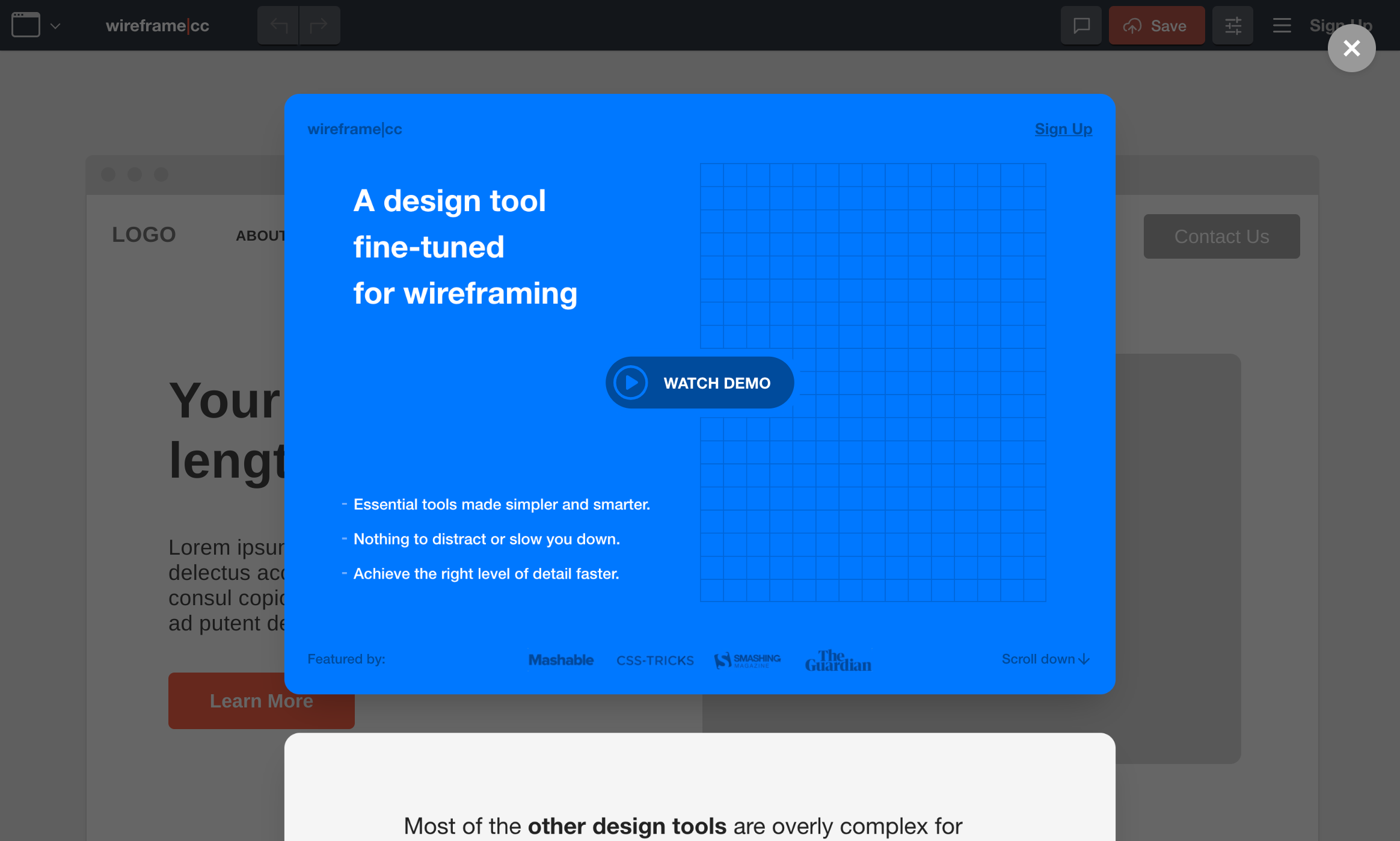
Wireframe.cc is a low-fidelity, minimalist wireframing tool specifically designed to meet the needs of SaaS companies. Its straightforward interface and powerful, intuitive tools enable designers to create, share, and collaborate on wireframes more efficiently, thus accelerating the design-to-development process.
Best for Prototyping & Wireframing Tools for SaaS Companies
Expert Take
Wireframe.cc is a minimalist wireframing tool that excels in usability and collaboration, making it ideal for SaaS companies. Its simplicity and focus on essential features support efficient design processes. While it lacks some advanced features, its strengths in core wireframing capabilities and user experience justify its position as a top tool in its category.
Pros
- Extremely simple, distraction-free minimalist interface
- Zero learning curve; immediate usability
- Smart guides and context-sensitive UI
- Reusable master pages for efficient multi-page design
- Free version available for public wireframes
Cons
- Limited to low-fidelity; no high-fi design
- No native integrations with Jira or Slack
- Export options limited to PDF and PNG
- Reported glitches with text box selection
- No complex interactive prototyping capabilities
Best for teams that are
- Minimalists needing distraction-free sketching
- Creating quick, single-page wireframes
- Users wanting a tool with zero learning curve
Skip if
- Complex, multi-page application design
- High-fidelity prototyping or visual design
- Teams needing robust version history and collaboration
Best for teams that are
- Minimalists needing distraction-free sketching
- Creating quick, single-page wireframes
- Users wanting a tool with zero learning curve
Skip if
- Complex, multi-page application design
- High-fidelity prototyping or visual design
- Teams needing robust version history and collaboration
Pros
- Extremely simple, distraction-free minimalist interface
- Zero learning curve; immediate usability
- Smart guides and context-sensitive UI
- Reusable master pages for efficient multi-page design
- Free version available for public wireframes
Cons
- Limited to low-fidelity; no high-fi design
- No native integrations with Jira or Slack
- Export options limited to PDF and PNG
- Reported glitches with text box selection
- No complex interactive prototyping capabilities
Expert Take
Wireframe.cc is a minimalist wireframing tool that excels in usability and collaboration, making it ideal for SaaS companies. Its simplicity and focus on essential features support efficient design processes. While it lacks some advanced features, its strengths in core wireframing capabilities and user experience justify its position as a top tool in its category.
Proto.io - No-code Prototyping
Proto.io is a robust prototyping tool designed for SaaS companies. Its web-based, no-code environment with drag & drop interface and interactive UI components allows for easy and quick prototype creation without the need for coding skills, making it a perfect fit for SaaS companies where agility and speed in design are crucial.
Best for Prototyping & Wireframing Tools for SaaS Companies
Expert Take
Proto.io stands out as a leading prototyping tool for SaaS companies, offering a no-code, drag-and-drop interface that accelerates the design process. Its collaborative features and user testing tools enhance usability and customer experience, while its market credibility is supported by industry recognition.
Pros
- Advanced logic with variables and states
- Huge library of 6,000+ digital assets
- Native mobile app for offline preview
- Imports from Figma, Sketch, and Adobe XD
- No coding required for high-fidelity results
Cons
- No real-time co-editing for teams
- No permanent free plan available
- Requires internet connection to edit
- Can be laggy with complex files
- Steeper learning curve than simple tools
Best for teams that are
- Designers creating high-fidelity mobile prototypes
- Users needing realistic interactions without coding
- Conducting user testing with native-like feel
Skip if
- Users needing to export clean code for development
- Budget-conscious users (higher cost subscription)
- Offline workflows (primarily web-based)
Best for teams that are
- Designers creating high-fidelity mobile prototypes
- Users needing realistic interactions without coding
- Conducting user testing with native-like feel
Skip if
- Users needing to export clean code for development
- Budget-conscious users (higher cost subscription)
- Offline workflows (primarily web-based)
Pros
- Advanced logic with variables and states
- Huge library of 6,000+ digital assets
- Native mobile app for offline preview
- Imports from Figma, Sketch, and Adobe XD
- No coding required for high-fidelity results
Cons
- No real-time co-editing for teams
- No permanent free plan available
- Requires internet connection to edit
- Can be laggy with complex files
- Steeper learning curve than simple tools
Expert Take
Proto.io stands out as a leading prototyping tool for SaaS companies, offering a no-code, drag-and-drop interface that accelerates the design process. Its collaborative features and user testing tools enhance usability and customer experience, while its market credibility is supported by industry recognition.
Axure RP - UX Prototyping Tool
Best for Prototyping & Wireframing Tools for Photography Studios

Axure RP is a powerful UX tool that enables photography studios to build high-fidelity, interactive prototypes. It allows professionals to create, test, and iterate on designs, enabling them to bring their creative vision to life while saving time and resources.
Best for Prototyping & Wireframing Tools for Photography Studios
Expert Take
Axure RP stands out as a leading UX prototyping tool for photography studios due to its comprehensive feature set and ability to create high-fidelity prototypes. Its market credibility is supported by industry recognition, and it offers a robust user experience despite a learning curve. The tool's adaptability and integration capabilities further enhance its value proposition.
Pros
- Unmatched high-fidelity prototyping logic
- Data-driven repeaters for dynamic content
- Secure on-premises hosting options
- Robust check-in/check-out version control
- SOC 2 Type II and ISO 27001 certified
Cons
- Steep learning curve for beginners
- Interface can feel dated
- Mobile prototyping experience is clunky
- No perpetual license option anymore
- Enterprise pricing is not public
Best for teams that are
- UX professionals needing complex, data-driven prototypes with conditional logic.
- Enterprise teams requiring detailed documentation and specification generation.
- Designers building complex forms and dynamic content interactions.
Skip if
- Beginners or non-designers due to a steep learning curve and complex interface.
- Teams needing a simple tool for quick, low-fidelity brainstorming.
- Users prioritizing visual design and illustration over functionality.
Best for teams that are
- UX professionals needing complex, data-driven prototypes with conditional logic.
- Enterprise teams requiring detailed documentation and specification generation.
- Designers building complex forms and dynamic content interactions.
Skip if
- Beginners or non-designers due to a steep learning curve and complex interface.
- Teams needing a simple tool for quick, low-fidelity brainstorming.
- Users prioritizing visual design and illustration over functionality.
Pros
- Unmatched high-fidelity prototyping logic
- Data-driven repeaters for dynamic content
- Secure on-premises hosting options
- Robust check-in/check-out version control
- SOC 2 Type II and ISO 27001 certified
Cons
- Steep learning curve for beginners
- Interface can feel dated
- Mobile prototyping experience is clunky
- No perpetual license option anymore
- Enterprise pricing is not public
Expert Take
Axure RP stands out as a leading UX prototyping tool for photography studios due to its comprehensive feature set and ability to create high-fidelity prototypes. Its market credibility is supported by industry recognition, and it offers a robust user experience despite a learning curve. The tool's adaptability and integration capabilities further enhance its value proposition.
Figma Free Wireframe Kit
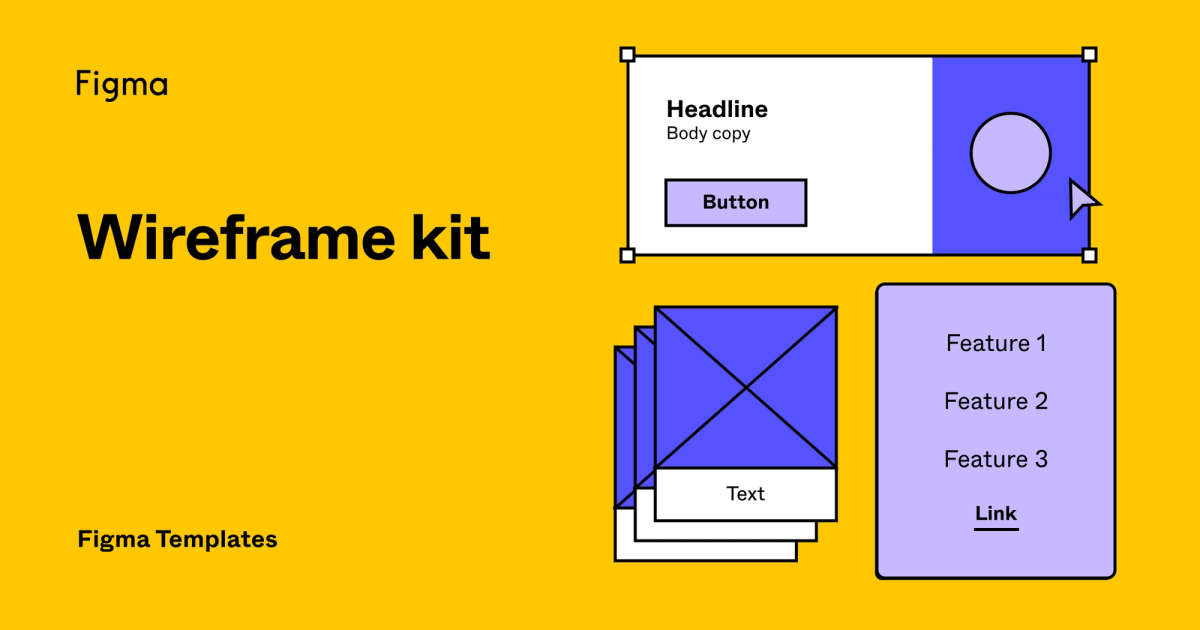
Figma's free wireframe kit is an ideal tool for SaaS companies, providing pre-built components and tools for web/mobile designs. It's browser-based, which eliminates the need for installation, and features a simple drag-and-drop interface, making it extremely user-friendly for industry professionals.
Best for Prototyping & Wireframing Tools for SaaS Companies
Expert Take
Figma's Free Wireframe Kit excels in usability and accessibility, offering a browser-based, drag-and-drop interface ideal for SaaS companies. While the free version has limitations, its integration with Figma's broader ecosystem and industry recognition make it a top choice for prototyping and wireframing.
Pros
- Extensive library of free community-created kits
- Real-time collaboration for teams
- Seamless transition from wireframe to high-fidelity
- Powerful Auto Layout for responsive designs
- Completely free to access core resources
Cons
- Steeper learning curve than simple tools
- Requires internet connection for full functionality
- Can lead to premature high-fidelity focus
- No native wireframe components without kits
- Overwhelming number of choices for beginners
Best for teams that are
- Professional design teams requiring real-time collaboration
- Seamless transition from wireframe to high-fidelity
- Teams needing a robust, industry-standard tool
Skip if
- Users requiring full offline access
- Non-designers seeking a simple, low-learning-curve tool
- Quick, rough sketching without setup
Best for teams that are
- Professional design teams requiring real-time collaboration
- Seamless transition from wireframe to high-fidelity
- Teams needing a robust, industry-standard tool
Skip if
- Users requiring full offline access
- Non-designers seeking a simple, low-learning-curve tool
- Quick, rough sketching without setup
Pros
- Extensive library of free community-created kits
- Real-time collaboration for teams
- Seamless transition from wireframe to high-fidelity
- Powerful Auto Layout for responsive designs
- Completely free to access core resources
Cons
- Steeper learning curve than simple tools
- Requires internet connection for full functionality
- Can lead to premature high-fidelity focus
- No native wireframe components without kits
- Overwhelming number of choices for beginners
Expert Take
Figma's Free Wireframe Kit excels in usability and accessibility, offering a browser-based, drag-and-drop interface ideal for SaaS companies. While the free version has limitations, its integration with Figma's broader ecosystem and industry recognition make it a top choice for prototyping and wireframing.




Loading comparison data…